Quick Action to Maintain Portal
Users that have inquire access to the 'Portal' maintenance portal will now see an action to navigate to Portal Maintenance. When this option is available, users will see the Bookmark and e Portal Maintenance grouped in a 'General Actions' button menu.
For example, if a user is viewing a Business Object record and selected the Portal Maintenance action, it would look like the following.

Business Object: To Do Entry
You are taken to the portal configuration for the Business Object portal.
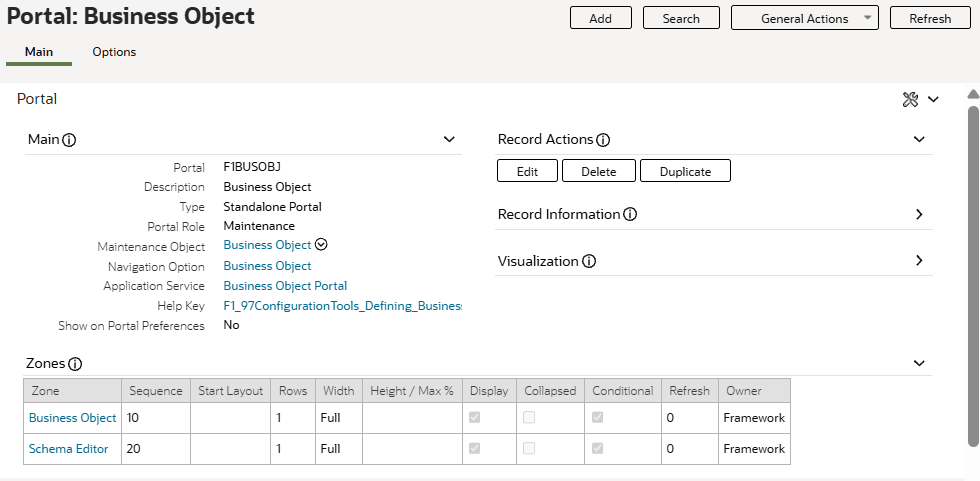
Portal: Business Object
If you are using the Redwood user experience, the action is visible in the overflow actions menu.
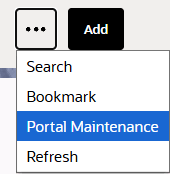
Portal Maintenance Option
For development users that are managing configuration for a portal, this option is a convenient way to quickly navigate from viewing the rendered portal to viewing the underlying configuration for the portal.
Steps to enable and configure
You don't need to do anything to enable this feature.