Choose How Download Options Appear
Utilities can configure download options to appear inline or in a dialog, with the familiar inline presentation remaining the default for Residential Digital Self Service - Energy Management and nonresidential Business Customer Engagement. This flexibility helps utilities fit download options into their website layouts while maintaining a consistent customer experience.
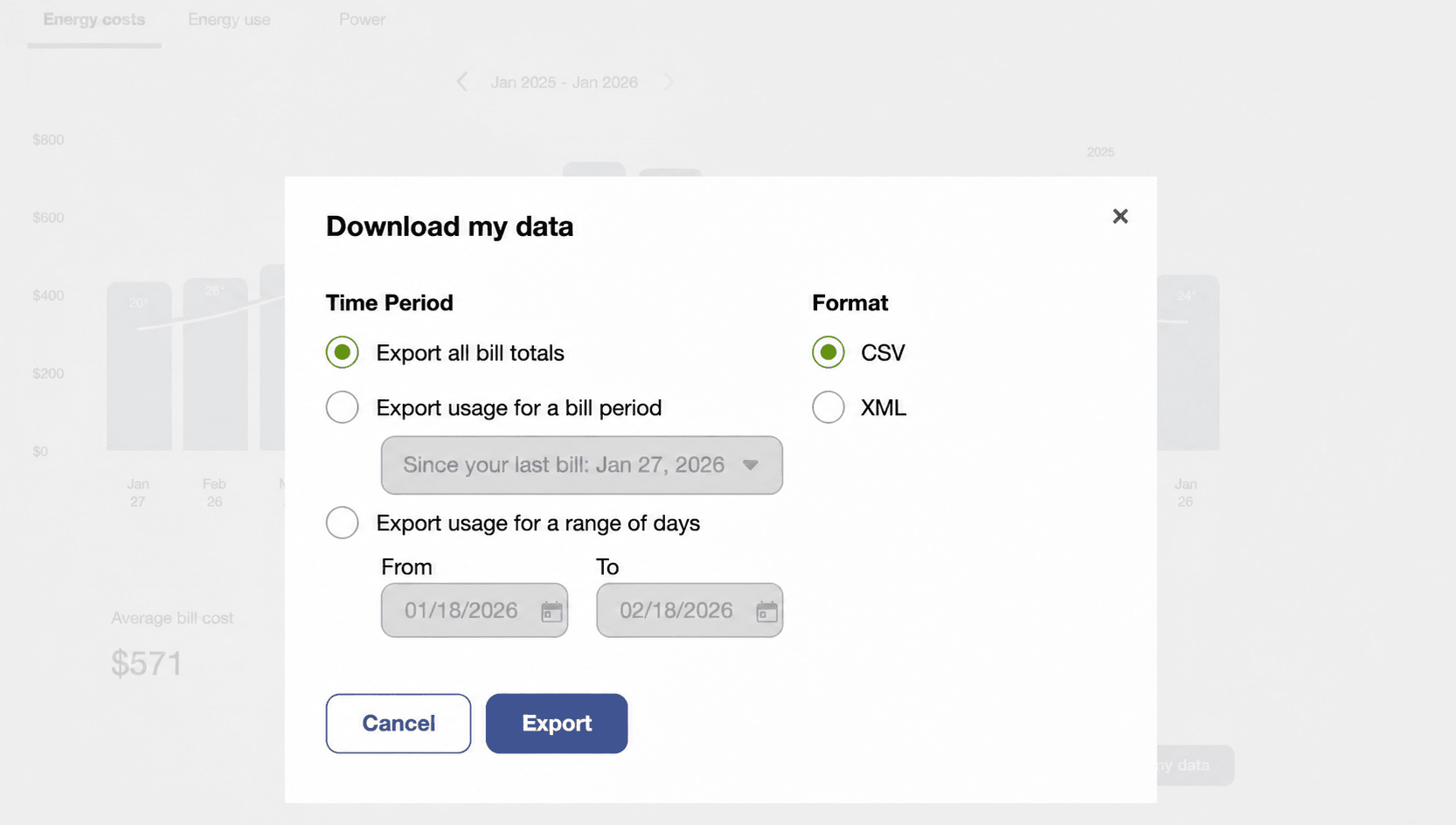
Download My Data Dialog
This update allows utilities to fit download options into their site layouts while preserving a familiar, consistent customer experience.
Steps to enable and configure
You don't need to do anything to enable this feature.
Tips and considerations
- The inline presentation is the default. The model option must be enabled by your Oracle Utilities Opower Delivery Team.
- This feature is available to Residential Digital Self Service - Energy Management and nonresidential Business Customer Engagement customers.
Key resources
- Refer to Opower Digital Self Service - Energy Management Overview Guide,
- Refer to Opower Digital Self Service Configuration Guide.
- Refer to Opower Business Customer Engagement Digital Self Service - Energy Management Overview Guide.
- Refer to Opower Business Customer Engagement Digital Self Service - Energy Management Configuration Guide.