Revision Control Comparison Introduced
When you have enabled revision control for any of your maintenance objects, you may now compare the object between two revisions or between the object and its most recent check in.
The Revision Control sidebar zone now includes a link to Compare to Previous Version.
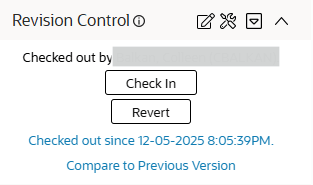
The following highlights the behavior:
- When viewing an object that is currently checked out, clicking the link compares the current view of the object with the snapshot view of the object from its most recent checked in revision.
- When viewing an object that is checked in, when clicking the link the behavior differs based on whether or not the current view of the object matches the most recent revision:
- If they match, you are shown the comparison between the most recent check in to the check in before that.
- If they do not match, it means that some process changed the object outside of revisions. In this case, you are shown the difference between the current view of the object and the most recent revision.
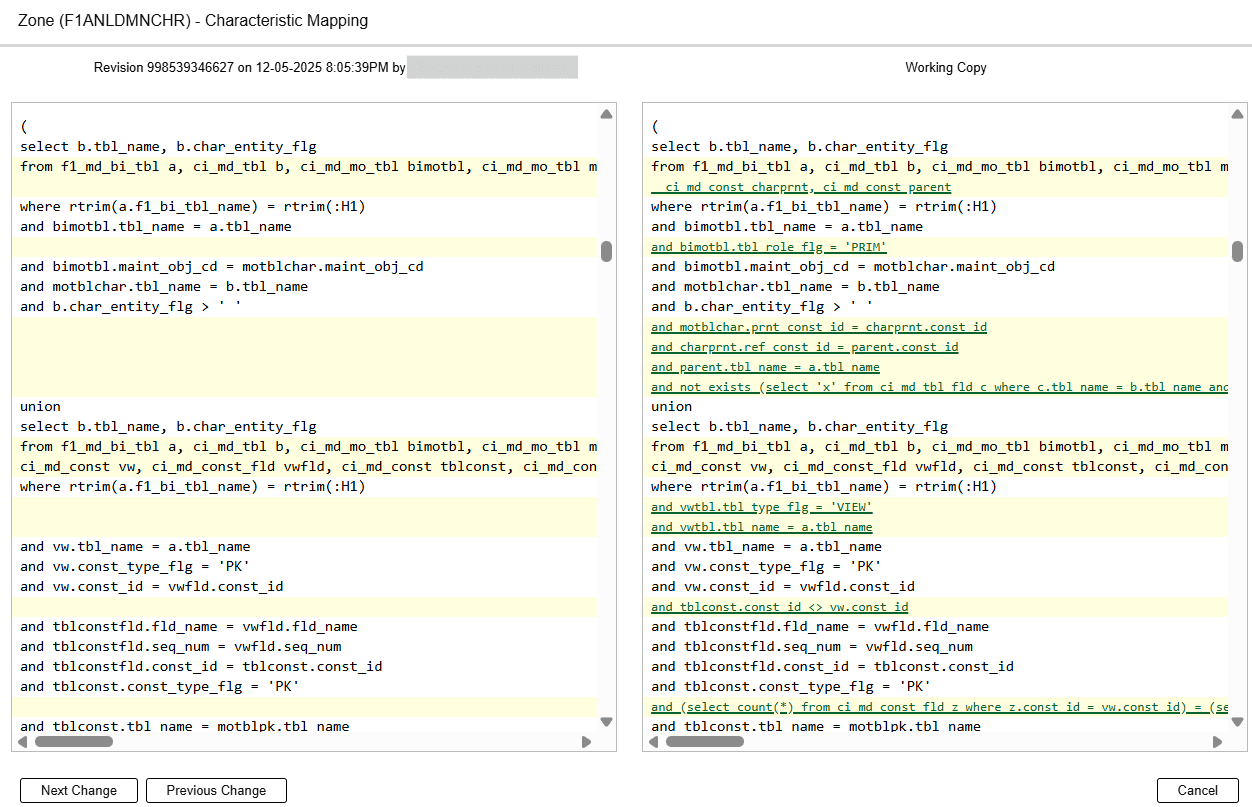
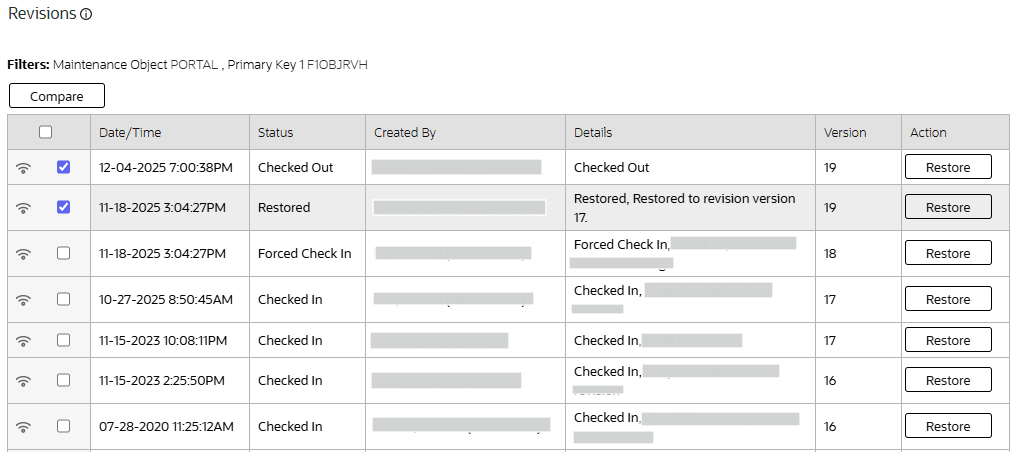
The Revisions zone on the Revision History page now has multi-select action and a Compare button. It allows you to select any two revisions and compare them.
For implementations in development mode, the ability to compare revisions allows you to easily see changes in objects like scripts and zones. This helps to verify changes made to an object.
Steps to enable and configure
You don't need to do anything to enable this feature.