Redwood Employee Dashboard
As of Release 26B, the following legacy reports have been deprecated and replaced by equivalent metrics in Redwood Employee Dashboard.
- Legacy Productivity Report has been replaced by Activity Report on Activity Performance Metrics tab.
- Legacy User Productivity Report has been replaced by Employee Report on Employee Performance Metrics tab.
- Legacy Break Report has been replaced by Break Report on Break Metrics tab along with other break metrics.
Apart from that the dashboard includes a tab for Travel Metrics.
Navigating to Employee Dashboard on Redwood
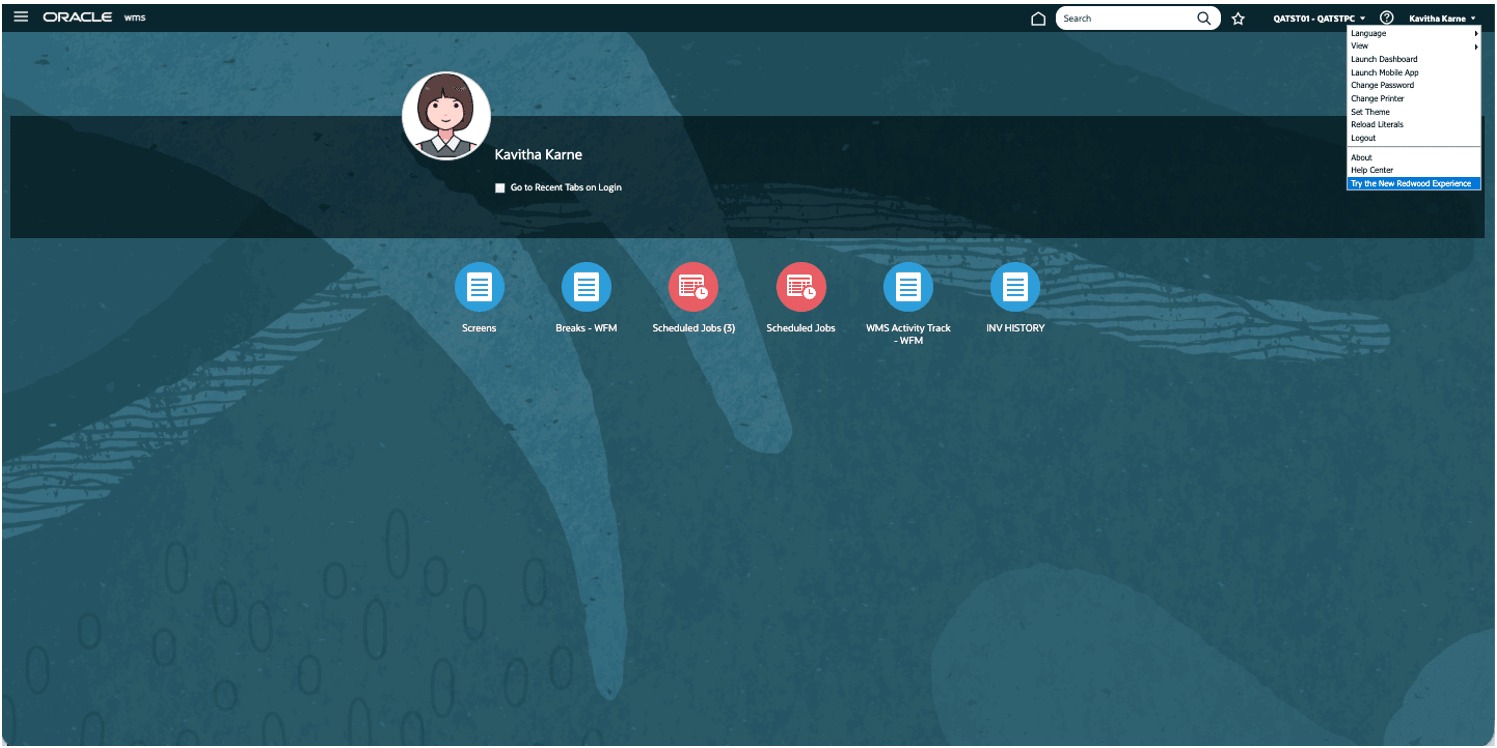
To access Redwood Desktop, navigate to your name on top right corner of WMS UI and from the drop-down select “Try the new Redwood Experience”. This will open Redwood in a new tab on your browser. For more information about Redwood Desktop, refer the topic “Redwood Desktop” in WMS User Guide.
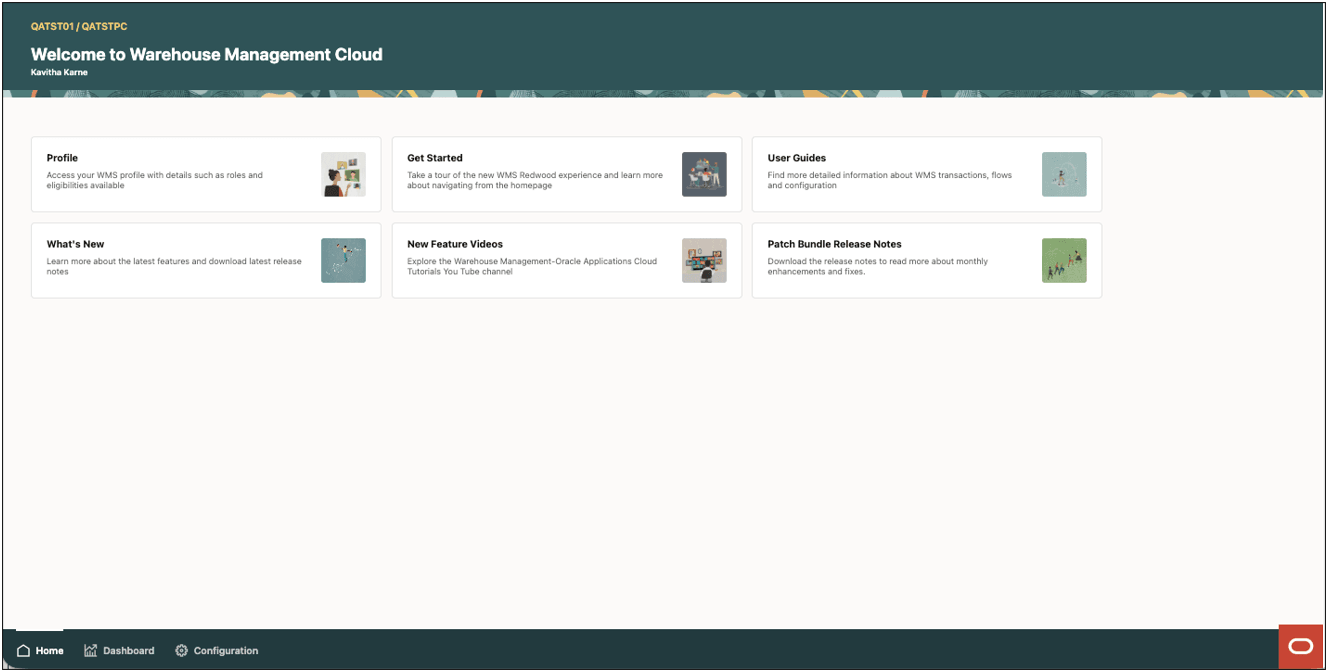
On the bottom right click on the Red “Ask Oracle” icon. This will bring up a product map with different categories.
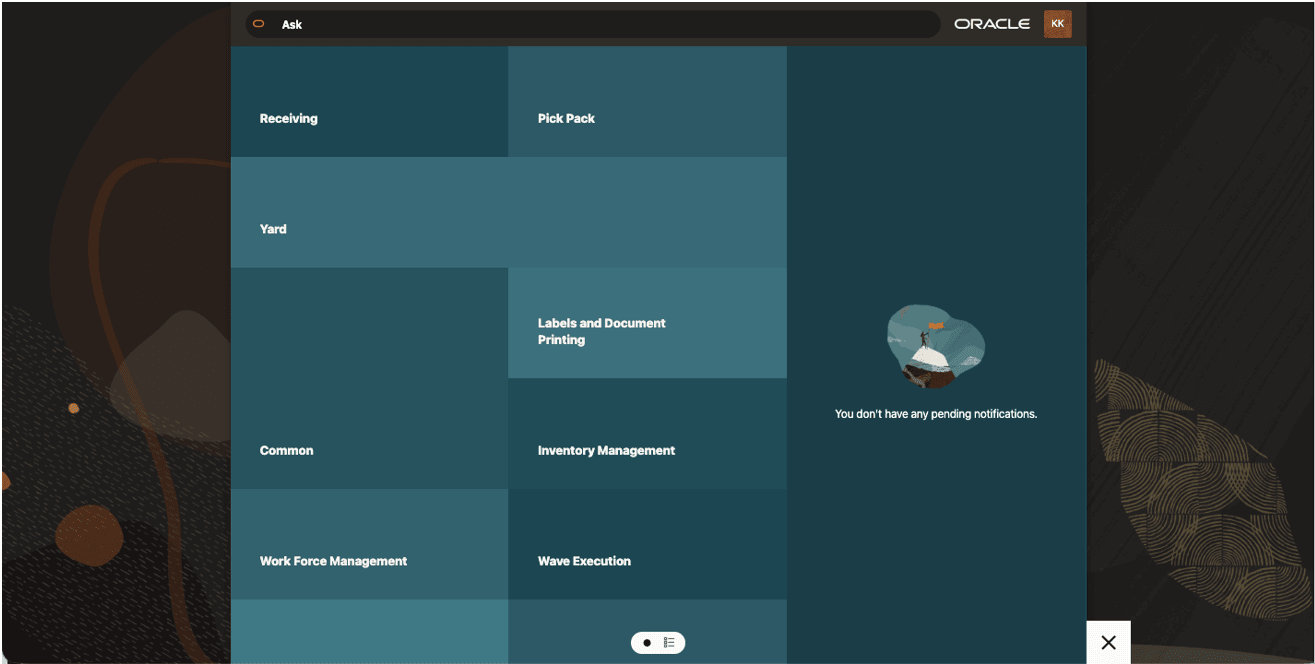
Select Workforce Management and select one of the WFM screens, example Shifts.
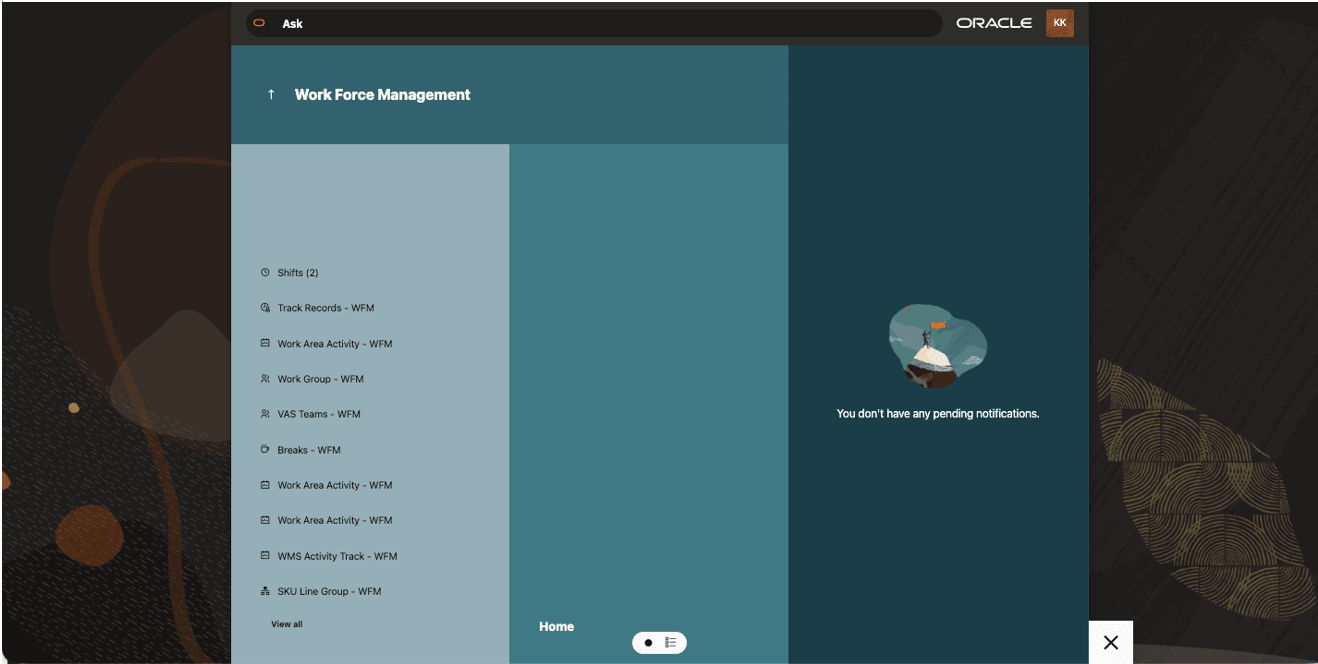
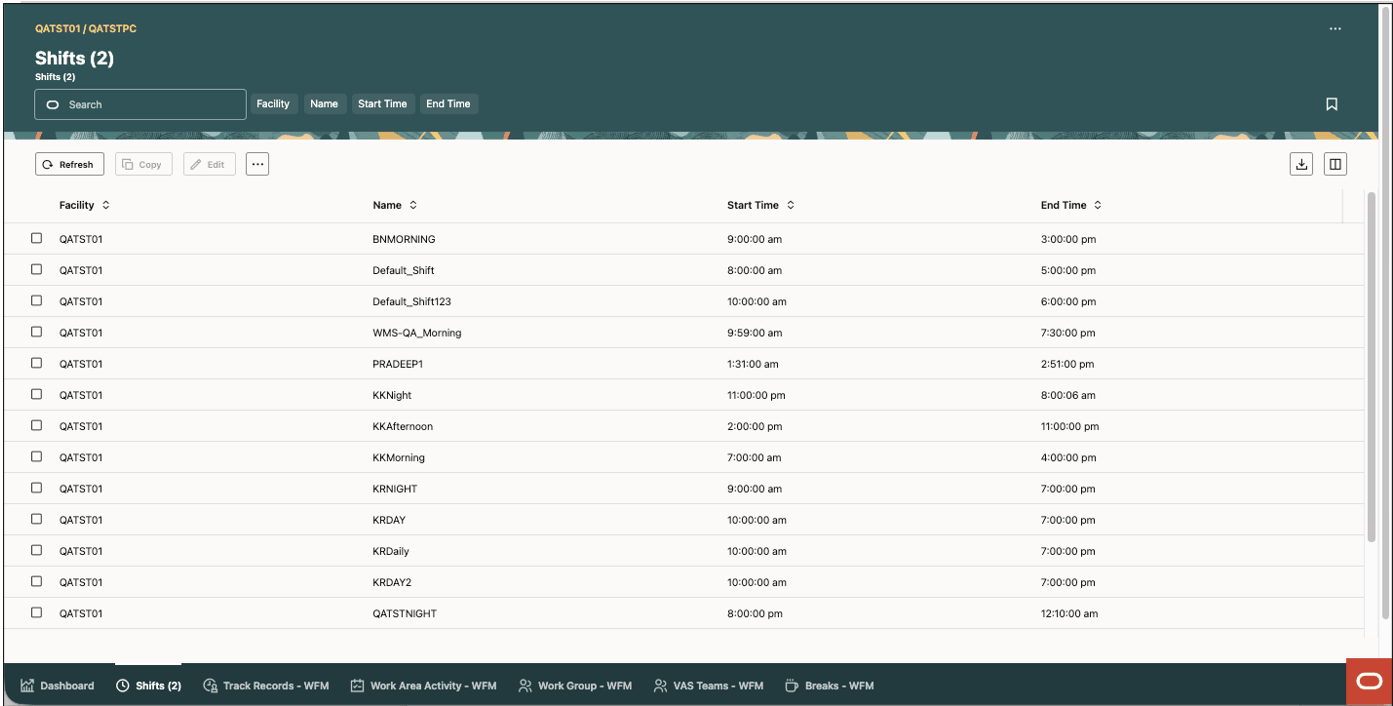
In the navigation bar at the bottom left of the screen, select dashboard. This brings up the Employee Dashboard with various metric in each tab.