Annotation Workbench
Annotation Workbench lets you add business context to database objects. Descriptions and annotations can help supported AI features interpret schemas, tables, views, columns, and other database objects.
Before You Begin
- Add the database source that contains the objects you want to describe.
- Ensure that you can access the database source.
- To store annotations centrally, associate the database source with an AI Knowledge Store.
Add or Update an Annotation
-
Open Annotation Workbench.
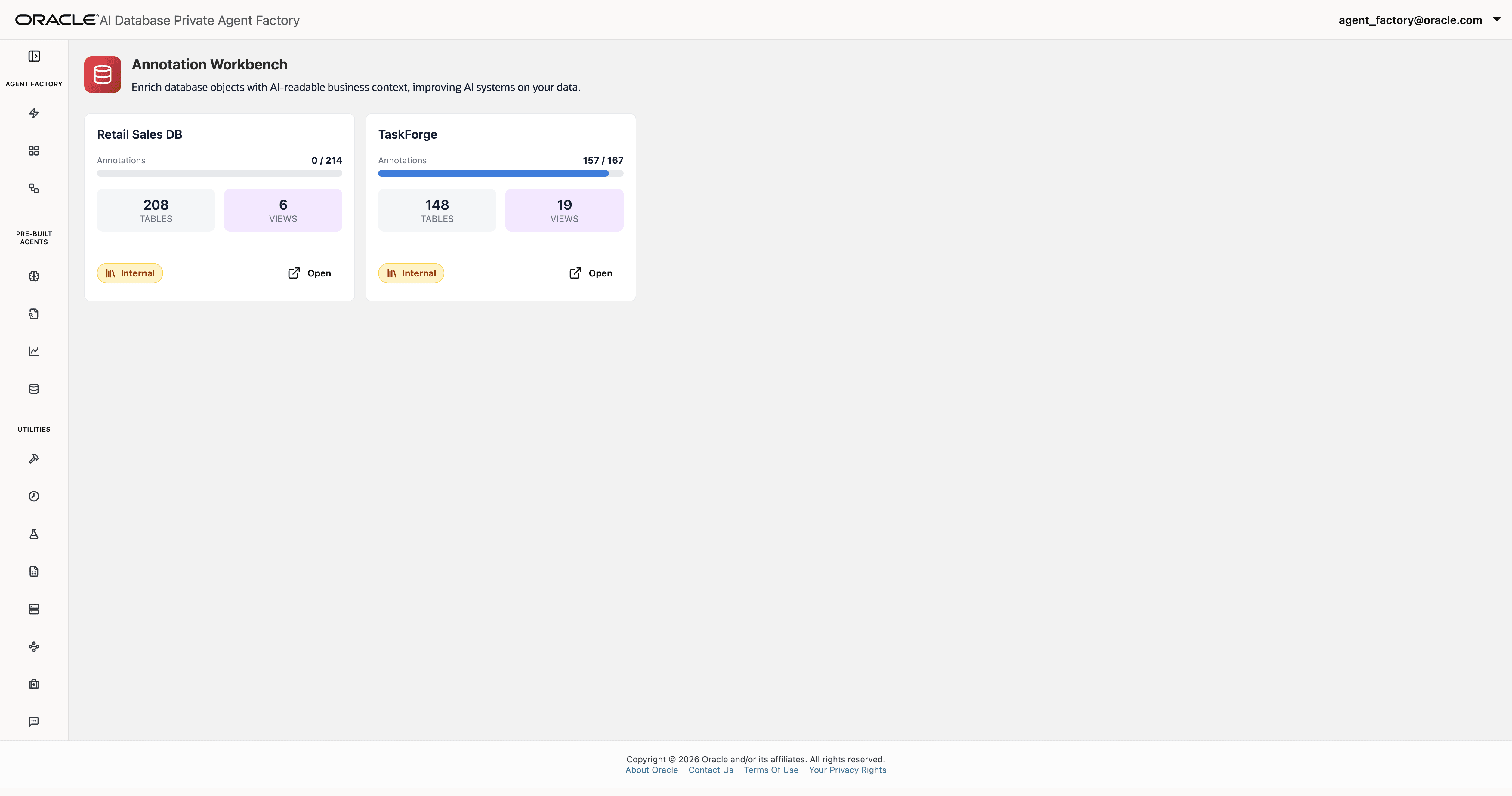
- Select the database source or schema that you want to annotate.
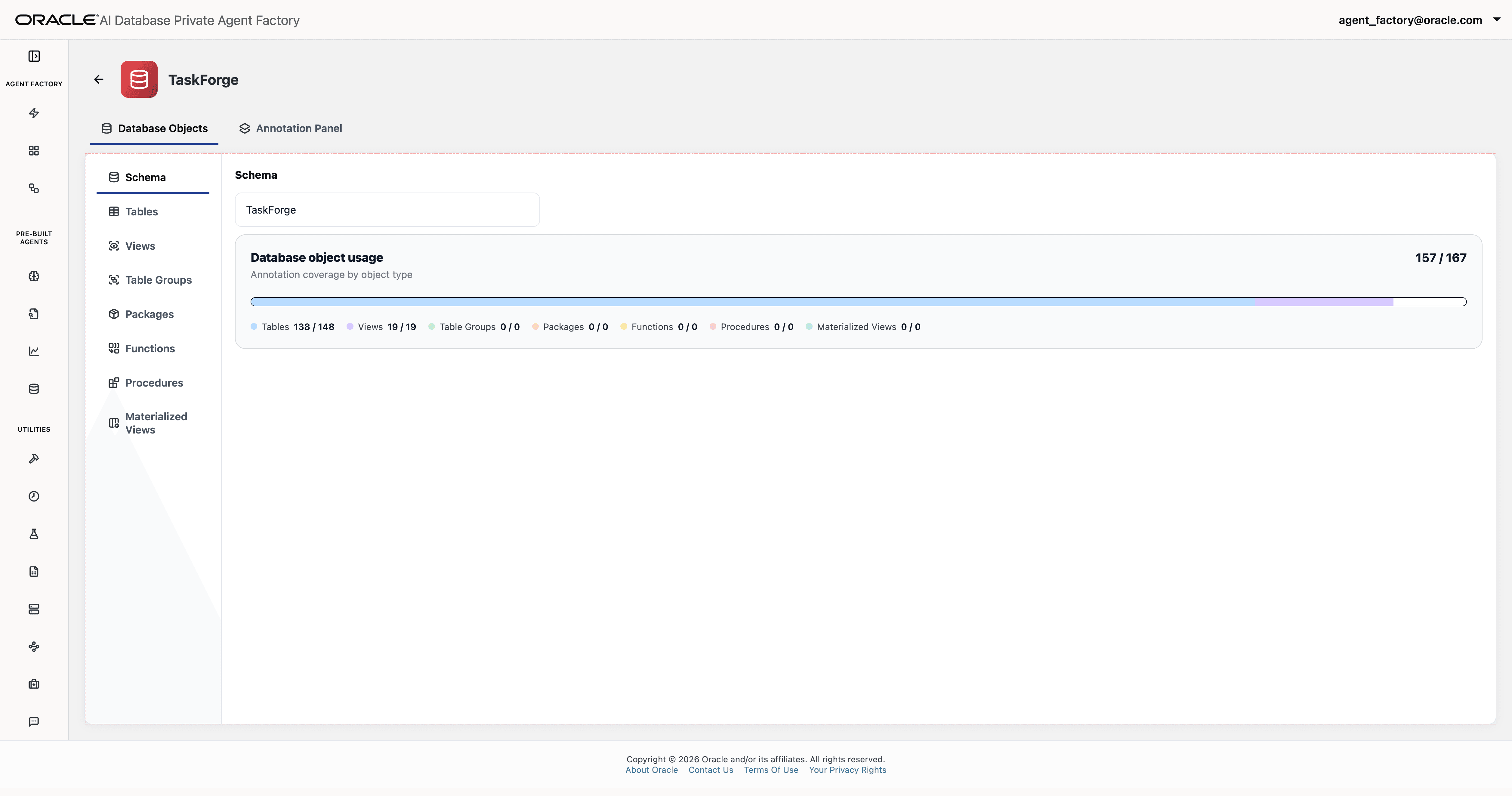
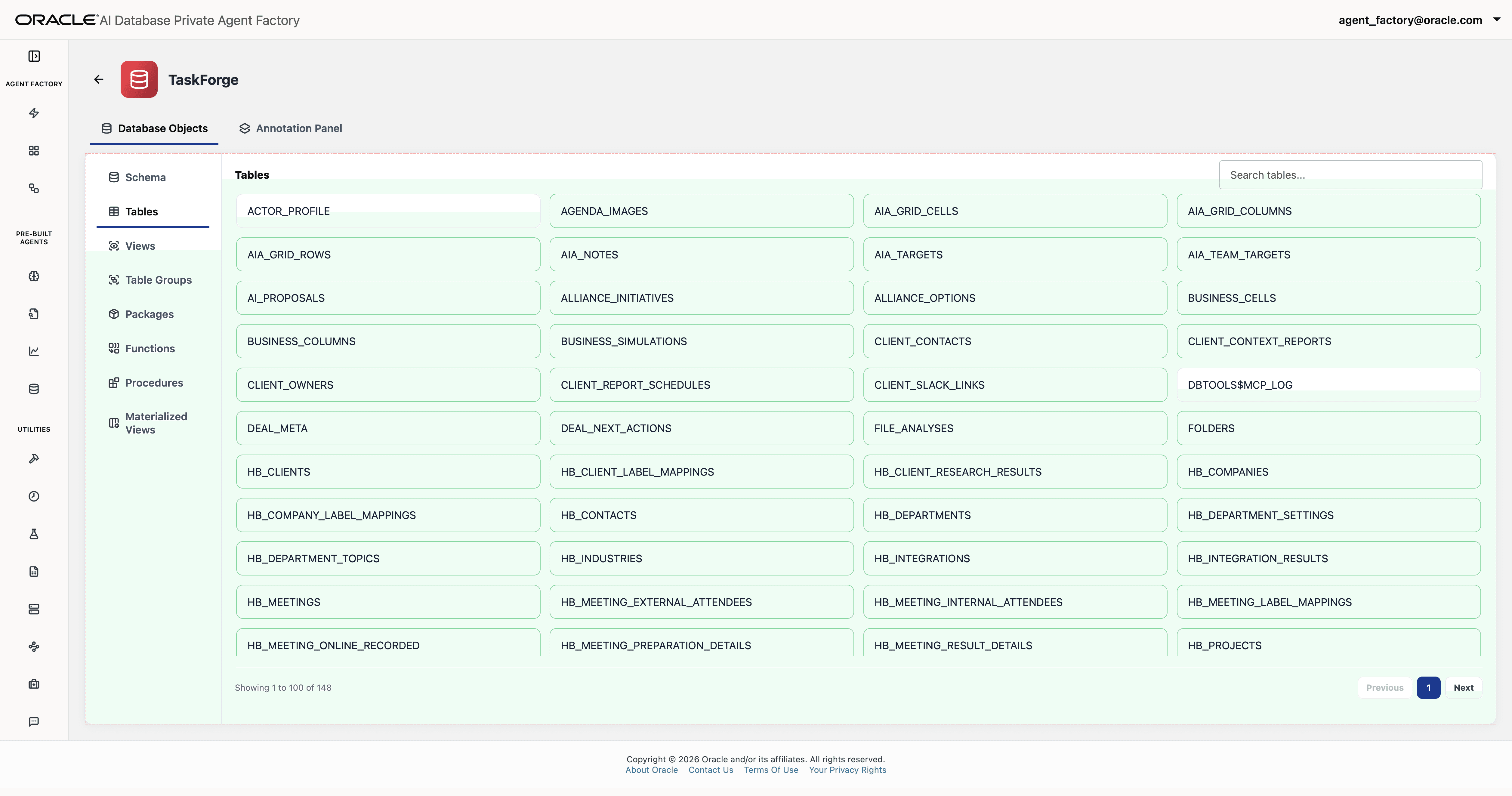
- In Database Objects, select Schema, Tables, Views, Table Groups, Packages, Functions, Procedures, or Materialized Views, then choose the object. To annotate a column, open its table or view and select the column.
- In the Annotation Panel, add a business description and select Save description.
- To add an annotation, enter a Label and an Annotation value, then select Add. Use a suggested label or enter a custom label.
- To edit or remove a saved annotation, use the actions for that annotation.
Suggested labels include ALIASES, DESCRIPTION, JOIN COLUMN, UNITS, and VALUES. For example, use ALIASES for common business names, JOIN COLUMN to describe how objects relate, and VALUES to explain status codes.
Organize Tables into Groups
Use Table Groups to organize related tables for a business area. You can add tables to a group and provide business context for the group.
Annotations describe database objects; adding or changing an annotation does not change the underlying business data.