4.6.1 Adding a Row in an Editable Interactive Grid
Add a new row a new row to an editable interactive grid by either selecting theAdd Row button or by selecting Add Row from the Row Action menu.
- Add a new row to the top of an editable interactive grid, using one of the
following methods:
- Click the Add Row button.
Tip:
The interactive grid may be configured to have a different label for the Add Row functionality. - In the Row Actions menu, select Add Row.
- Click the Add Row button.
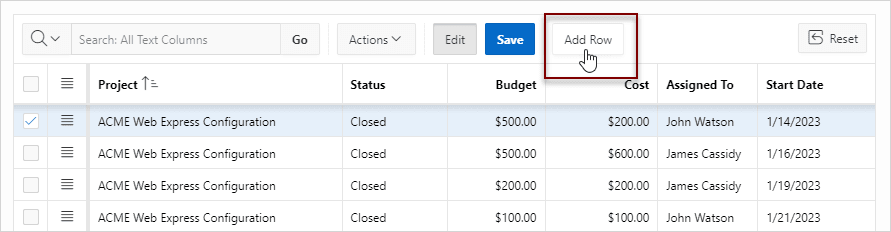
A blank row appears at the top of the grid or below the currently selected row.
Tip:
You can also add new rows by using the clipboard features in Actions, Selection. Paste overwrites the existing data, and Paste Insert inserts new rows.Related Topics
Parent topic: Using an Editable Interactive Grid