20.1.3 Auto-Dismissing Success Messages
Configure success messages to dismiss automatically, with care for users who may need more time.
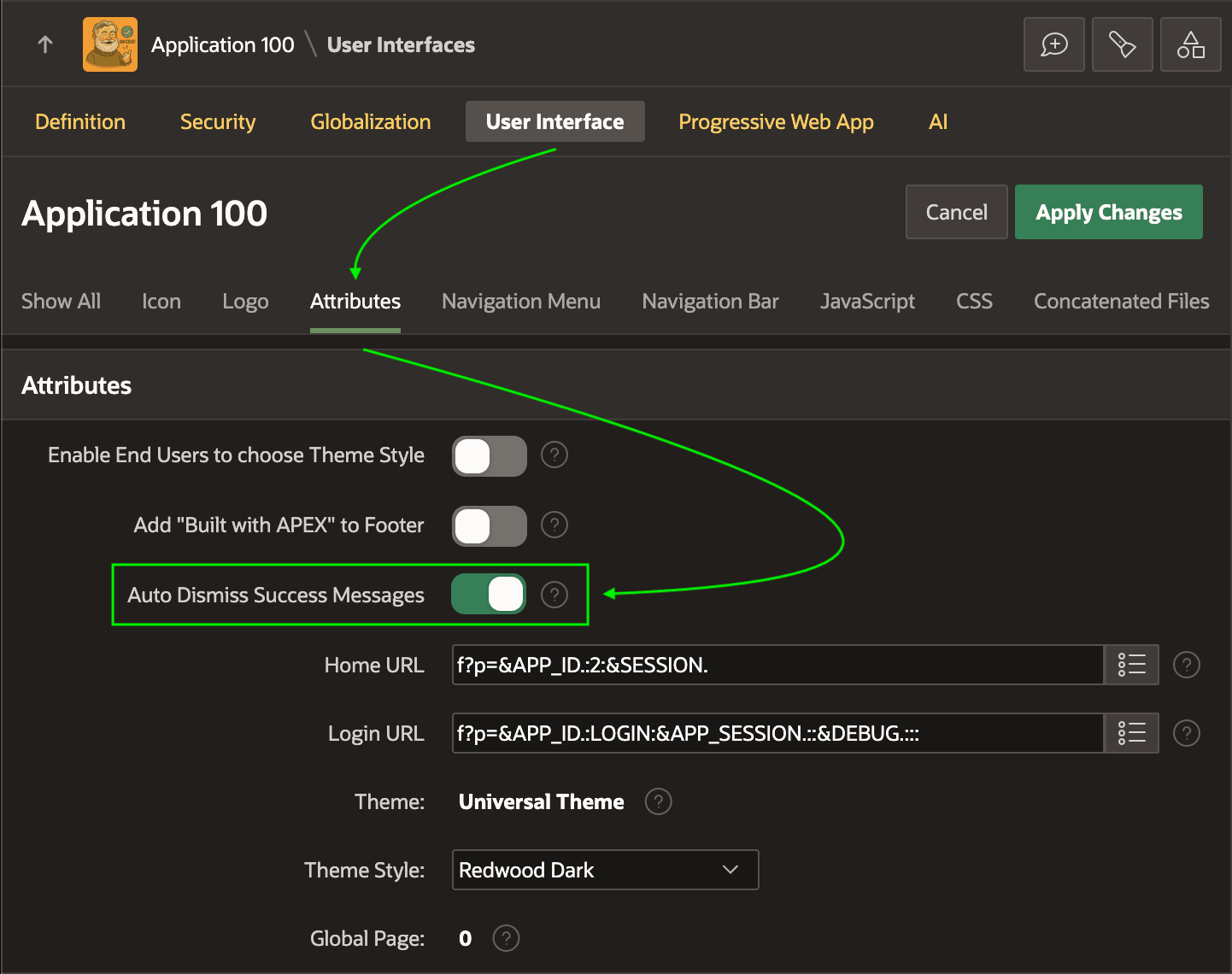
By default, success and error messages stay until the user dismisses them. However, you can opt for success messages to disappear after five seconds. On your app's User Interface Attributes page, just enable the Auto Dismiss Success Messages switch.
Caution:
Auto-dismiss can undermine accessibility. Some users may not notice a success message before it disappears. If you enable auto-dismiss, consider giving users a way to opt in or out with the apex.message.setDismissPreferences JavaScript API.
The figure highlights the Auto Dismiss Success Messages switch on the Attributes tab of the Shared Components User Interface settings page.
Figure 20-7 Enabling Auto-Dismissal of Success Messages After Five Seconds
Parent topic: Displaying Success and Error Messages