5.5.1 Choosing a Chart Type
When creating a chart region, choose the chart type from the list shown in the Create Page wizard.
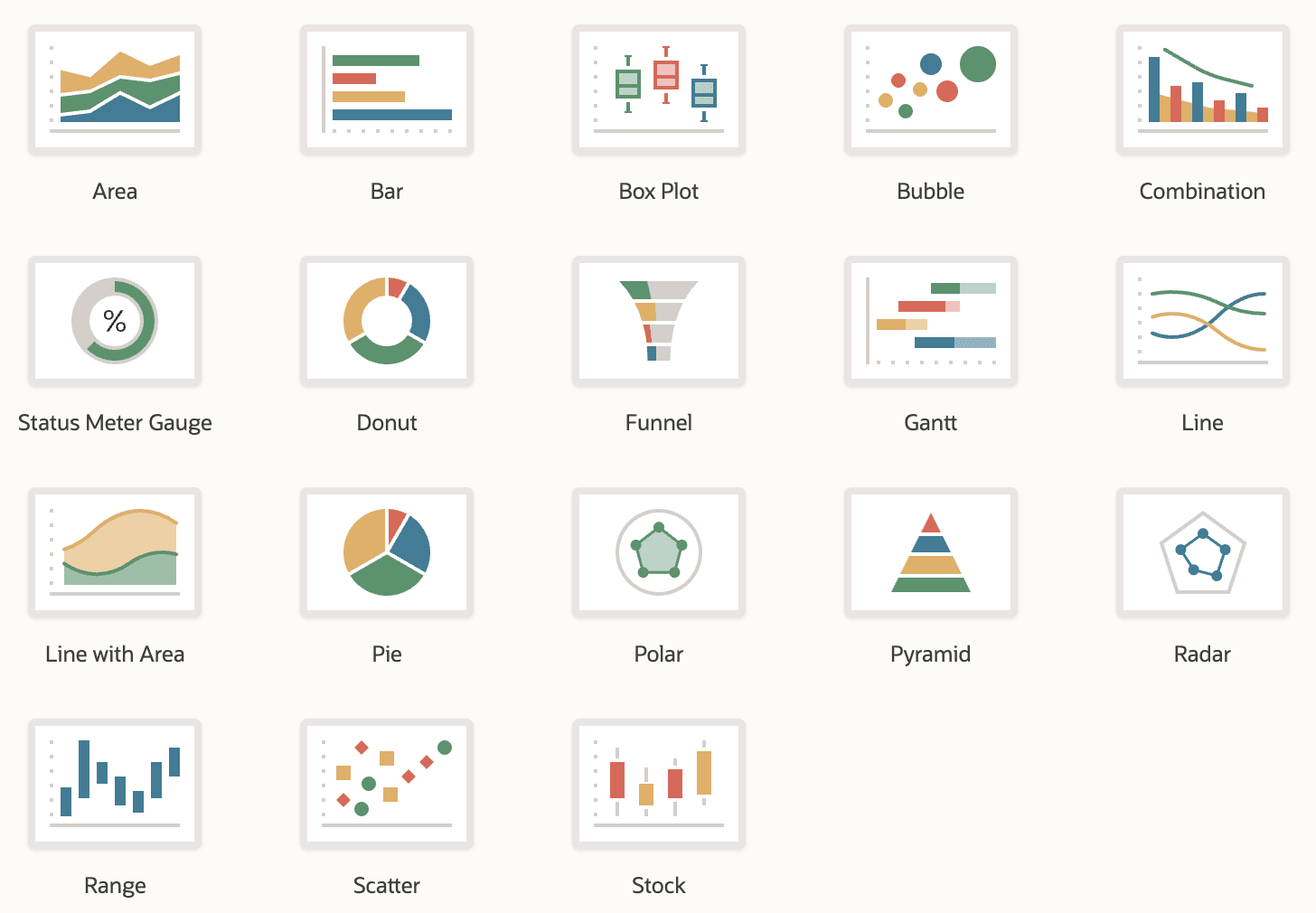
Supported chart types include Area, Bar, Box Plot, Bubble, Combination, Status Meter Gauge, Donut, Funnel, Gantt, Line, Line with Area, Pie, Polar, Pyramid, Radar, Range, Scatter, and Stock. To build a dashboard, just add multiple charts to a page and configure their grid layout like any other region. The figure shows the page of the Create Page wizard where you choose the type of chart to create, featuring a visual representation of every type.
Figure 5-7 Native Chart Types to Choose From for a Chart Region
Parent topic: Info at a Glance with Charts & Dashboards