5.6.1 Choosing a Map Layer Type
A map can show multiple layers. For each one, configure a table, SQL query, or other data source, and choose a layer type.
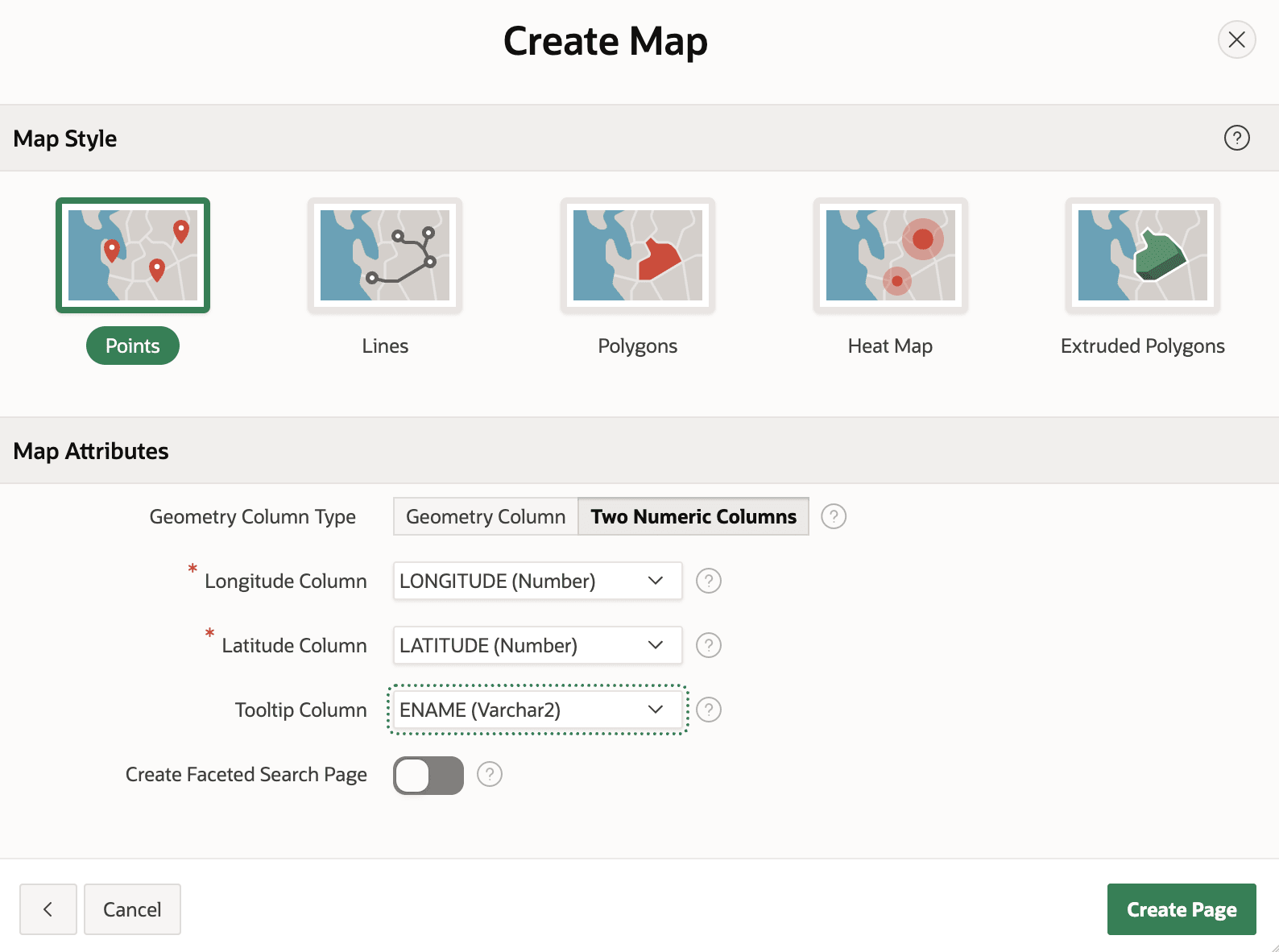
A layer can display points using a map marker, lines to indicate paths like navigation directions, or polygons to represent any geographic area. Heat Map and Extruded Polygon layers visualize an additional value associated with each point or shape respectively. The figure below shows the five available layer types as visual thumbnails in the Create Page wizard.
Figure 5-11 Five Different Types of Map Layer in the Create Page Wizard
Your spatial data can be a pair of latitude and longitude numbers for Points and Heat Map layers, or all layer types can use SDO_GEOMETRY or GeoJSON. You decide which map tools end users see, including ones for zooming, measuring distance, and identifying a search radius. If one of the built-in map backgrounds doesn't meet your needs, you can define a custom one. When your data includes many points that might appear in close proximity, consider enabling point clustering for a cleaner look at lower zoom levels. Using dynamic actions, you can easily react to map changes and object selection.
Parent topic: Showing Data on Maps