15.1.7.1 Clicking Map Point to Open Edit Dialog
Configure a drill down on a map layer item by setting up its link target.
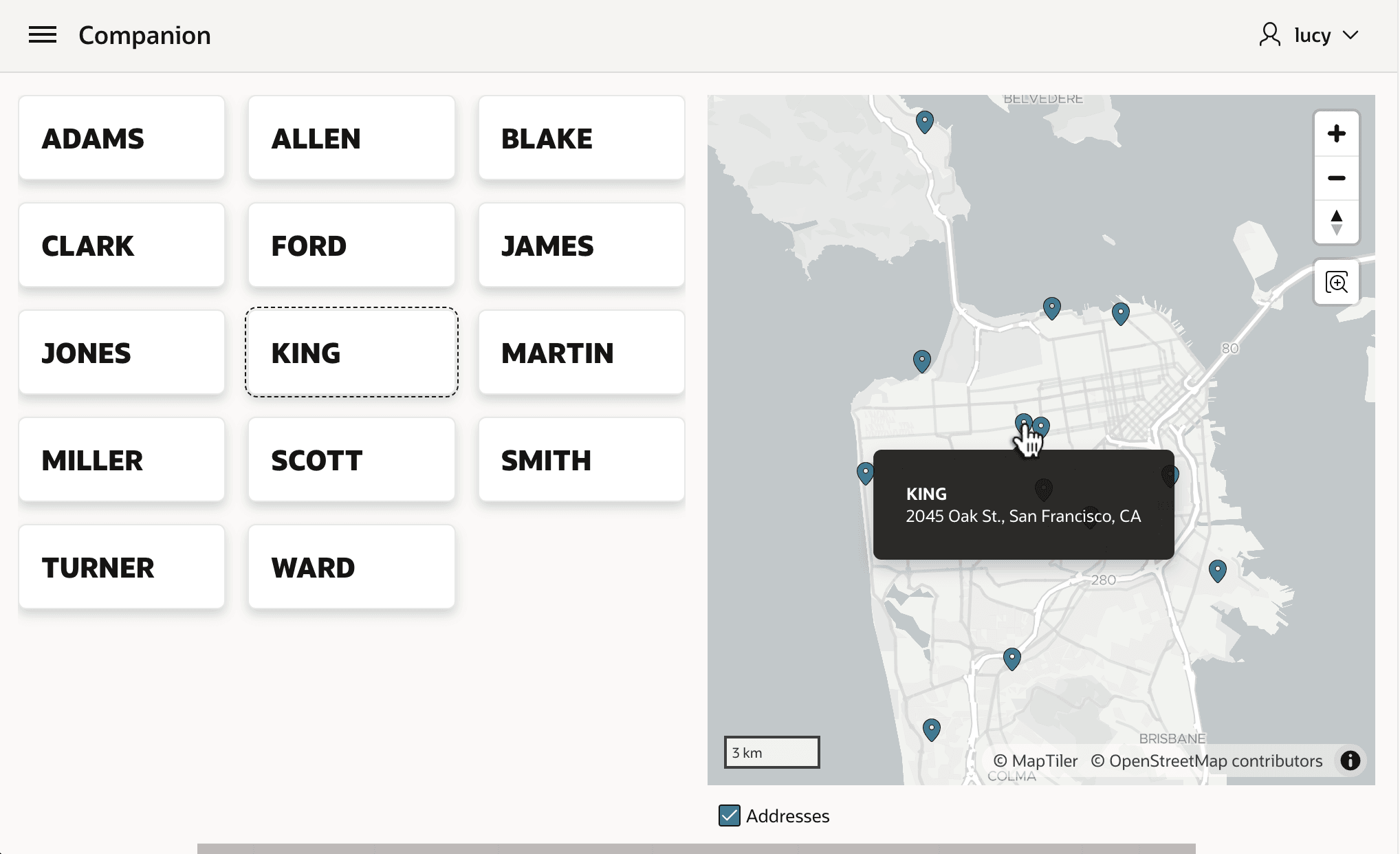
In the example shown below, notice the map region shows employee addresses on the calling page. While exploring the map by hovering over its points, a user might click a point to edit that employee's address. Rather than expecting them to click on a card, you can anticipate this user instinct to improve their experience.
Figure 15-8 Clicking Refreshes on Return from Dialog to Show KING's Updated Address
Description of "Figure 15-8 Clicking Refreshes on Return from Dialog to Show KING's Updated Address"
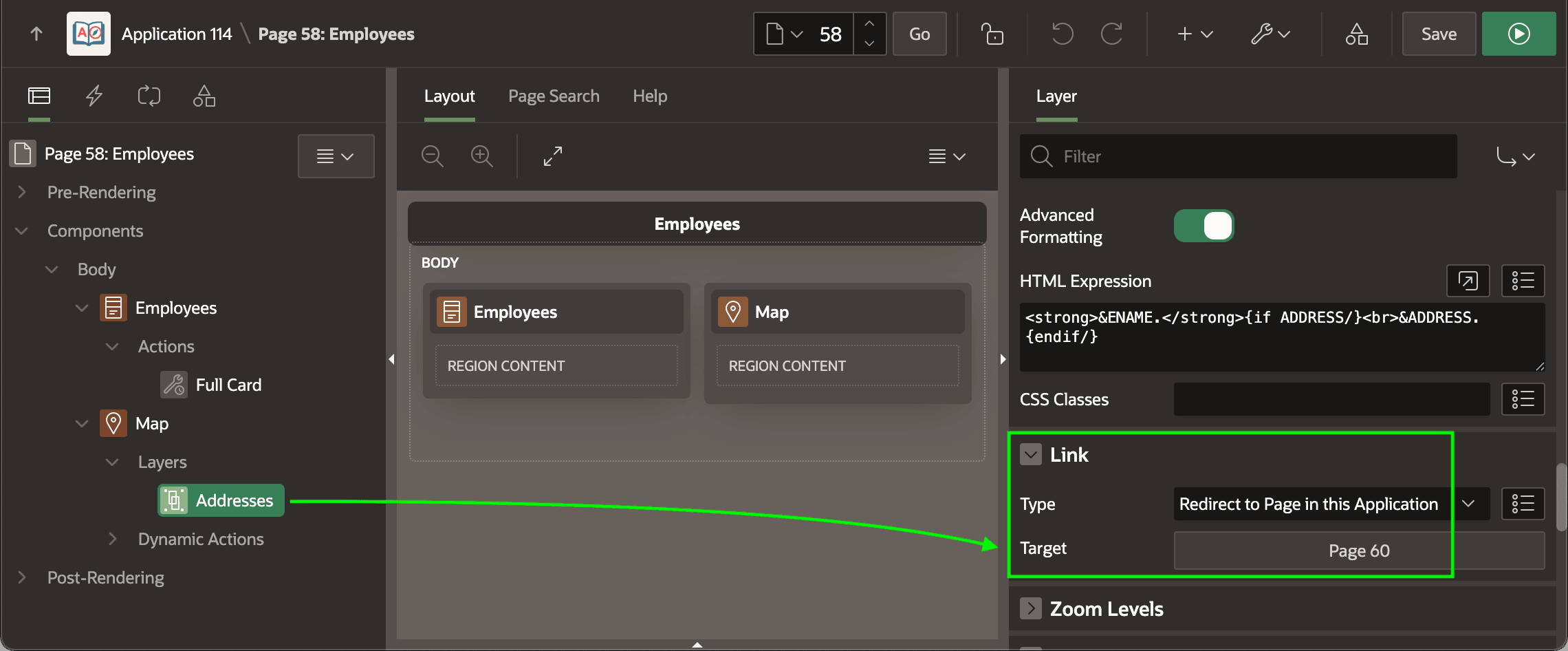
As shown below, after selecting the Addresses map layer, you can directly configure the Link > Target using the Link Builder dialog you're familiar with for configuring buttons and links. By choosing page 60 and configuring the value of P60_EMPNO to come from the EMPNO column, you let the user open the modal Employee Address edit dialog using whichever way feels right to them.
Figure 15-9 Linking to Another Page from a Map Point
Parent topic: Exploring Additional Page Features