25.2.6.9.2 Completing the New Patient Profile
Complete portal registration by entering birth date and insurance details.
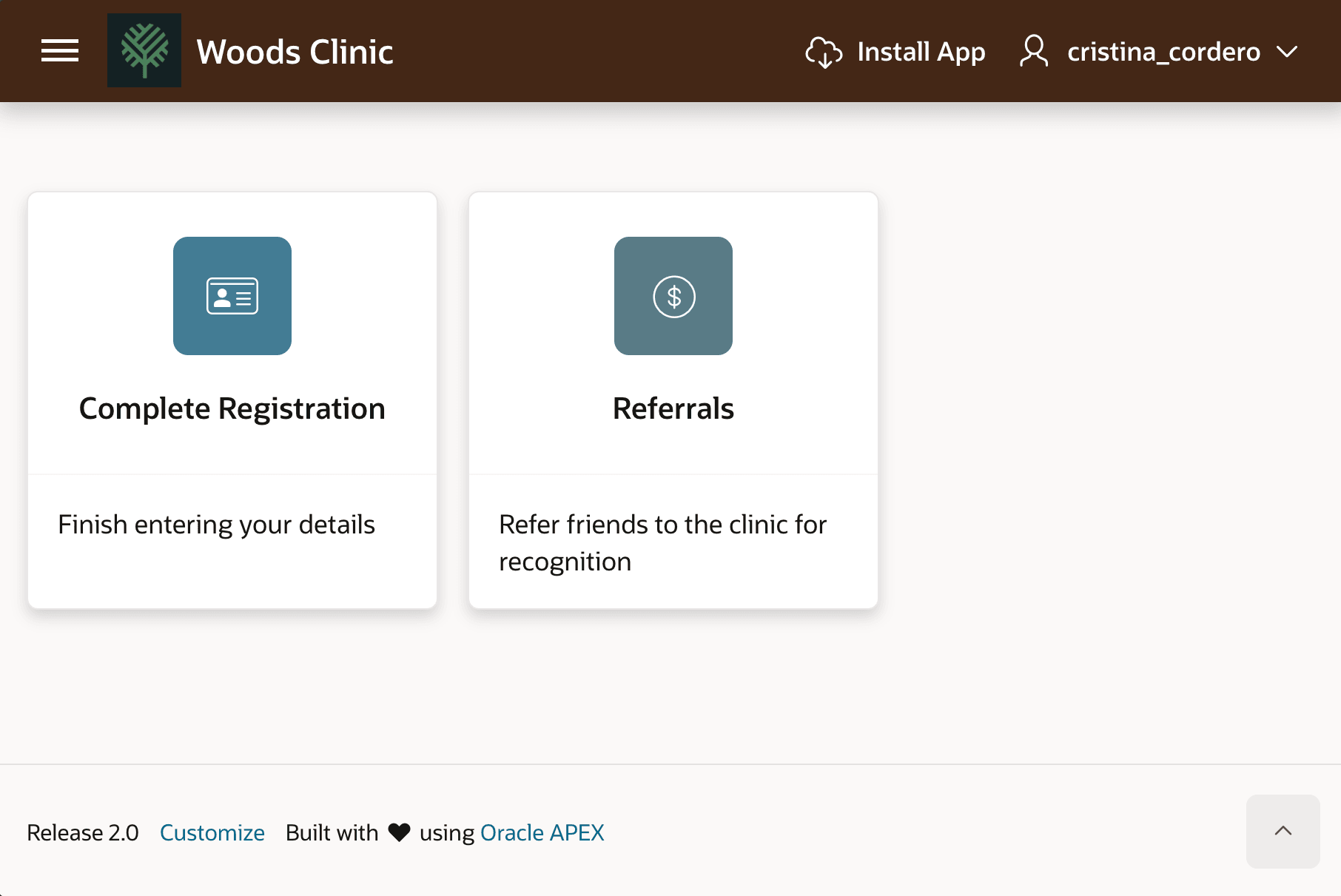
Cristina clicks the link in her notification email and logs into the portal for the first time. After changing her initial password, she sees tiles for functionality available to her. To complete her profile, she clicks on Complete Registration.
Figure 25-105 Patient Portal for Cristina Cordero on First Login
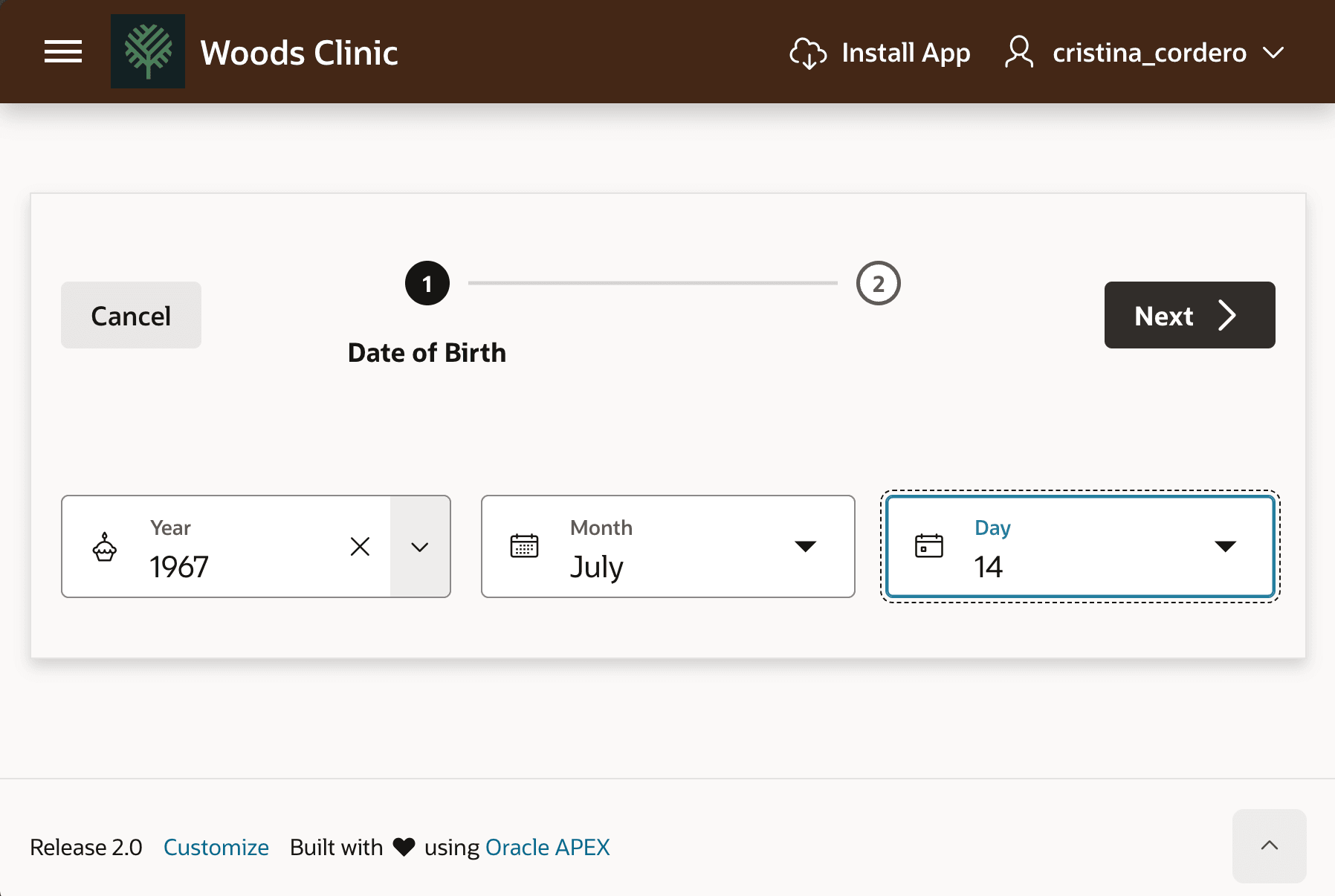
As shown below, Cristina enters her date of birth on the first step of the Complete Registration wizard, then clicks (Next >).
Figure 25-106 Cristina Cordero Completes Registration - Date of Birth
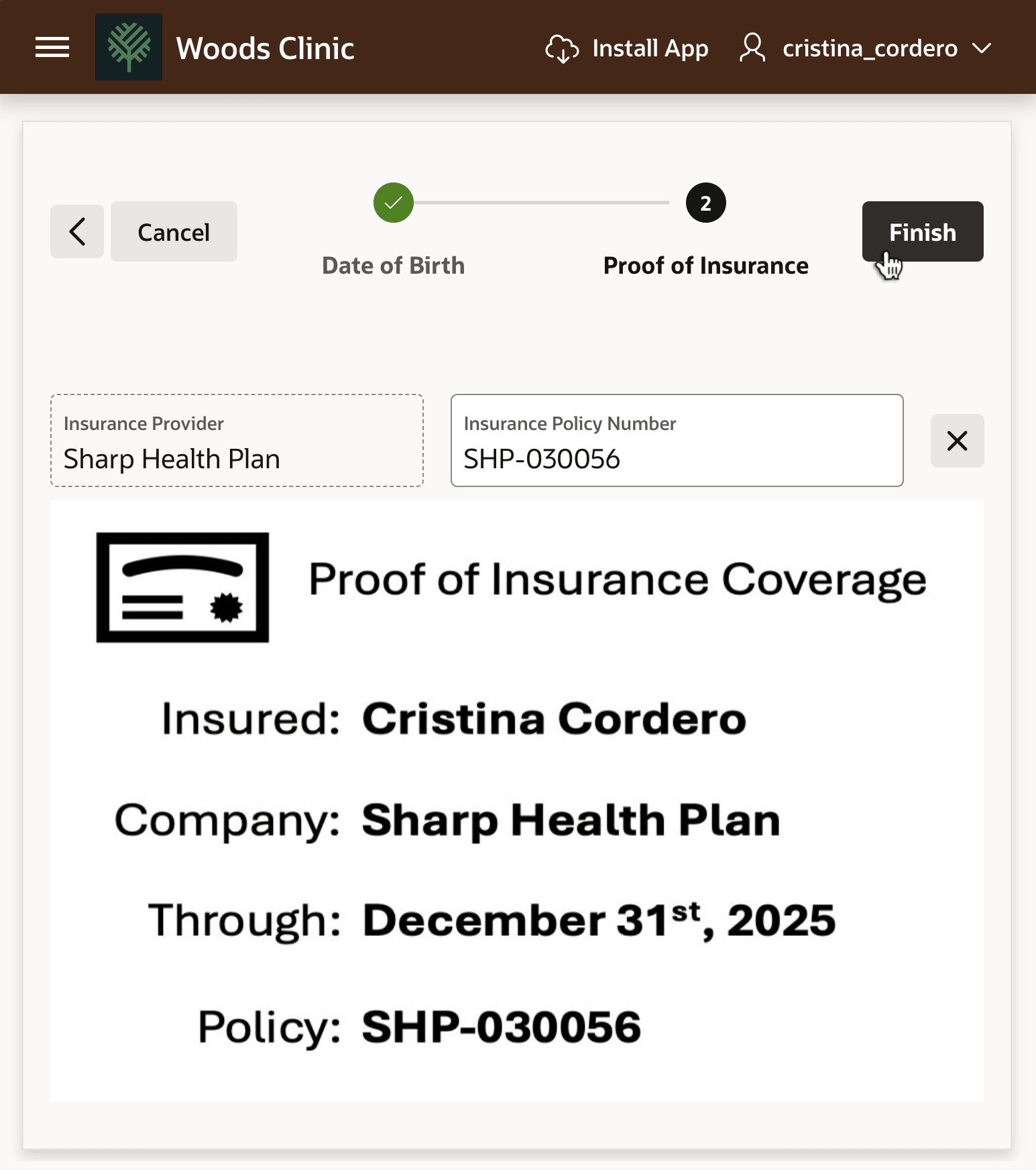
On step 2 of the wizard, she uploads her proof of insurance and enters her insurance policy number, then clicks (Finish).
Figure 25-107 Cristina Cordero Completes Registration - Proof of Insurance
Parent topic: Waiting Until Patient Completes Profile