19.2.3 Configuring Supporting Automation Logic
Use initialization code to prepare shared values before automation actions run.
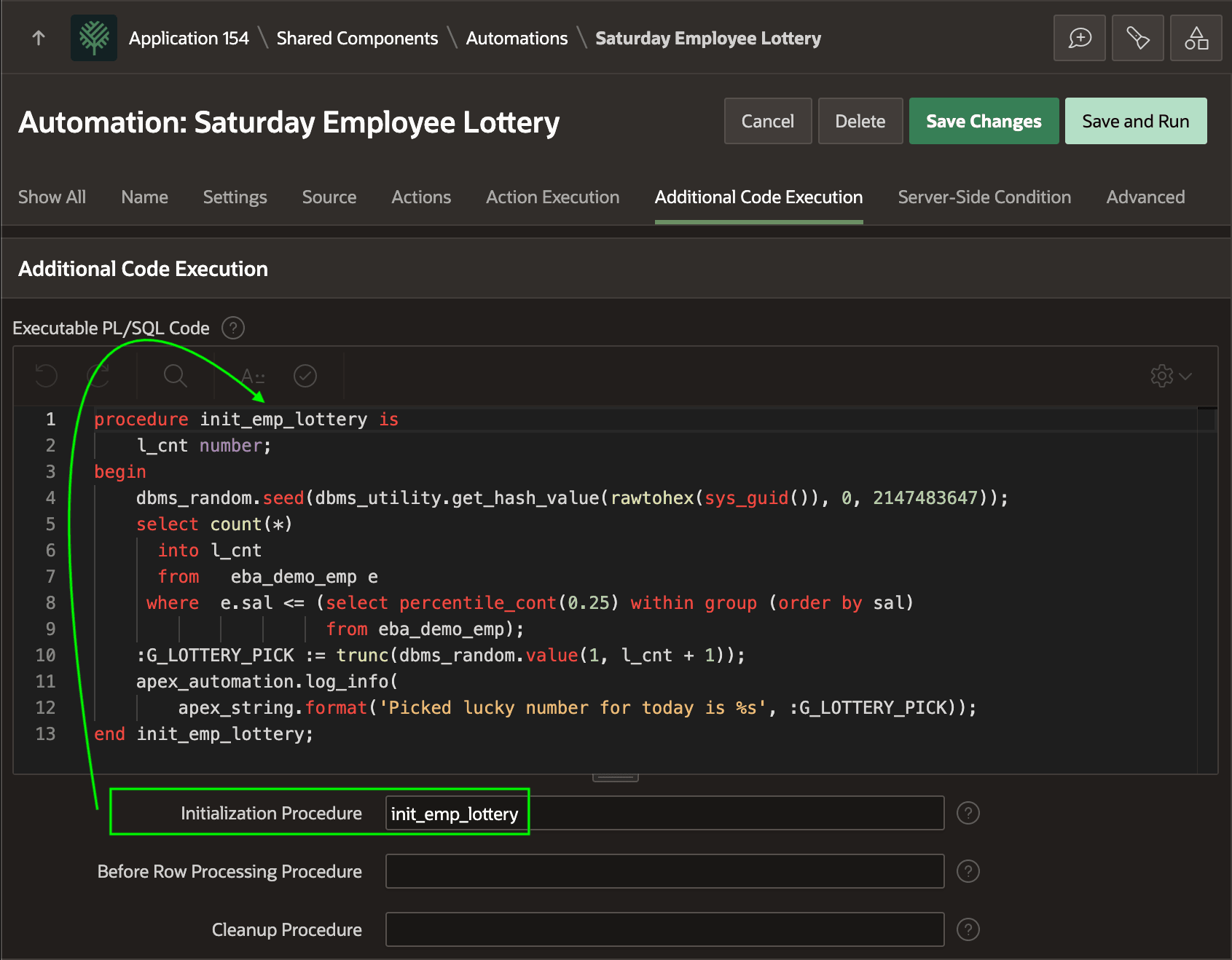
The Saturday Employee Lottery automation uses an
Initialization Procedure to pick the random number that identifies the weekly
winner. As shown below, it defines the INIT_EMP_LOTTERY procedure in
the Additional Code Execution section of the automation definition. It counts the
low-earning employees using the same criteria as the source query. Then it assigns a
random whole number between 1 and that count to the application item
G_LOTTERY_PICK. Finally, it adds a message to the automation
log.
Tip:
Because this procedure is defined inline in the automation, it can directly reference and assign application items as bind variables. If the Initialization Procedure were externally-defined, that would need to use SET_VALUE in the APEX_SESSION_STATE package instead and reference application items using V('ITEM_NAME').
procedure init_emp_lottery is
    l_cnt number;
begin
    dbms_random.seed(dbms_utility.get_hash_value(
                         rawtohex(sys_guid()), 0, 2147483647));
    select count(*)
      into l_cnt
      from   eba_demo_emp e
     where  e.sal <= (select percentile_cont(0.25)
                             within group (order by sal)
                      from eba_demo_emp);
    :G_LOTTERY_PICK := trunc(dbms_random.value(1, l_cnt + 1));
    apex_automation.log_info(
        apex_string.format('Picked lucky number for today is %s',
                           :G_LOTTERY_PICK));
end init_emp_lottery;
The figure shows the Additional Code Execution tab of the Automation edit page, with the
PL/SQL source code mentioned above in the Executable PL/SQL Code
text box and the Initialization Procedure set to the procedure
name init_emp_lottery.
Figure 19-3 Additional Code Execution Section Defines an Inline Initialization Procedure
Parent topic: Exploring an Automation Example