25.4.3.2 Enabling Debug Tracing Proactively
Enable debug tracing from the Developer Toolbar or directly on a workflow version.
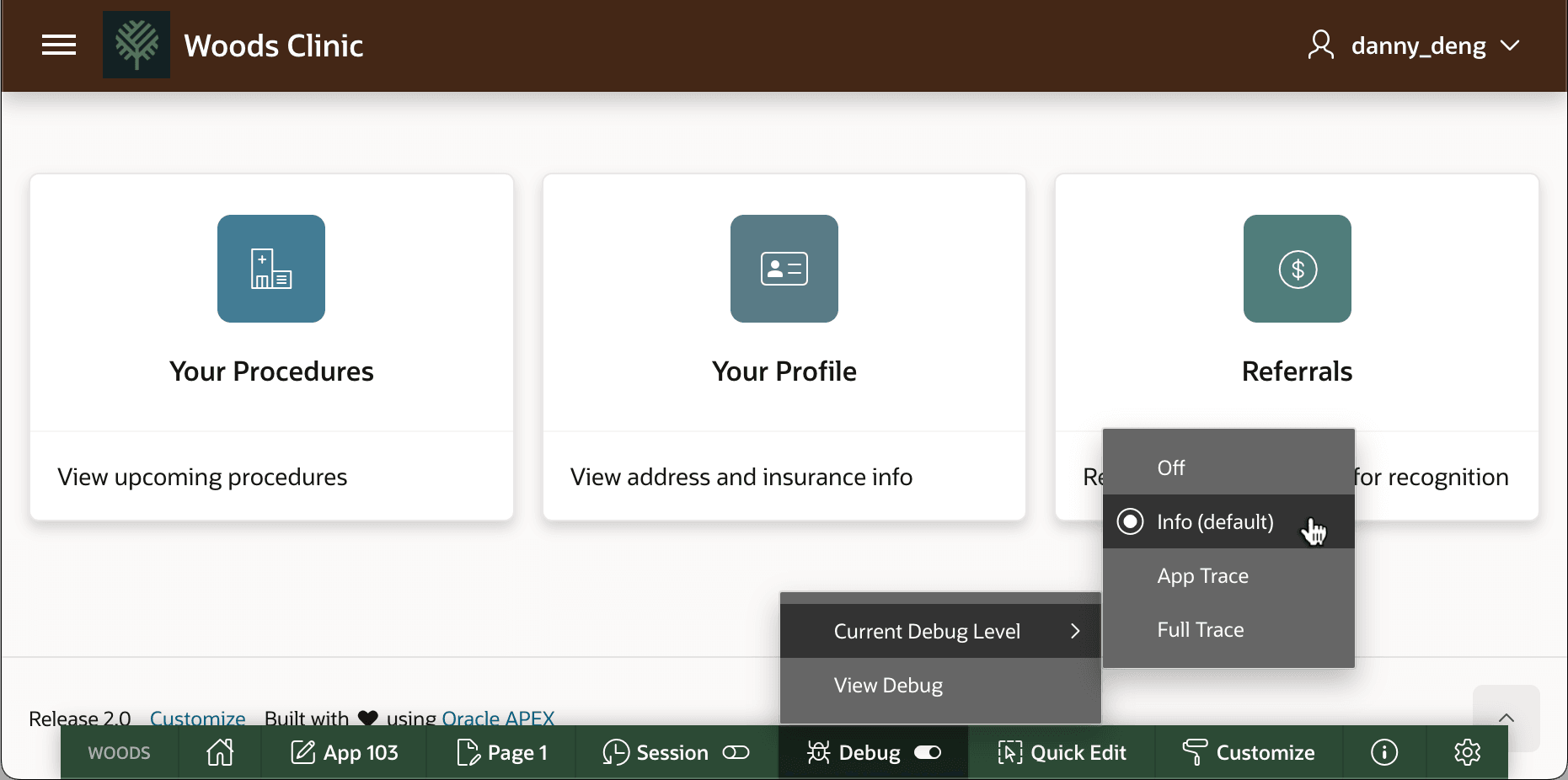
Using the Developer Toolbar's Debug > Current Debug Level menu, as shown below, you can also enable debug tracing proactively. Start with the default Info level of detail. Other levels are increasingly verbose, but typically not required to triage most problems. This refreshes the current page and keeps your session in debug tracing mode until you turn if off by using the same menu.
Figure 25-155 Enabling Info-Level Debug Tracing with the Developer Toolbar
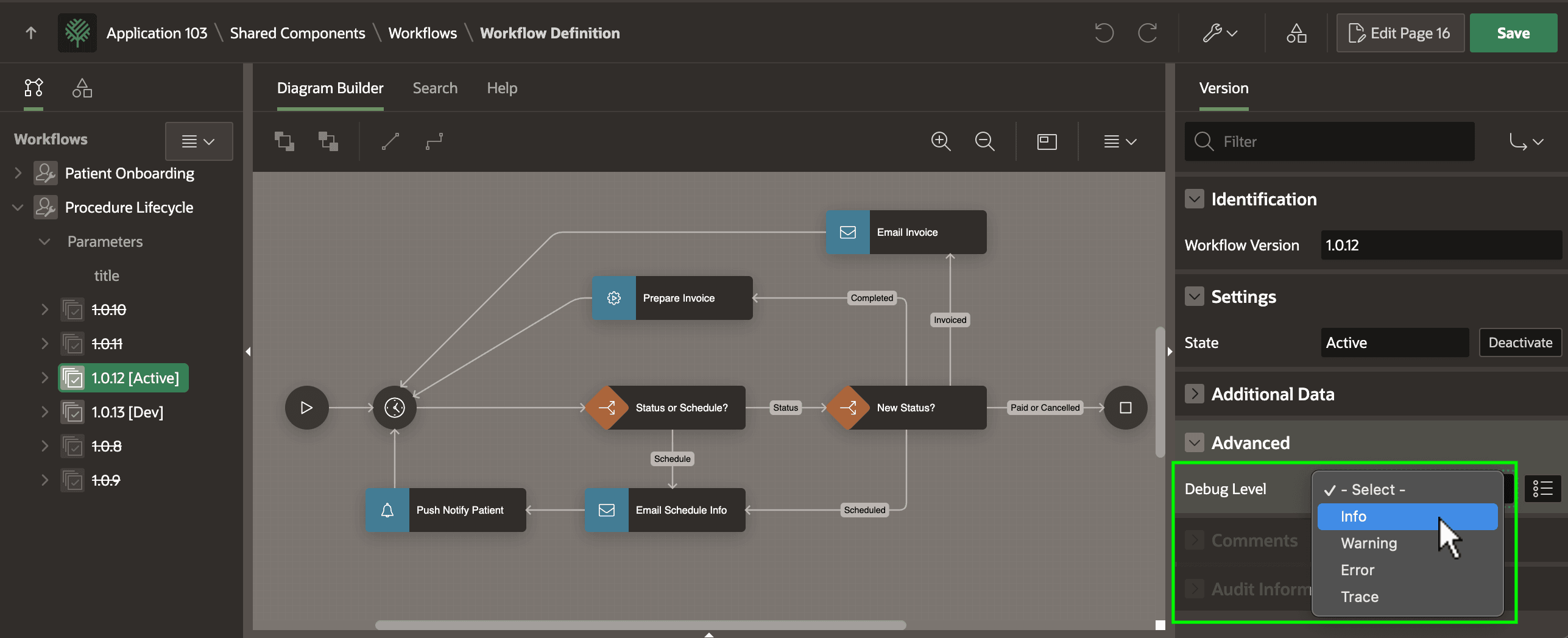
Since your workflows run asynchronously in the background, the error may occur without any page interaction. In this case, as shown below, you can enable the debug tracing level on a workflow version in the Advanced section of the Property Editor.
Figure 25-156 Enabling Debug Tracing for Background Workflow Execution
Parent topic: Debugging Business Process Logic