22.7.3 Entering New Text Directly Inline
Enter new UI text inline and let the next sync create its Text Message automatically.
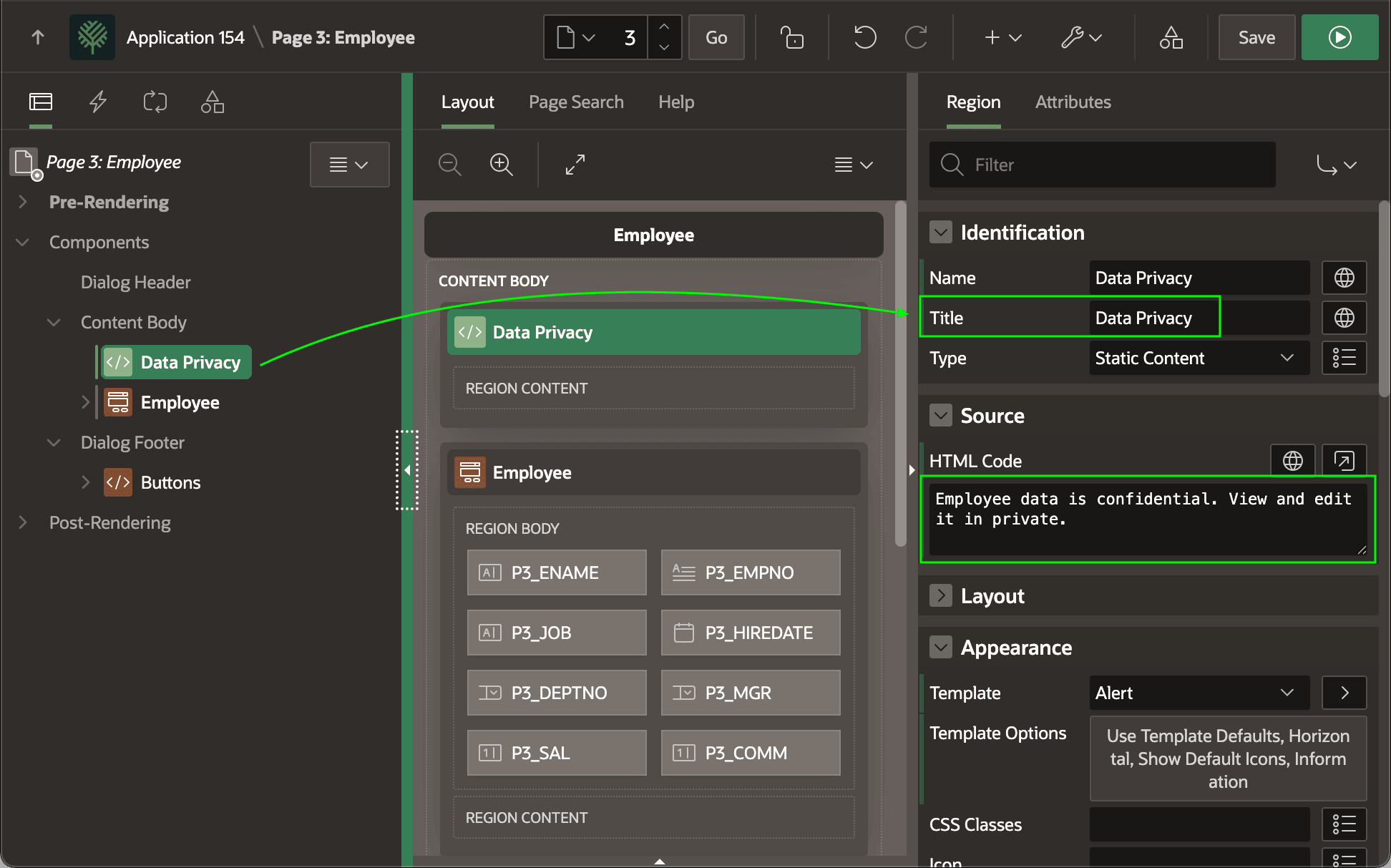
You can also continue entering literal text into your page. For example, imagine a requirement emerges to add an info box about data privacy to the top of the Employee form as shown below. You can enter the Title and HTML Code directly into the page as shown below. The figure shows the Data Privacy static content region selected in the component tree and highlights that both its Title and HTML Code contain literal text the developer entered in the application's base language.
Figure 22-19 Adding New Translatable Text Inline on a Page
Parent topic: Translating Text as Your App Evolves