22.1 Exploring Woods HR Pages to Translate
Review the Woods HR pages you will translate from the app’s primary language.
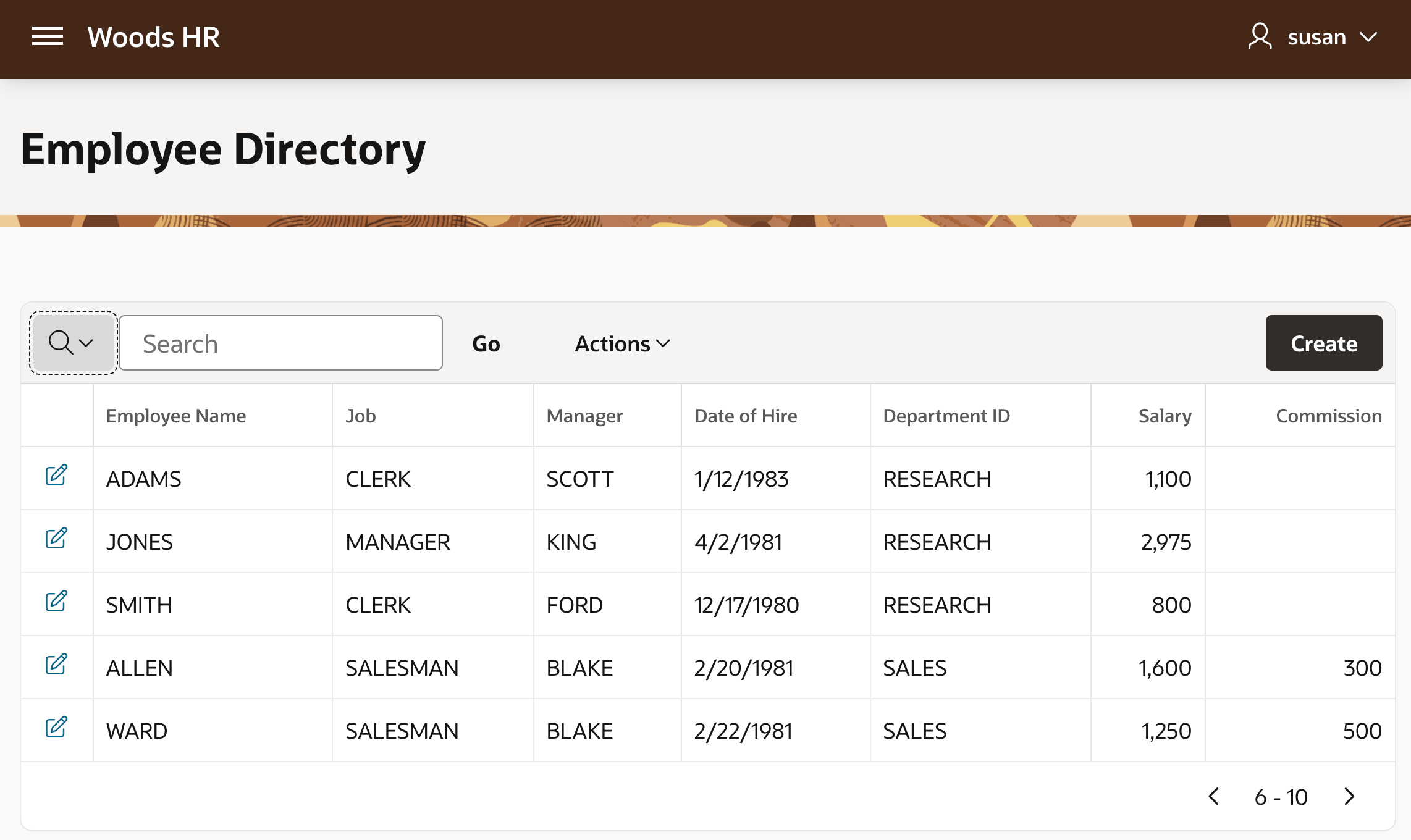
You create an app in a primary language of your choice. The Woods HR app uses English. For simplicity, it contains only the Employee Directory page shown below with an Interactive Report region and related form page. However, translations work the same for apps of any size.
Figure 22-1 Employee Directory Page with an Interactive Report in Primary Language
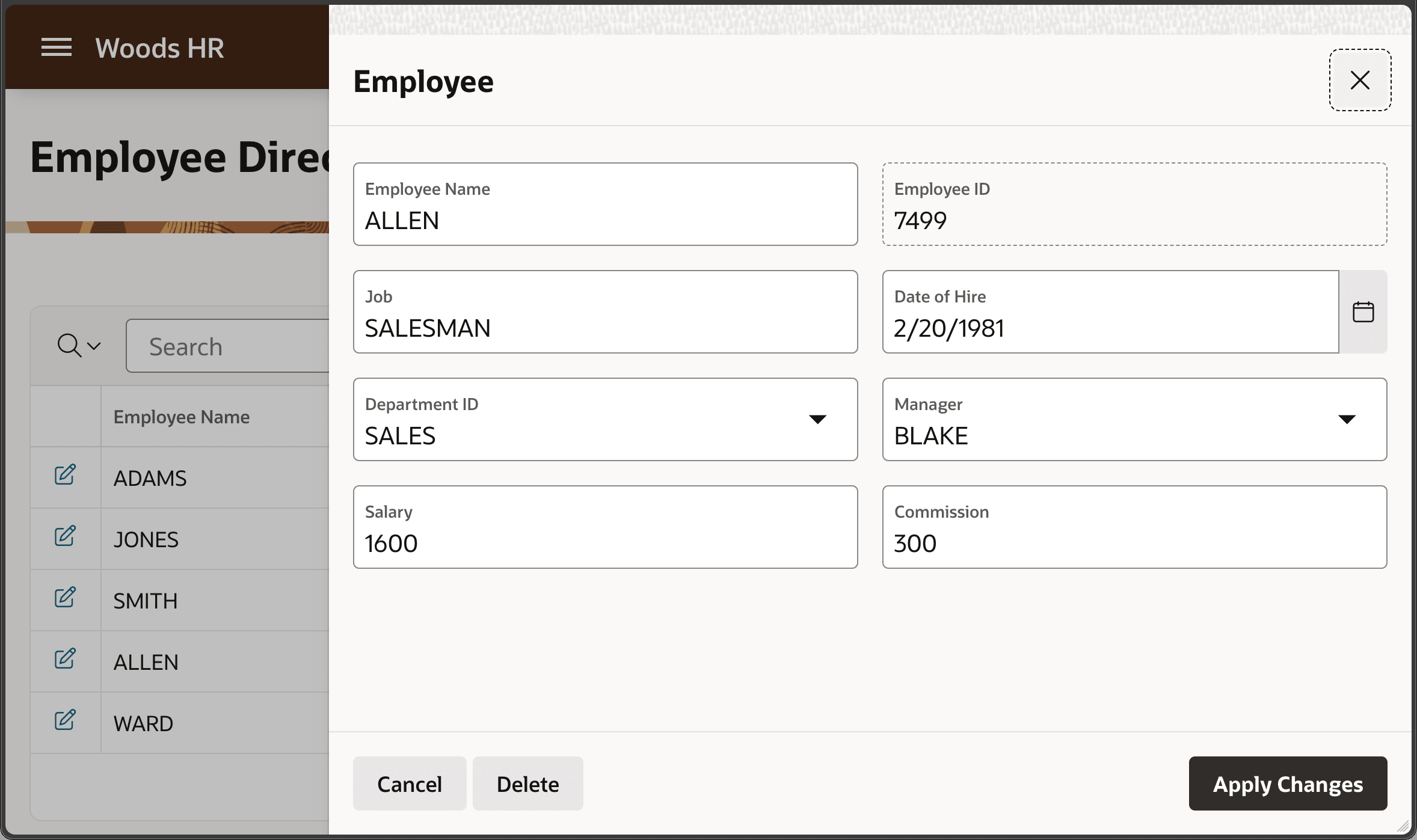
The companion Employee modal drawer page appears below. HR reps access it from the directory page to view and edit employee details.
Figure 22-2 Employee Details Form Page for HR Representatives Only in Primary Language
Parent topic: Translating Your Application