24.3 Exporting APEXlang from App Builder
When you export an application from App Builder, you can choose the APEXlang format.
Creating an Example Application to Study
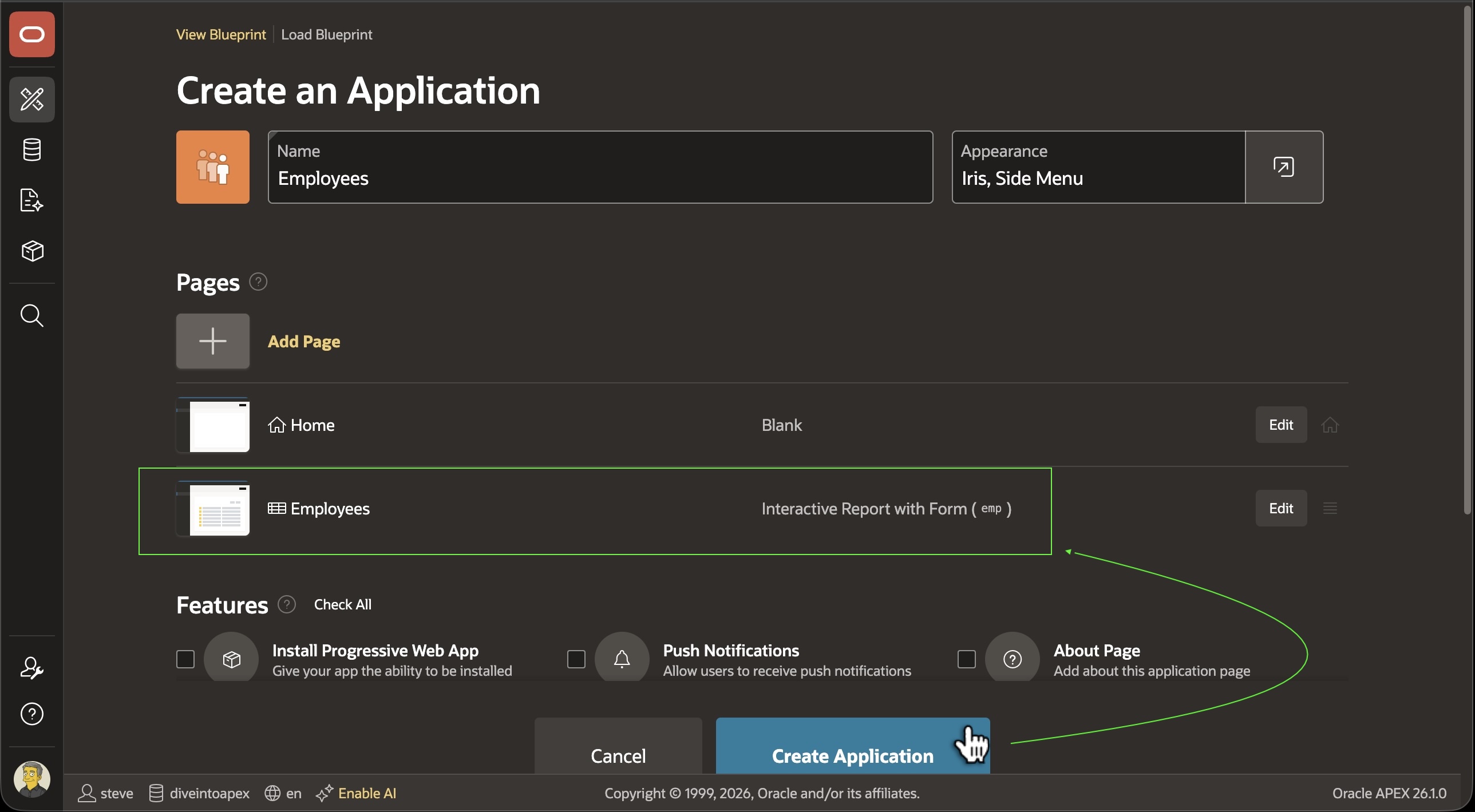
To see what APEXlang looks like, start with a simple APEX application built by the Create App Wizard. The example application has an Interactive Report page and a modal Form page on the familiar EMP table.
Figure 24-1 Creating a Small Employees Application Using the Create App Wizard
Exporting the Application in APEXlang
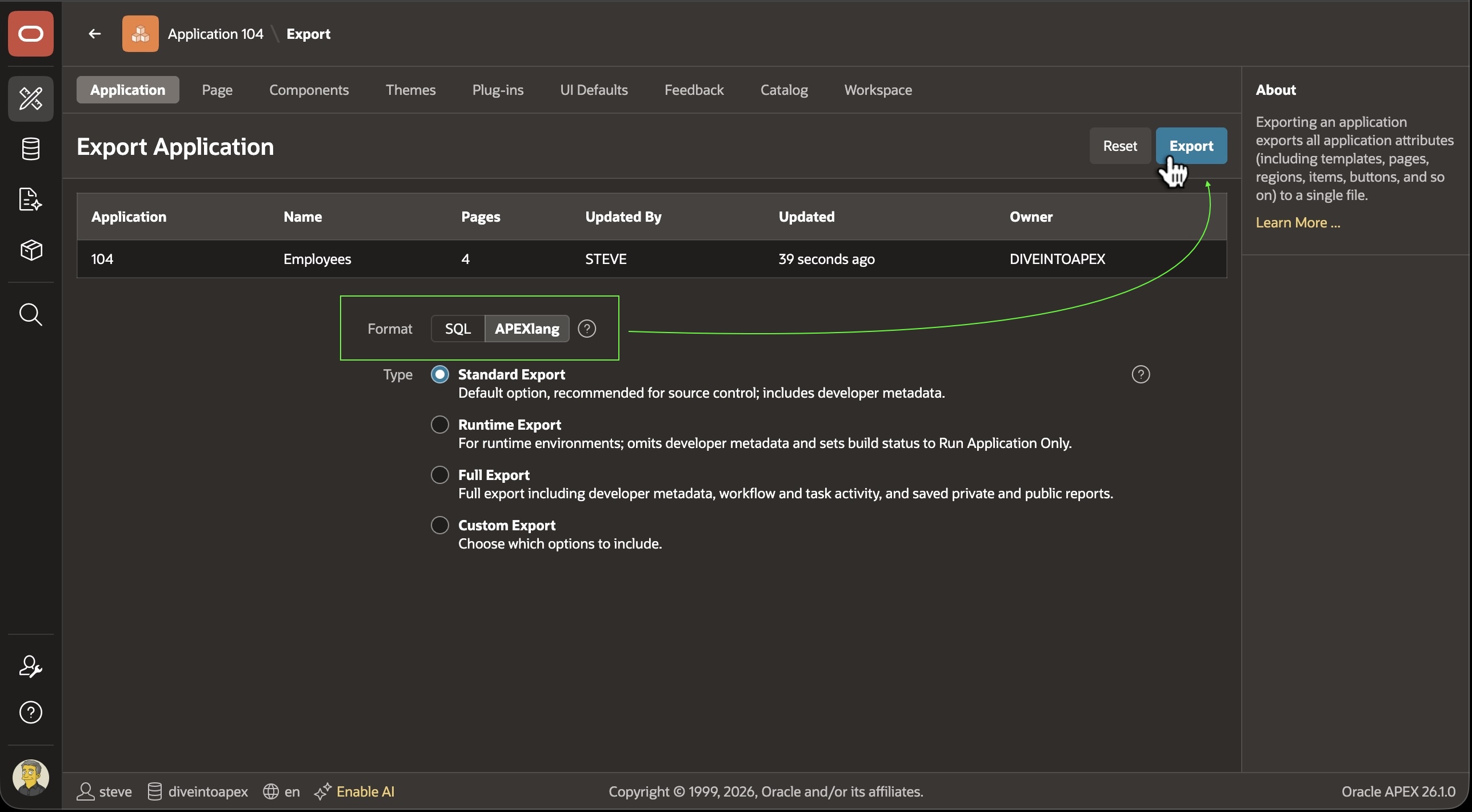
To export the app in APEXlang, just choose that format on the Export Application page as shown below.
Figure 24-2 Choosing APEXlang Format for Your Application Export in App Builder
This downloads an employees.zip file. As shown below, it contains a file for each page and component. The application.apx file has app-level settings. The .apx files contain APEXlang.
Contents of an APEXlang Application Export
The deployments, pages,
shared-components subdirectories organize app components at
the root level of the zip. Notice filenames for pages use both number and alias for
additional clarity, and the compiler enforces the page alias matches the page number
and alias in the file name. Static Application Files are included as-is along with a
list of their names and metadata in static-files.apx.
employees.zip
├── application.apx
├── page-groups.apx
├── deployments
│   └── default.json
├── pages
│   ├── p00000-global-page.apx
│   ├── p00001-home.apx
│   ├── p00002-employees.apx
│   ├── p00003-employee.apx
│   └── p09999-login.apx
├── shared-components
│   ├── static-files
│   │   └── icons
│   │       ├── app-icon-144-rounded.png
│   │       ├── app-icon-192.png
│   │       ├── app-icon-256-rounded.png
│   │       ├── app-icon-32.png
│   │       └── app-icon-512.png
│   ├── themes
│   │   └── universal-theme
│   │       └── theme.apx
│   ├── authentications.apx
│   ├── authorizations.apx
│   ├── breadcrumbs.apx
│   ├── build-options.apx
│   ├── component-settings.apx
│   ├── lists.apx
│   ├── lovs.apx
│   └── static-files.apx
└── .apex
    └── apexlang.json
Application IDs and Deployment Settings
In APEXlang, the app id is stored in the defaults.json file in the deployments subdirectory. This lets the downloaded file employees.zip use a descriptive name based on the employees app alias. This separation also gives you the option to personalize each deployment environment with an appropriate set of environment-specific settings.
{
  "app" : {
    "id" : 104,
    "runtime" : {
      "debugging" : true
    }
  }
}
Parent topic: Working with APEXlang