8.1 Navigating to Business Functions
After end users log in, they expect to see a list of tasks they can do.
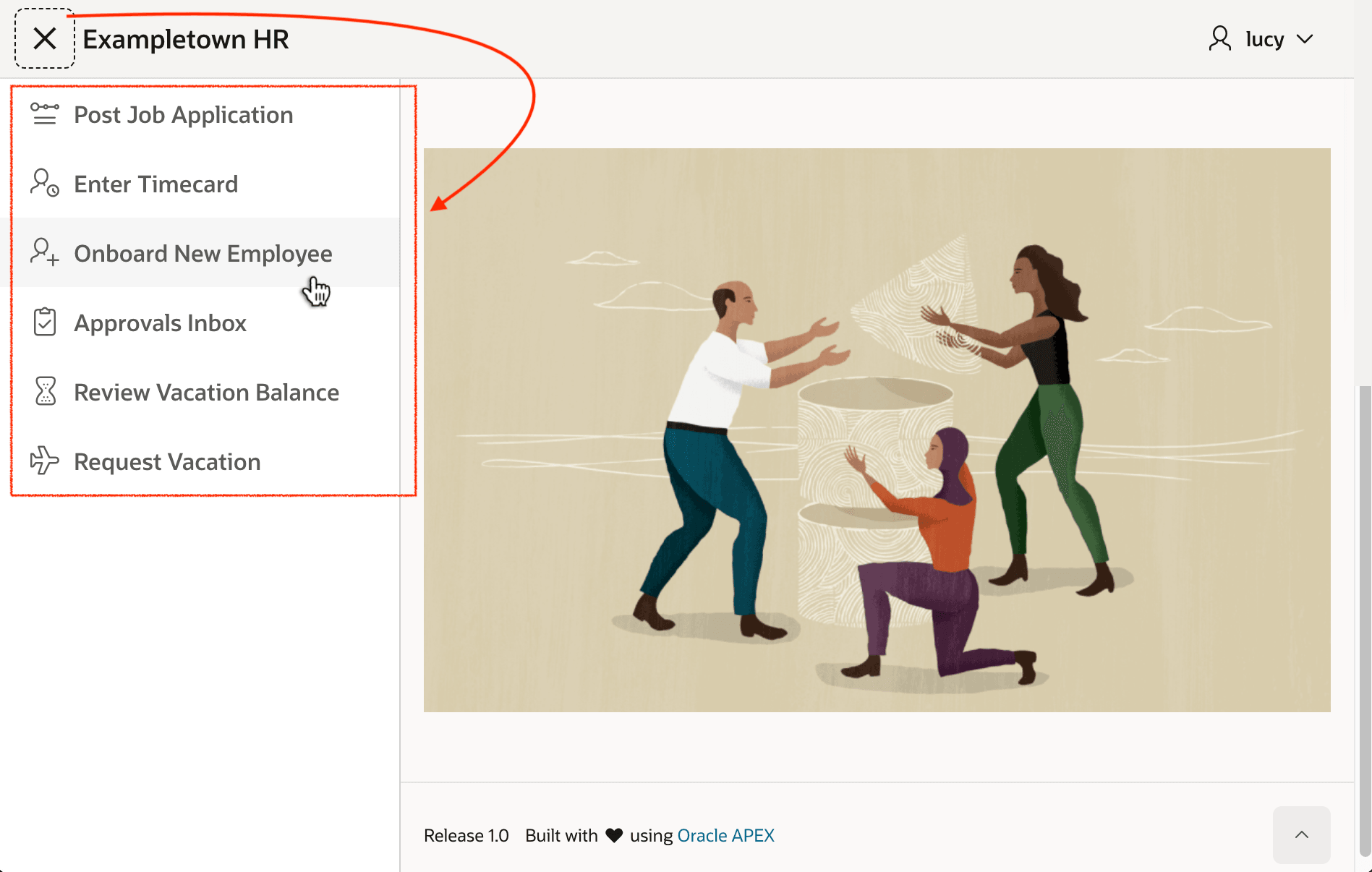
You define Navigation Menu list entries to give users this task-focused guidance. The figure below shows six entries on the collapsible Navigation Menu on the left. Clicking any of the choices navigates the user to the page that initiates the selected business function. For example, the business functions listed for this Exampletown HR application are Post Job Application, Enter Timecard, Onboard New Employee, Approvals Inbox, Review Vacation Balance, and Request Vacation.
When you use the Create Page wizard, you choose whether to add a navigation menu entry for your new page. You can also define a new entry any time in Shared Components > Navigation Menu. For more information, see Managing Navigation Menus in Oracle APEX App Builder User’s Guide.
Figure 8-1 Navigation Menu Lets Users Initiate Business Functionality
Parent topic: Understanding Page Flow & Session State