8.2 App Options in the Navigation Bar
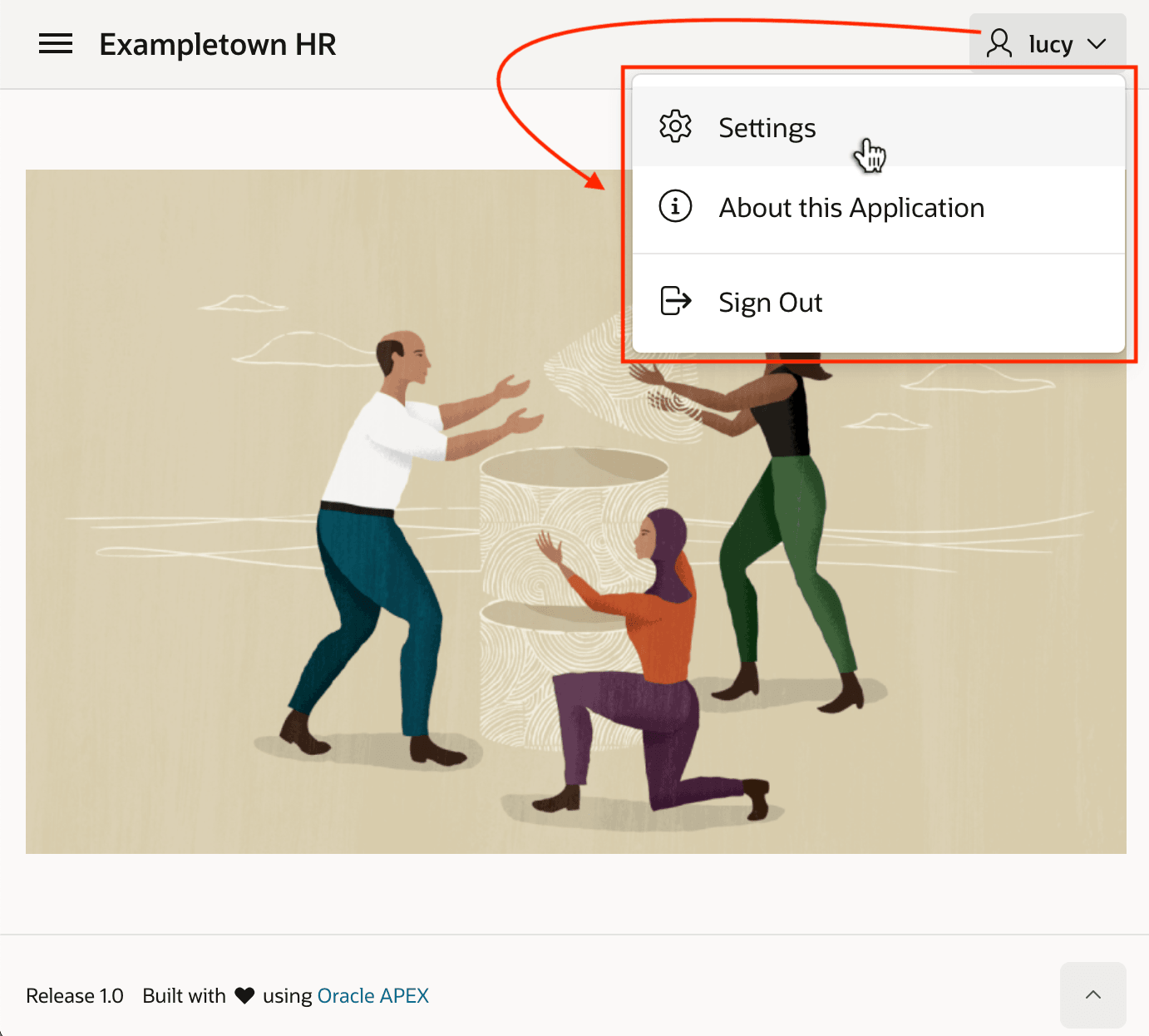
Users look for settings and sign out options in a dropdown menu under their username. Your Navigation Bar List entries define the items that appear there.
The figure below shows three entries under the logged-in user's name: Settings, About this Application, and Sign Out.
The Create Application wizard sets up an initial Sign Out entry, and other features like About Page, and Push Notification add entries, too. You can define a new entry in Shared Components > Navigation Bar List. For more information on this shared component, see Managing Navigation Bars in Oracle APEX App Builder User’s Guide.
Figure 8-2 Navigation Bar List for Application Options and Logout
Parent topic: Understanding Page Flow & Session State