25.1.9.2.6 Navigating to Page Using Email Link
Open a notification link to enter requested data on a deep-linked page.
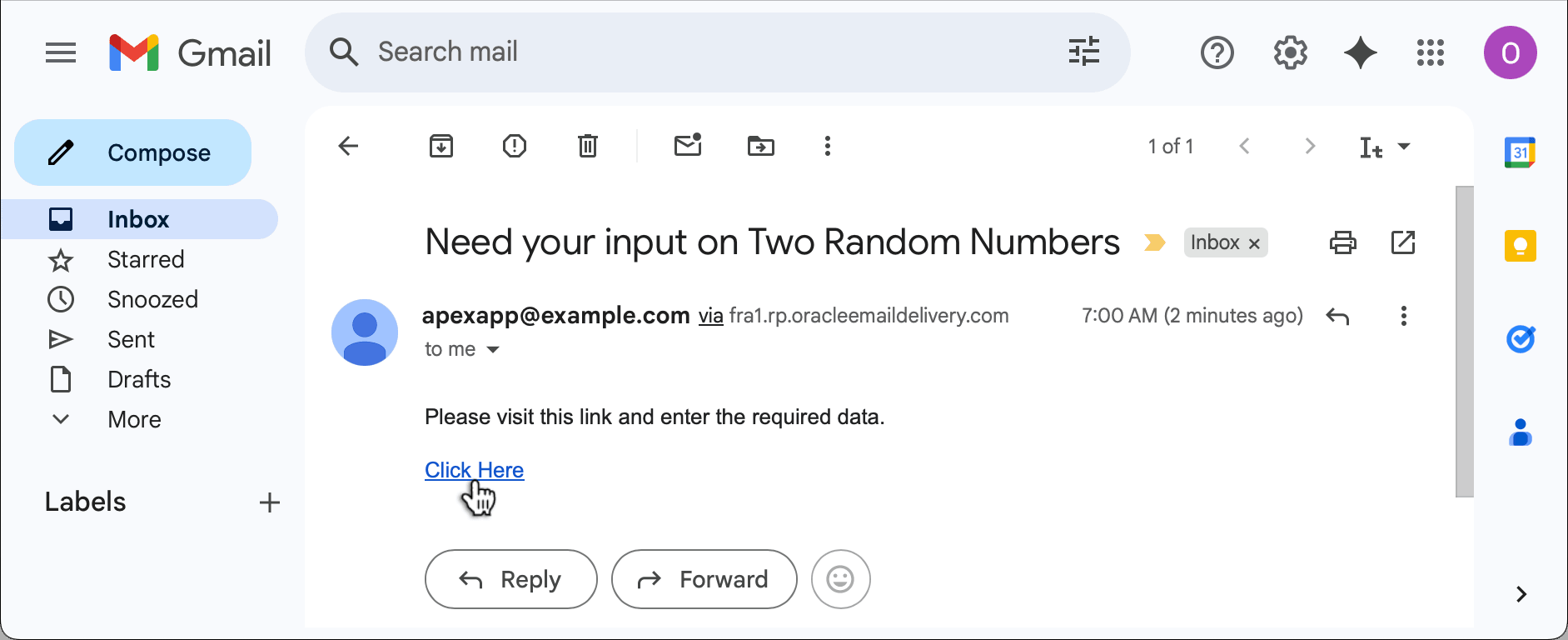
When a user receives a notification containing an absolute URL page link, as shown below, they can click the link to navigate to the page.
Figure 25-66 Receiving the Notification Email and Clicking the Link
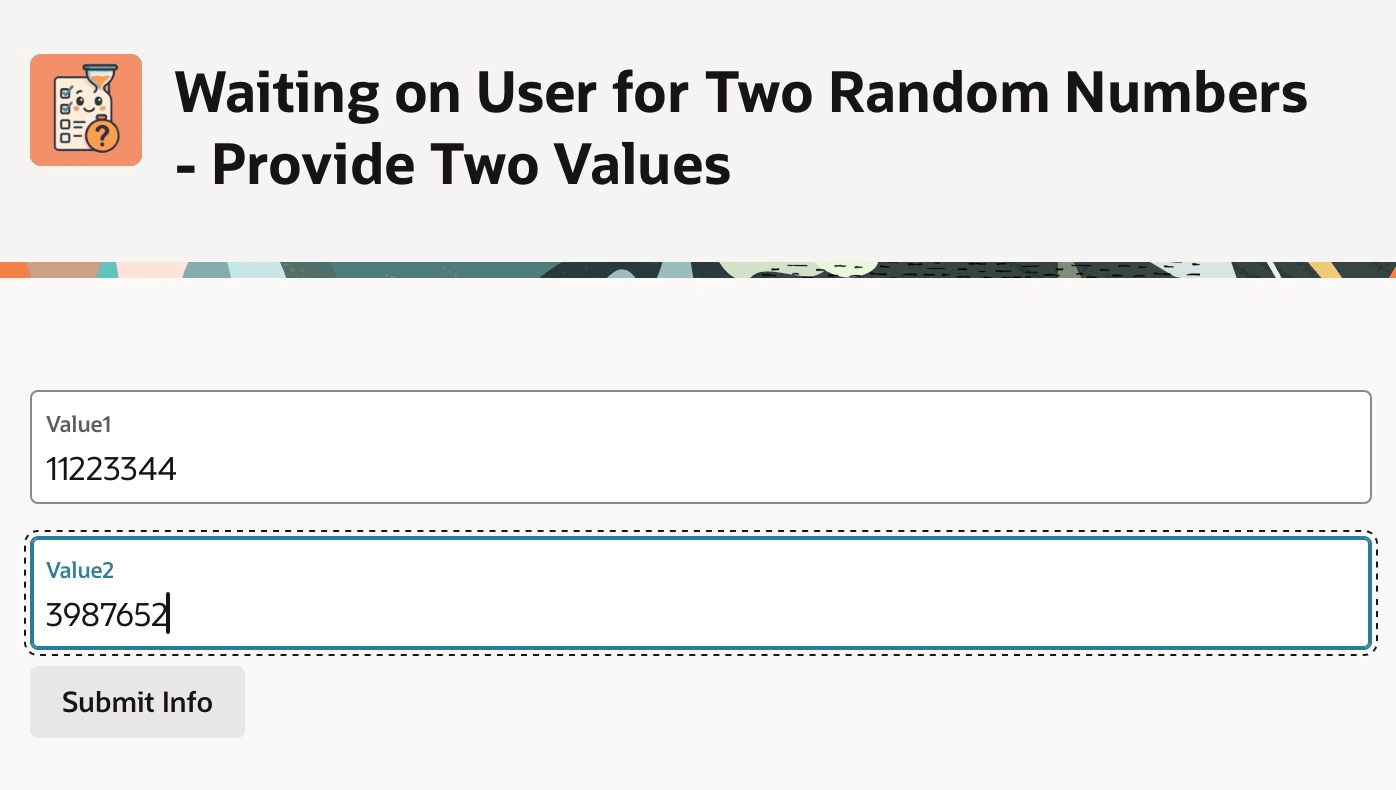
After logging in, since you enabled Deep Linking, they navigate to the page where they can provide the additional data and click (Submit Info) button to confirm their input. Notice the page uses a Static Content region with the Hero template to show an application icon and title. The title includes the workflow instance title and the label of the Wait workflow activity.
Figure 25-67 Page Collecting Two Values from the Notified User
Parent topic: Waiting for a Signal to Continue