21.3.3 Overriding PDF Layout of Report Regions
Override a report region’s default PDF output by assigning a custom Report Layout.
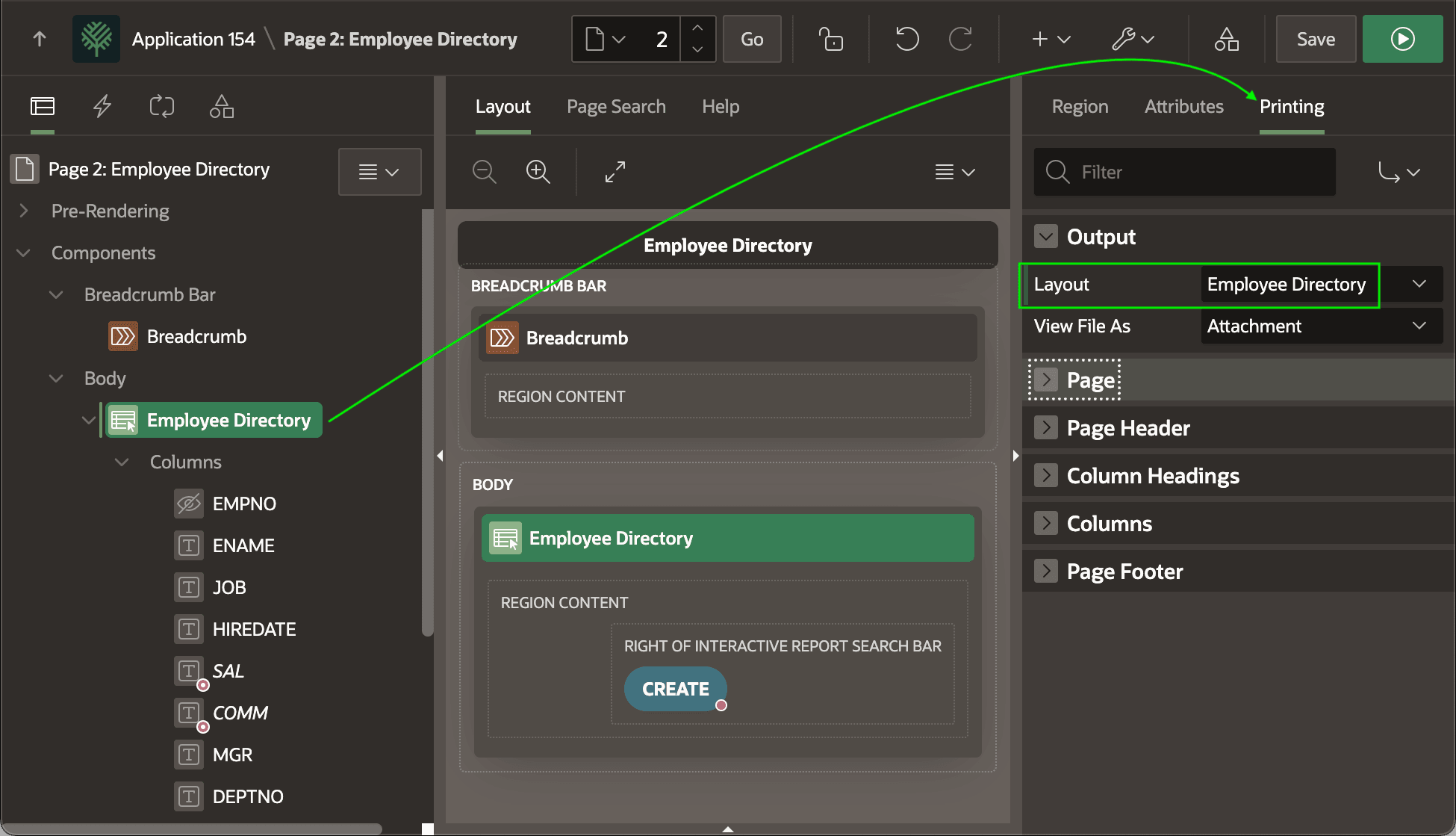
In the Employee Directory page, select the Interactive Report region and the Printing tab in the Property Editor. There, as shown below, you can select the Employee Directory layout to override the default report PDF formatting.
Tip:
To associate a Report Layout with a Classic Report, ensure the region's Printing switch is enabled on the Attributes tab in the Property Editor. Then on the Printing tab that appears, set the Layout.
Figure 21-14 Configuring Interactive Report PDF Printing to Use Custom Layout
Parent topic: Customizing Reports with Word Template