3.3.2 Page Layout Based on Template with Slots
Your chosen template defines the layout of each page. The template's named slots arrange the areas of the page that can contain visual components like regions, page items, or buttons.
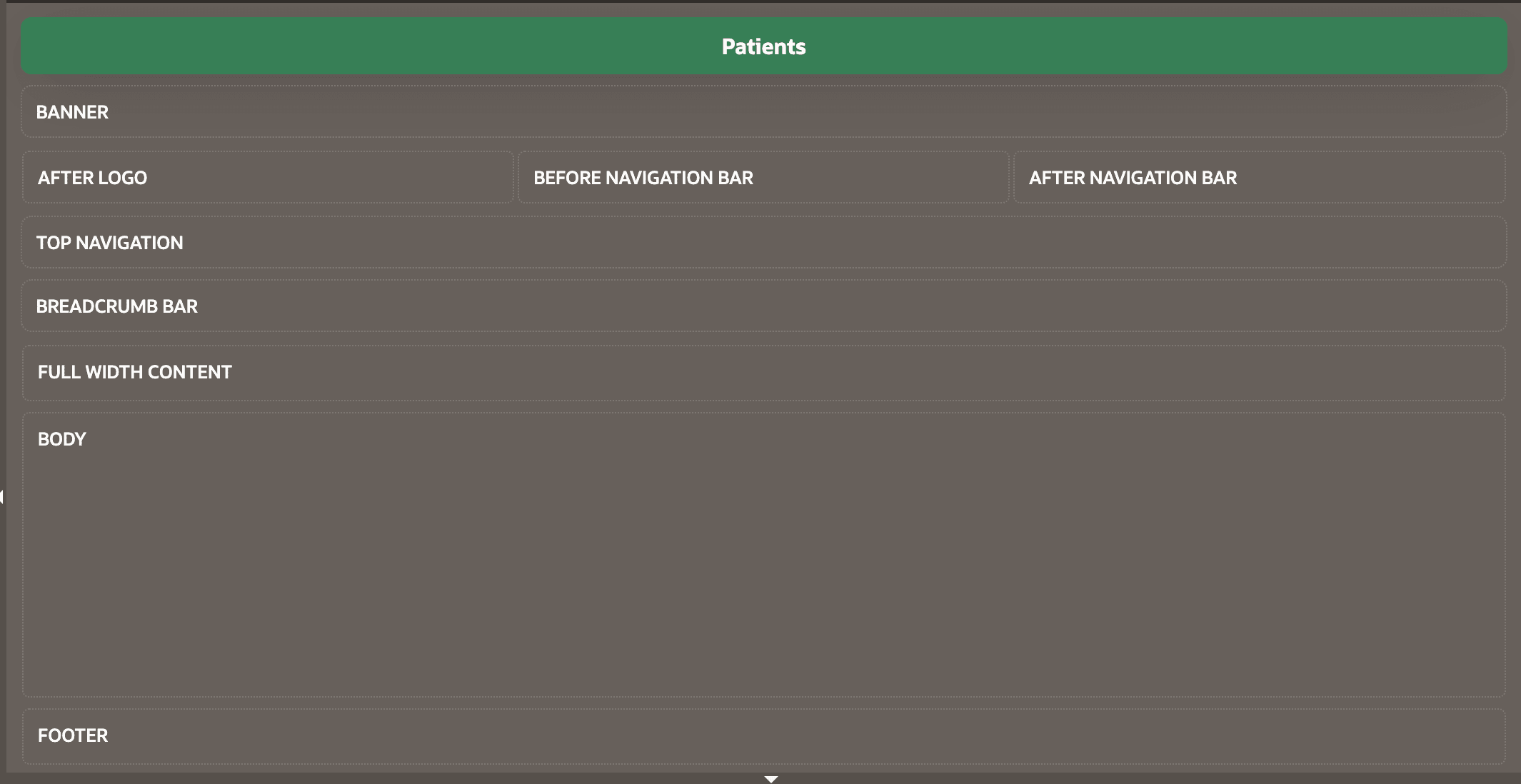
Page Designer shows the named slots where you can add user interface elements, and helps you understand their relative positioning. Use the Hide Empty Slots context menu option in the Layout panel to toggle whether slots display even when they contain no components.
Figure 3-17 Blank Page with Slots Based on Page Template
Parent topic: Working in Page Designer