25.1.9.1.8.5 Responding to Requests for Information
Respond to a request for information so the task can return to its owner.
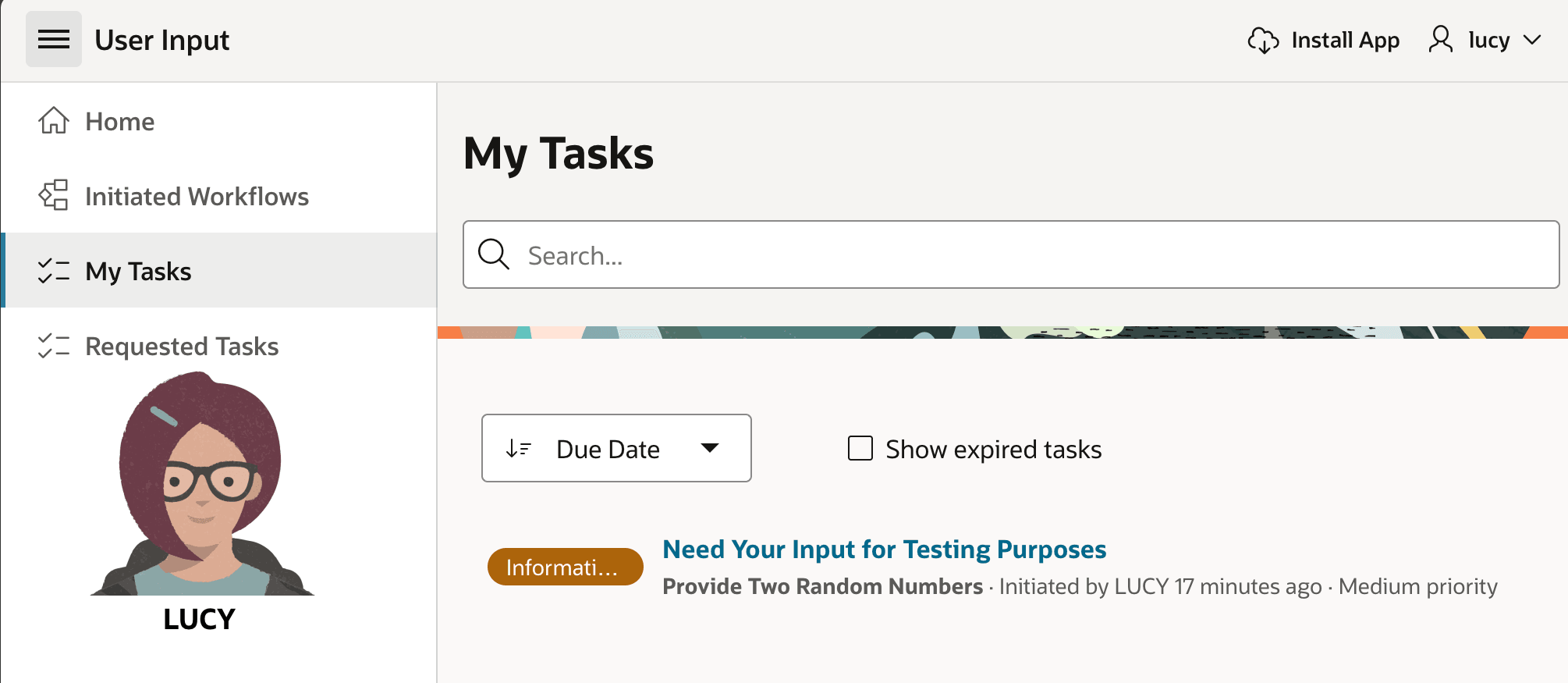
While her My Tasks list was previously empty, she now sees the task she requested show up in the list since it requires her attention. The Information Requested badge gives her a clue that Leo must have a question.
Figure 25-40 Lucy Sees the Task Shows Up in Her "My Tasks" Page
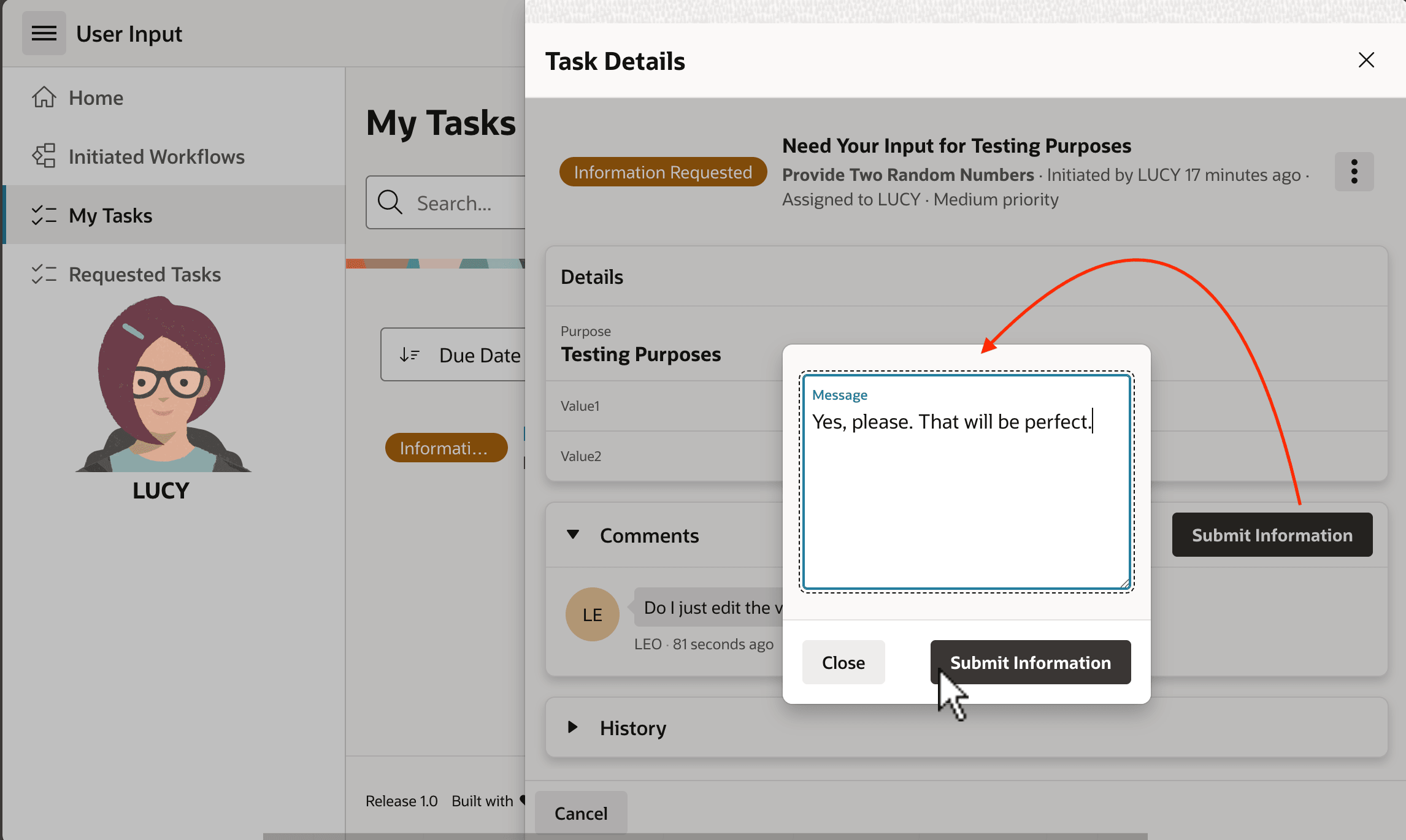
Clicking on the Subject, the Task Details page opens, and as shown below, Lucy clarifies, "Yes, please. That will be perfect!" Then she clicks (Submit Information) to send the task back to Leo along with her clarification.
Figure 25-41 Lucy Clarifies and Submits the Additional Information
Parent topic: Using and Tuning the Task Details Page