16.4.6 Viewing BLOB Images in Search Results
When creating a Search page, base your related Search Configuration on table or view including the BLOB image column.
select id,
       title,
       image, /* BLOB image */
       file_name,
       posted,
       posted_by,
       mime_type,
       updated
from eba_demo_emp_breakroom_photo_v
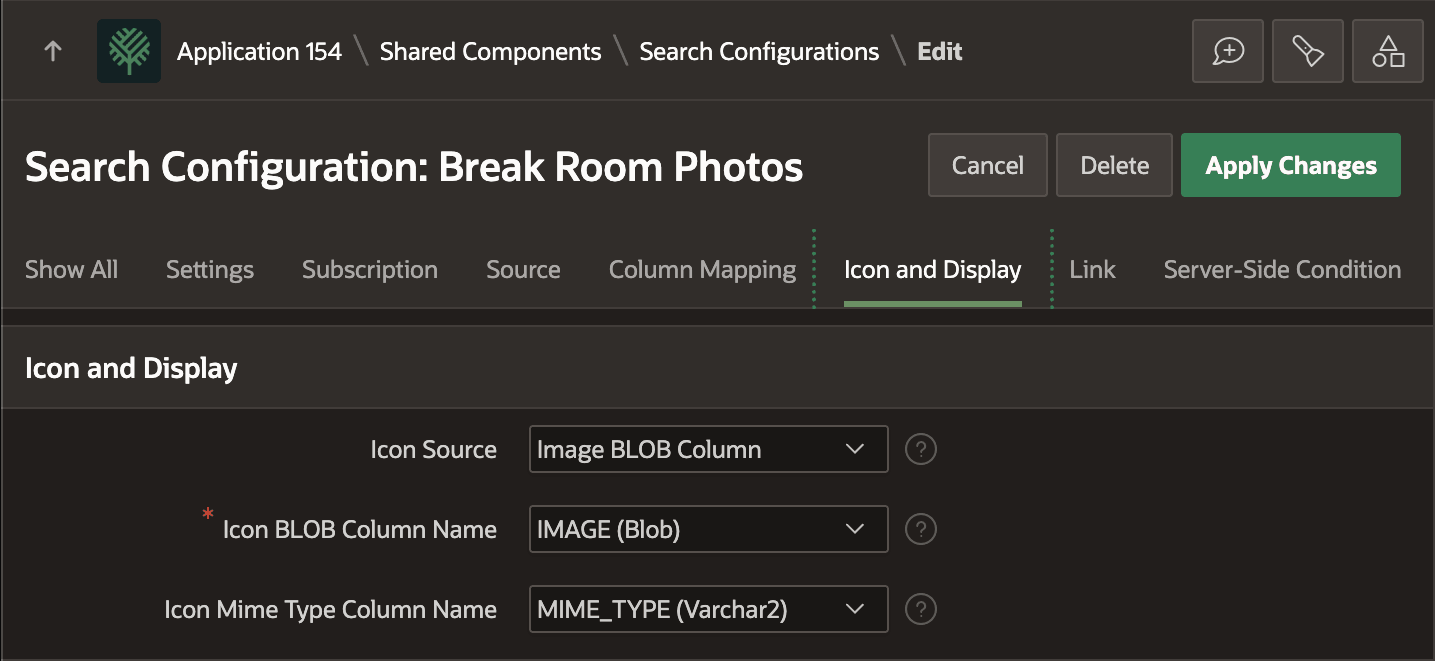
Set the Icon Source to Image BLOB Column in the Icon and Display section. Then choose the image BLOB column and Mime Type Column as shown below.
Figure 16-27 Setting Up Search Configuration to Use a BLOB Image Column
In the Search page, size the image preview by adding the following rule to the page's CSS > Inline settings. It constrains the width and keeps the image's aspect ratio. You can also just constrain the height by specifying that property instead of width.
.a-ResultsItem-image img {
    /* constrain width or height + keep aspect ratio
     *
     * height: 50px;
     */
   width: 50px;
   object-fit: contain;
}
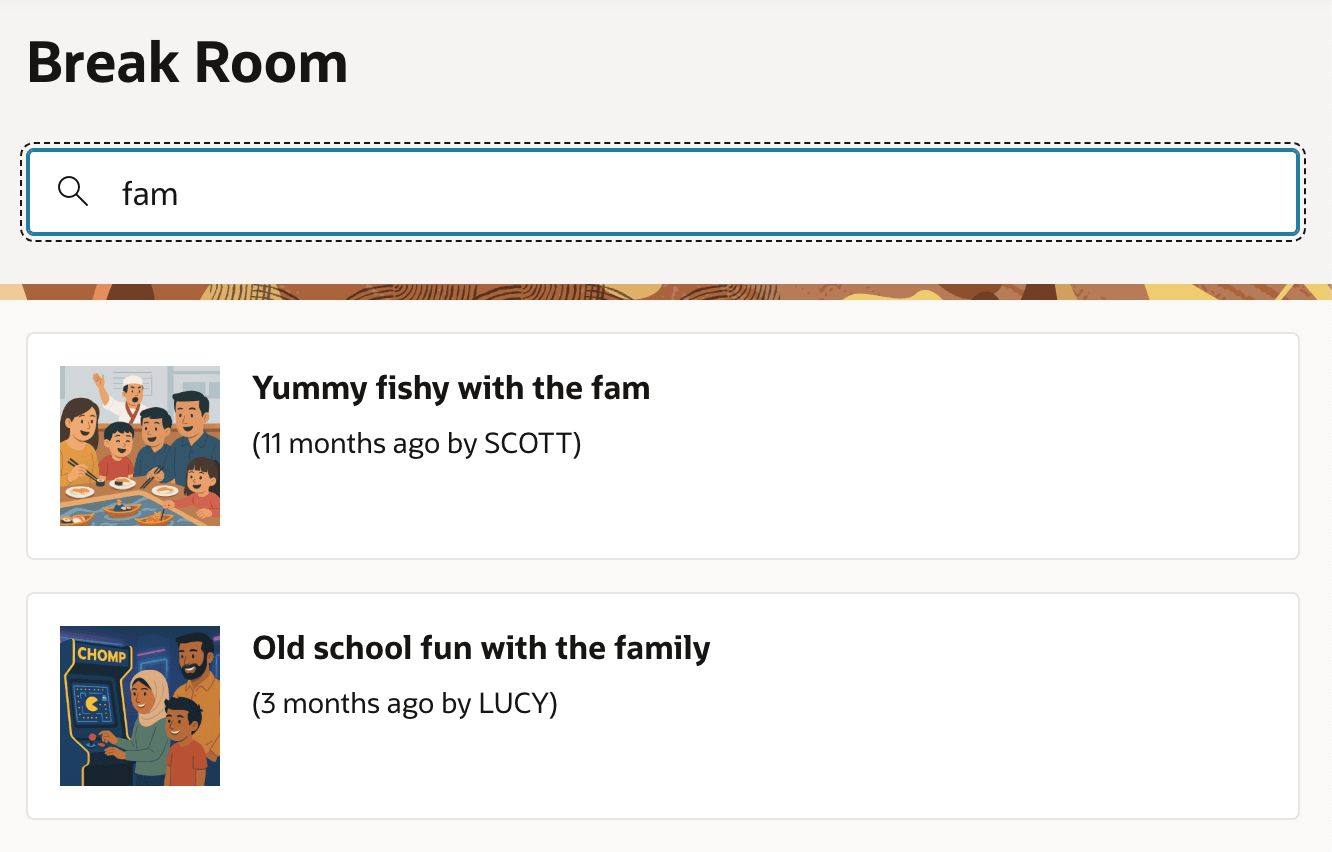
With that in place, your search results show the BLOB Image exactly to your specifications.
Figure 16-28 Including BLOB Column Image in Search Page Results
Parent topic: Displaying BLOB Column Images