25.1.9.1.8.1 Viewing Work Items You Requested
View requested work items with a Unified Task List page filtered to tasks the user initiated.
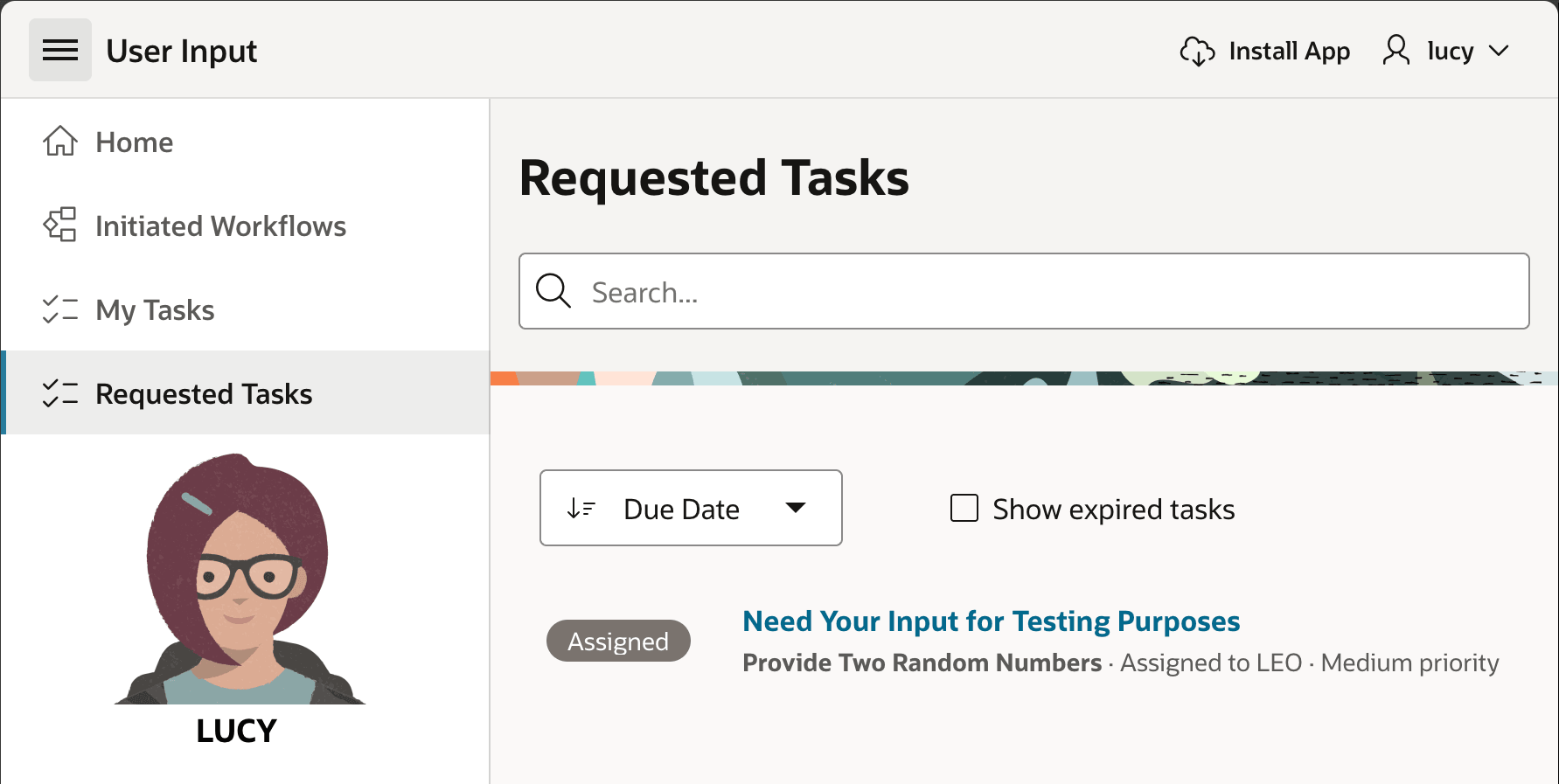
User LUCY visits a Requested Tasks page to see a list of
requests she's made. In this simple example, there is only the Provide Two Random
Numbers task definition in the list, but in a real application she would see
work items of any type that she initiated. The page shown below is an example of a
Unified Task List page you can add to an application with the Create Page
Wizard. Since its goal is to show users the tasks they initiated, it uses the Report
Context of "Initiated by Me". If a task instance has an associated Task Details page,
then the task Subject line is a link Lucy can click on to review the details of
the task.
Figure 25-34 Lucy Initiates a Workflow and Sees It In Her "Requested Tasks" Page
Parent topic: Using and Tuning the Task Details Page