Accessing Quick SQL Help
Access Quick SQL Help by clicking Help above the left Quick SQL pane.
To access the Quick SQL Help:
-
Navigate to the Quick SQL page:
-
On the Workspace home page, click the SQL Workshop icon.
-
Click Utilities.
-
Click Quick SQL.
-
-
Click Help above the left Quick SQL pane.
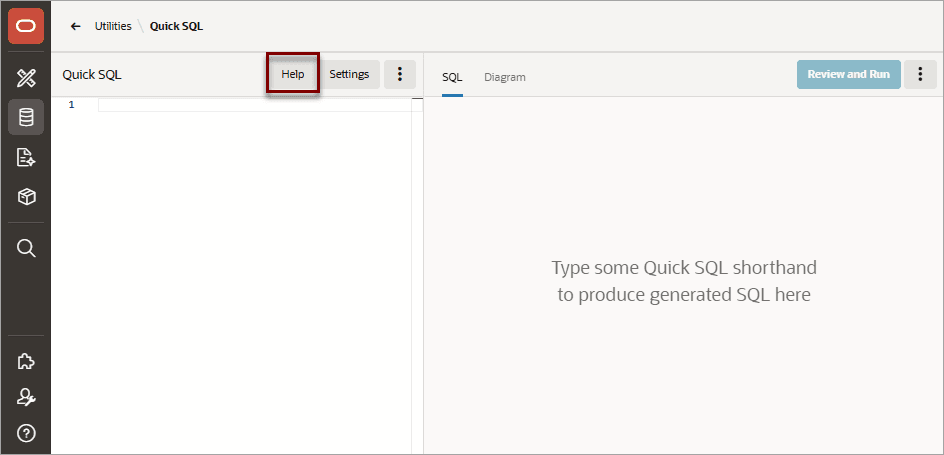
Description of the illustration quick_sql_help.png
The Quick SQL Help window appears and displays the following tabs:
-
About - Provides an overview of Quick SQL together with tips on getting started and the steps needed to create the database objects.
-
Data Types - Lists data types that can applied to each column.
-
Table Directives - Describes commands used to modify tables.
-
Column Directives - Describes commands used to extend column definitions.
-
Views - Details the syntax for defining a view.
-
Settings - Describes available inline settings to explicitly set SQL syntax generation options. See .
-
Samples - View and load samples to learn about SQL shorthand syntax.
-