Defining Email Template with Directives
Define an email template with placeholders and directives for conditional email content.
Using an email template simplifies the job by separating the formatting from the data and attachments that change with each use. When you send a mail, you can reference an existing template, set values for any placeholders it contains, and include any optional attachments required. The Employee Salary Lottery Winner email template from the example in Defining Automation Actions in Sequence appears below. Notice its Static Identifier that’s used when using the APEX_MAIL.SEND API, and that it supports HTML Template Directives for conditional formatting in the email body text and HTML markup.
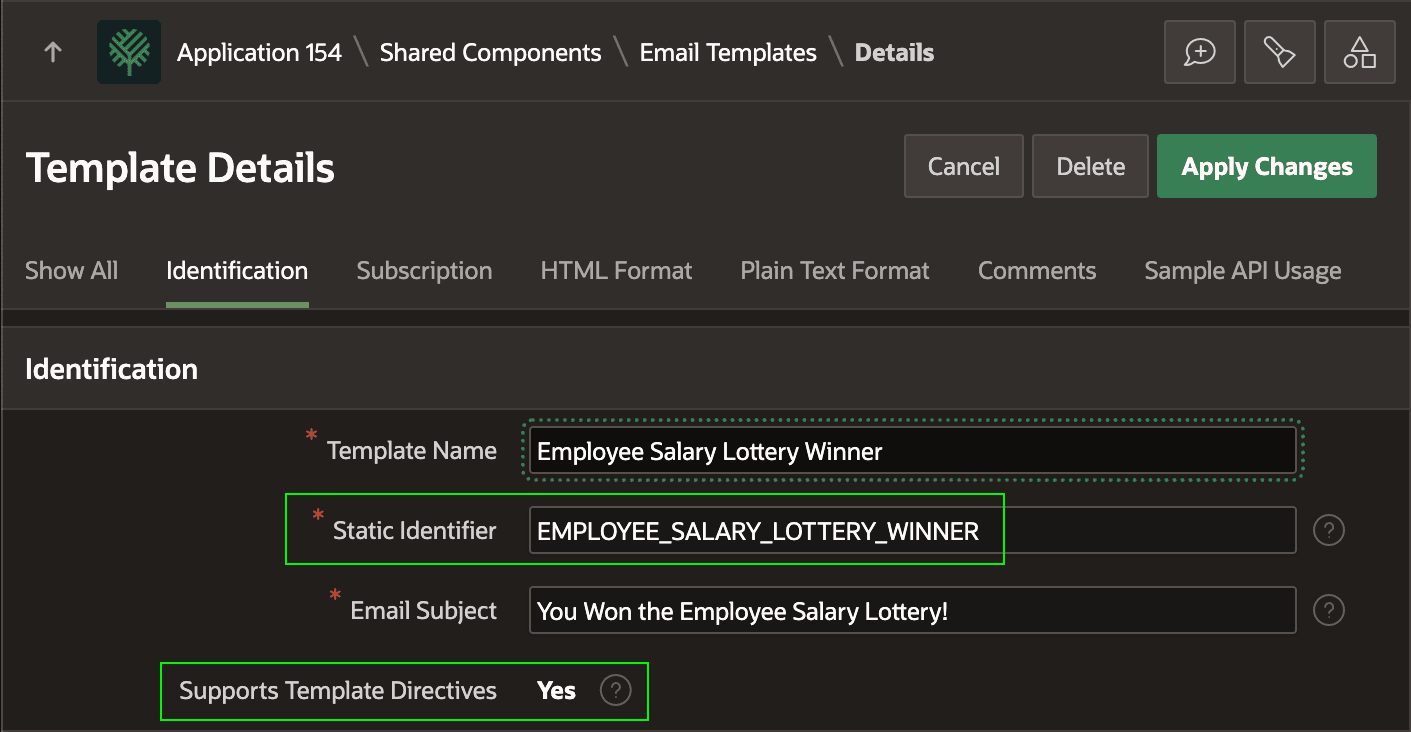
Description of the illustration email-template-static-id.png
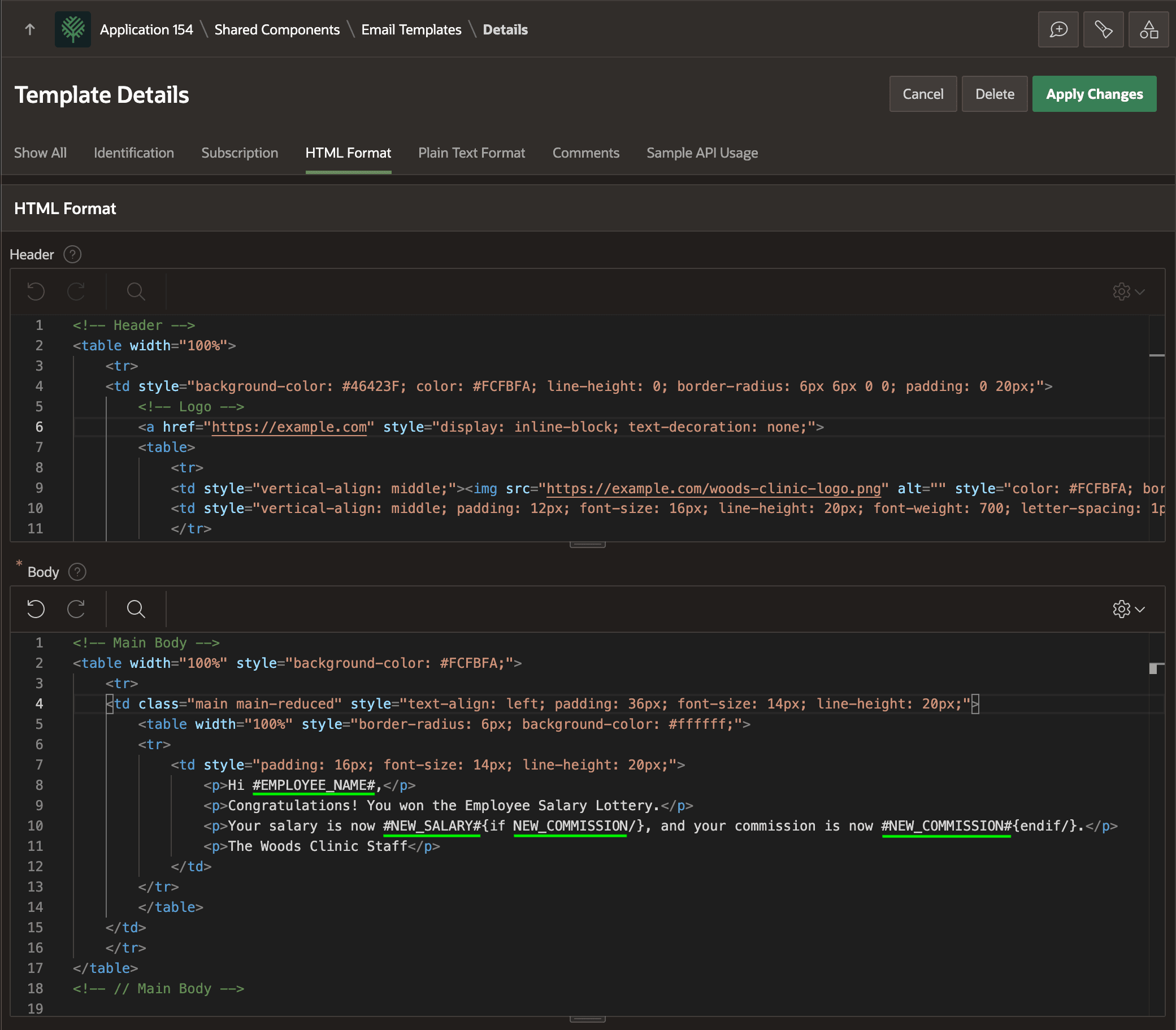
This email template specifies the HTML markup for the Header and Body sections, and includes placeholders EMPLOYEE_NAME, NEW_SALARY, and NEW_COMMISSION underlined for emphasis in the template Body. Notice the body uses the {if/}⋯{endif/} template directive to conditionally include the phrase about a new commission only if NEW_COMMISSION has a value.
**{if** NEW_COMMISSION**/}**, and your commission is now #NEW_COMMISSION#**{endif/}**