41 Indexing
This section provides information about creating indexes for vector data.
Parent topic: Vectors
41.1 Overview
A vector index makes similarity search much faster. Without one, the database has to compute the distance from your query vector to every single stored vector. This works fine for a few thousand documents, but becomes slow for a few million.
Oracle Backend with Firebase APIs supports two index types:
- HNSW (Hierarchical Navigable Small World) — graph-based, very fast queries, higher memory cost.
- IVF (Inverted File) — partitions vectors into clusters, lower memory cost, slightly slower queries.
If you're not sure which to pick: HNSW is the better default for most workloads. Switch to IVF if memory becomes an issue.
You also pick a distance metric when you create the index which is what decides which vectors are "close" to your query vector:
-
COSINE — measures the angle between vectors. The most common choice for text embeddings, where the direction of the vector carries the meaning. Safe default if you don't know what your model was trained for.
-
EUCLIDEAN — straight-line distance between two points in space. Useful when vector magnitude matters, not just direction.
-
DOT — dot product. The fastest of the three to compute. Often used with embeddings that have already been normalized to unit length.
The metric is locked to the index at creation time. When you run a
findNearest query, the metric you pass has to match the one the
index was built with.
In the first version of Oracle Backend with Firebase APIs, indexes are created with default parameters. You can't tune things like HNSW's M (maximum connections per node) and efConstruction (construction-time search depth), or IVF's number of partitions. Tunable parameters are coming in a later release.
Note:
One important rule is that the similarity search requires an index. You have to
create one before you can run a findNearest query.
Parent topic: Indexing
41.2 Console Steps
-
Open the Database section in the Console.
-
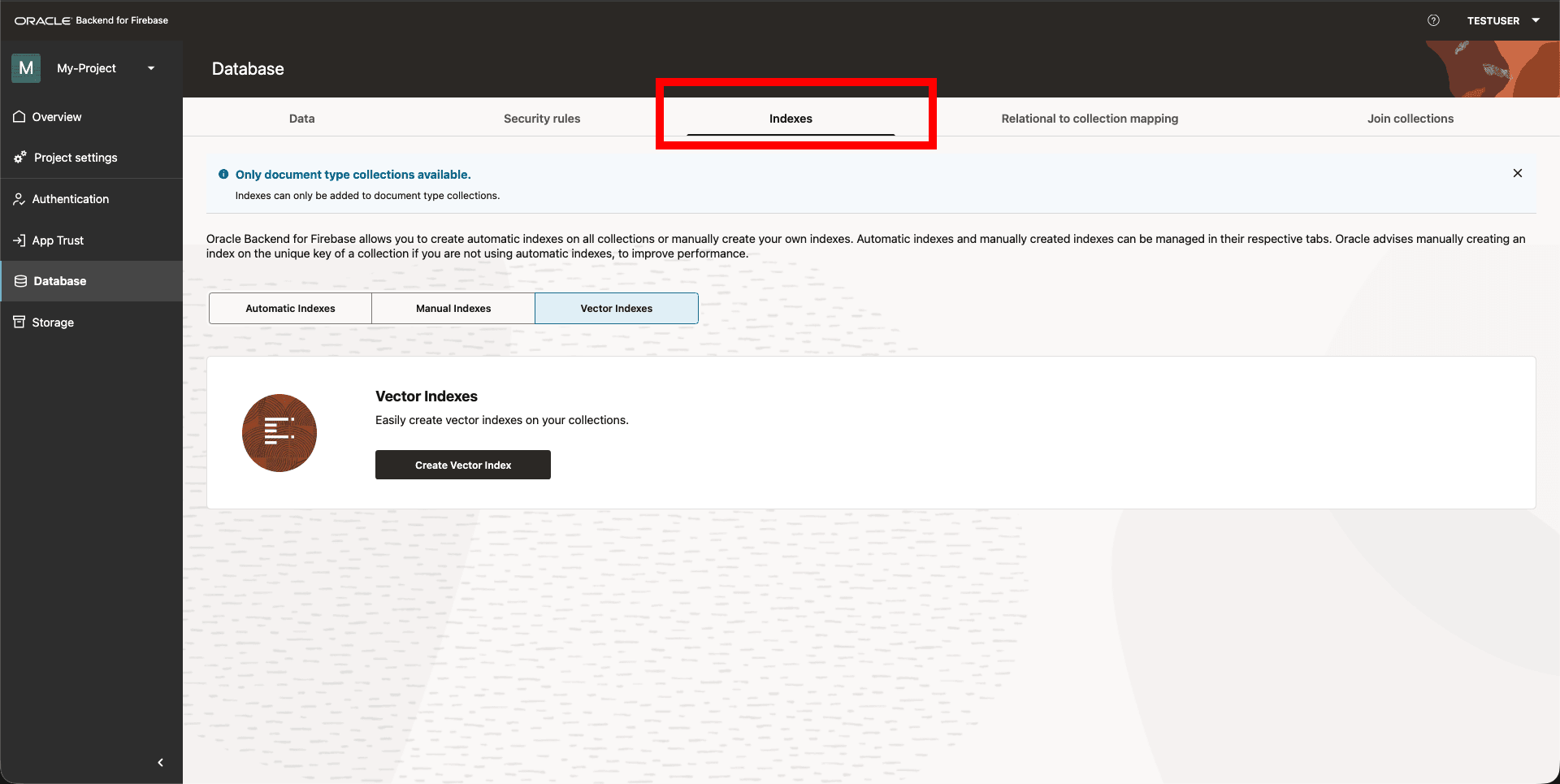
Navigate to the Indexes tab and click Create Vector Index.
Figure 41-1 Console: Create Vector Index
-
Pick the vector column you want to index.
-
Pick the index type — HNSW or IVF.
-
Pick the distance metric — COSINE, EUCLIDEAN, or DOT.
Parent topic: Indexing