Comparing Code Changes with Original/Database Version
This topic describes the procedure to compare code changes with the original version in database.
- On the Program editor tool, either click Compare with Original icon to open your version and the original version of the same program file or click Compare with Database icon to open your version and the database version of the same program file.
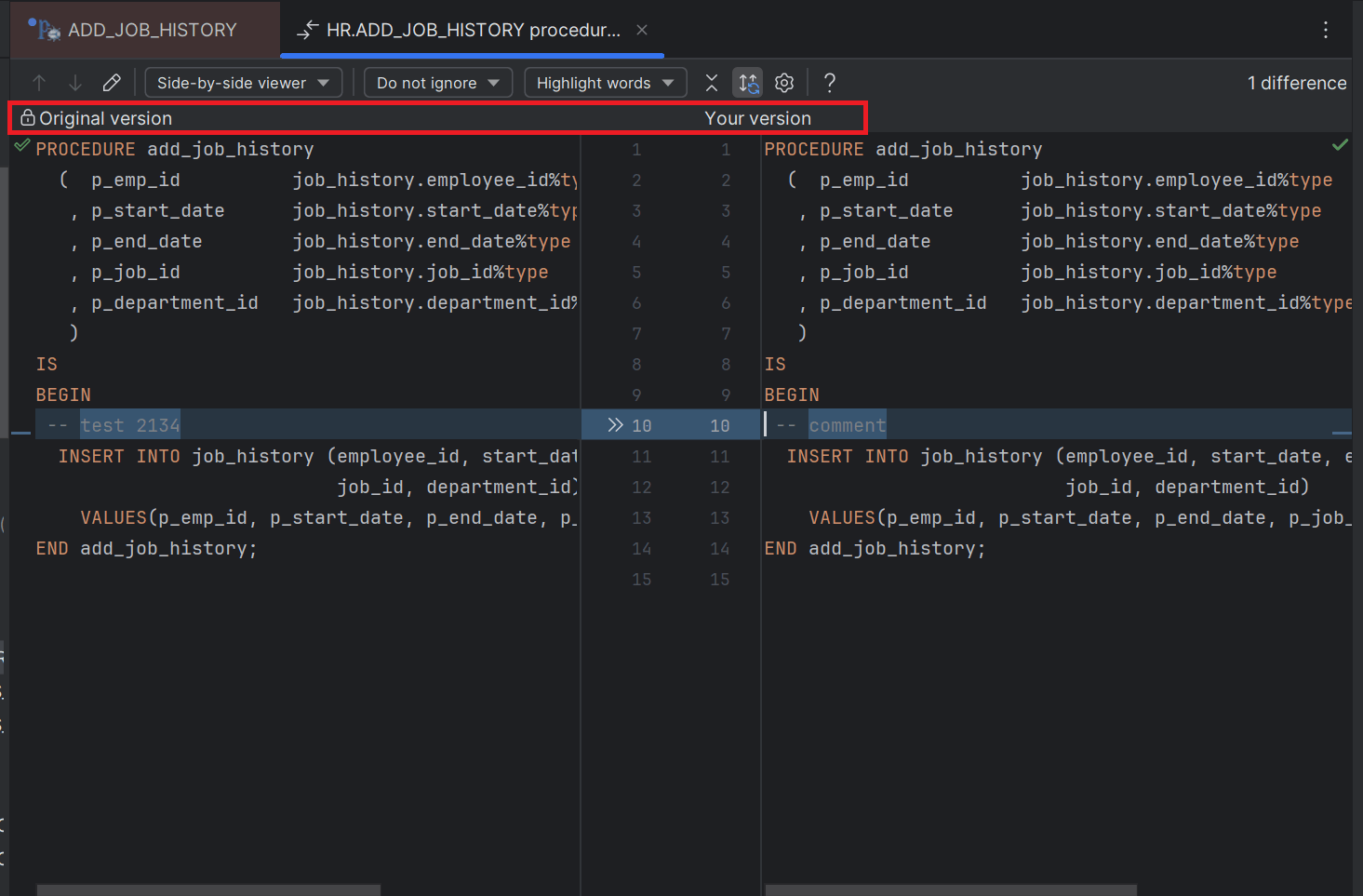
A new tab with the same file name and suffixed with 'Local version' opens along with the active editor tab. The new tab displays both the "Original version" and "Your version" by splitting the editor screen.
- The count of differences found in both versions are listed at the top-right corner of the split window screen.
- The line numbers and the differences in the line of codes are highlighted in both the split screens.
Code comparison between your local version and original database version
Code comparison between your local version and current database version
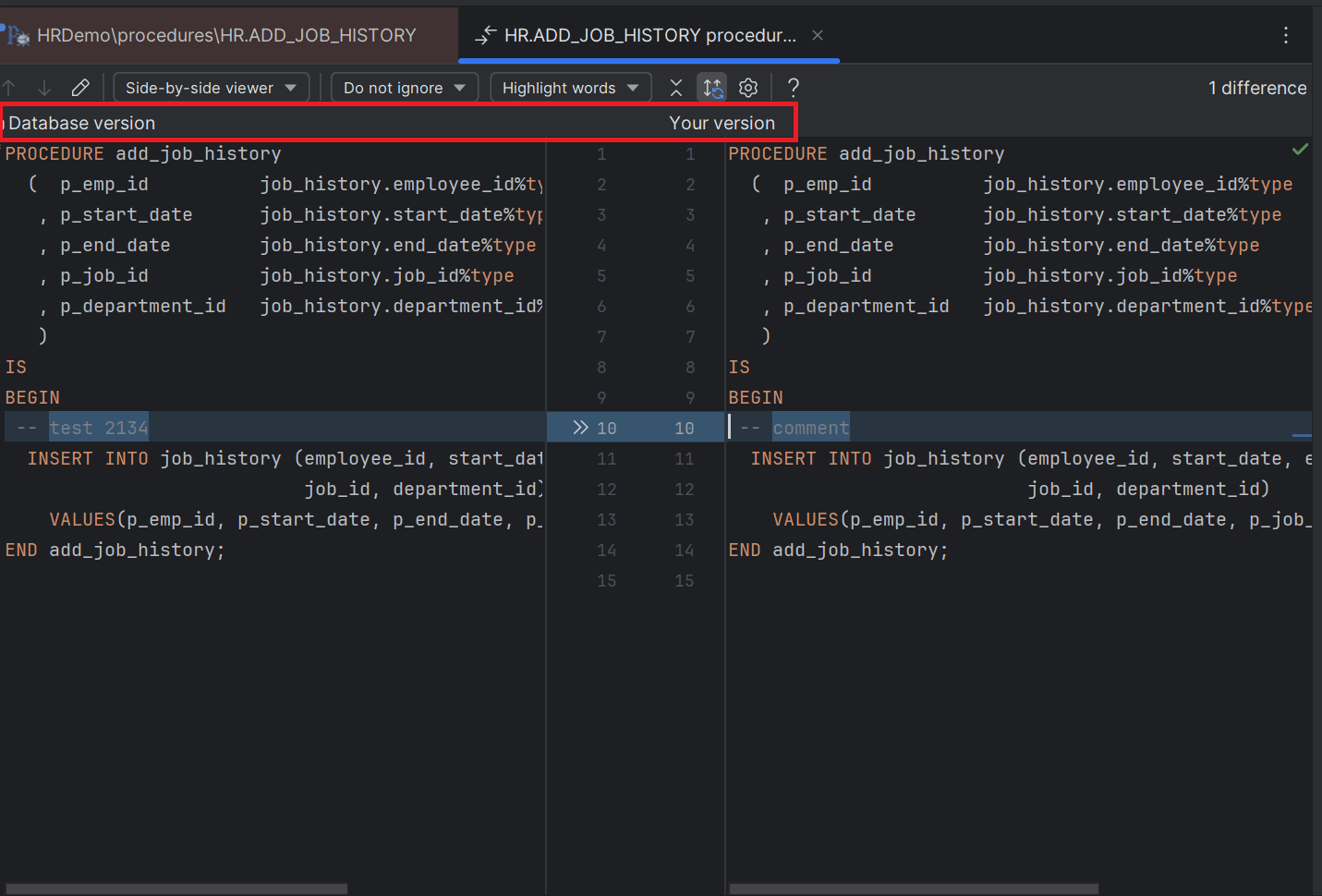
- You can navigate between next and previous differences by using the Up and Down arrow icons on the toolbar.
- You can configure the viewer screen to display the version side-by-side or in a unified screen.
- You can choose to ignore whitespaces and empty lines, or trim whitespaces, or highlight the differences for whitespaces and empty lines.
- You can configure the level of differences (lines, words, characters, etc.) to be highlighted in the viewer screen for both the version.
- You can keep the line of codes/fragments with no differences collapsed on the viewer screens.
- You can also open the original version of the program saved in database in a new editor tab and make changes in that version.
Parent topic: Program Editor