Program Editor
This topic provides an overview of the program editor and its features.
Oracle® Database Navigator Program Editor supports viewing and editing SQL programs including Functions, Procedures, Packages and Types, as well as the code structure for Views and Materialized Views. Apart from making changes to the program, the editor offers special inline editing capabilities that are common across the platform. For more information on the editor settings and program editing features, see Code Editor Features.
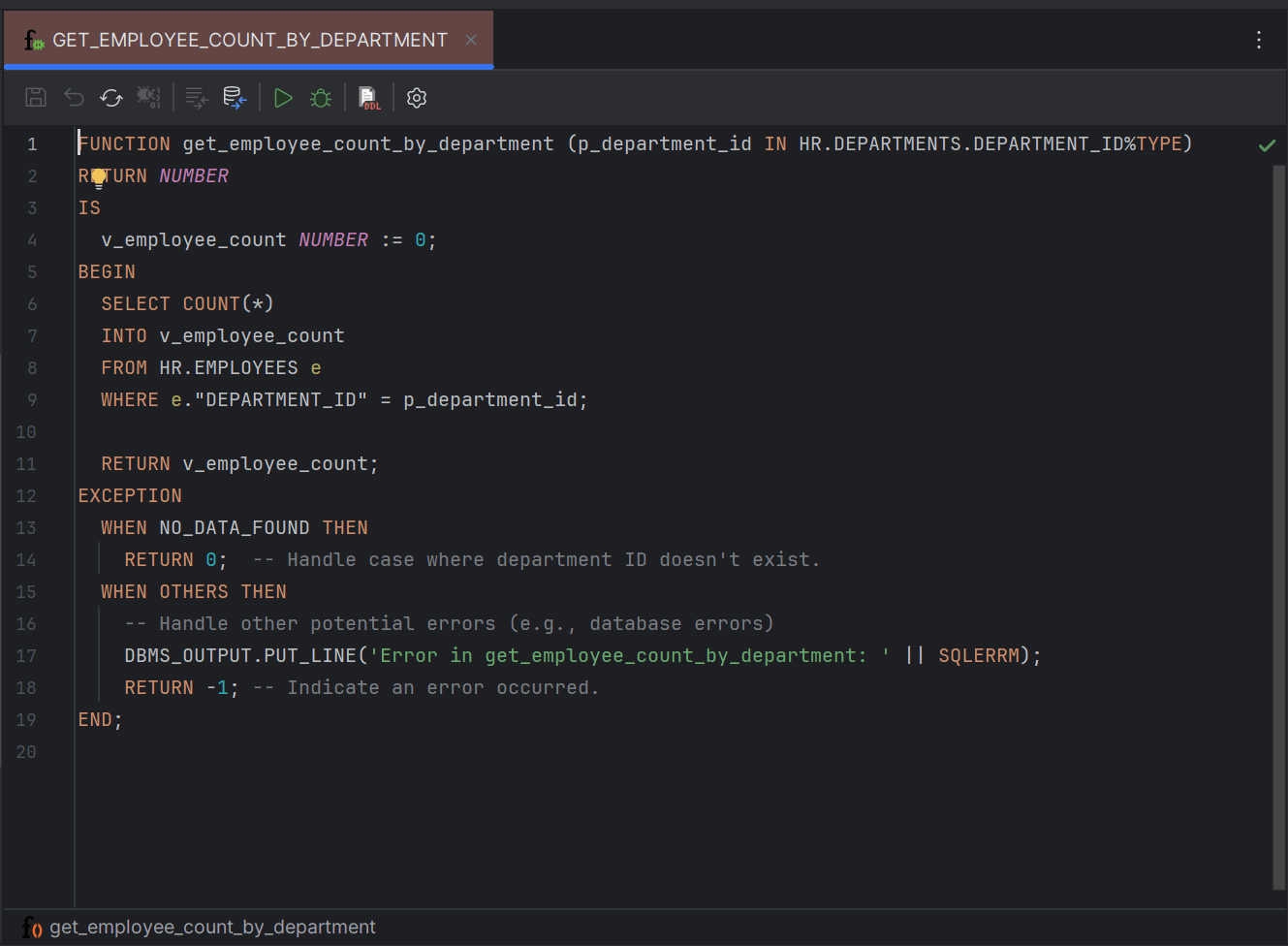
Sample Program Editor for Database Functions
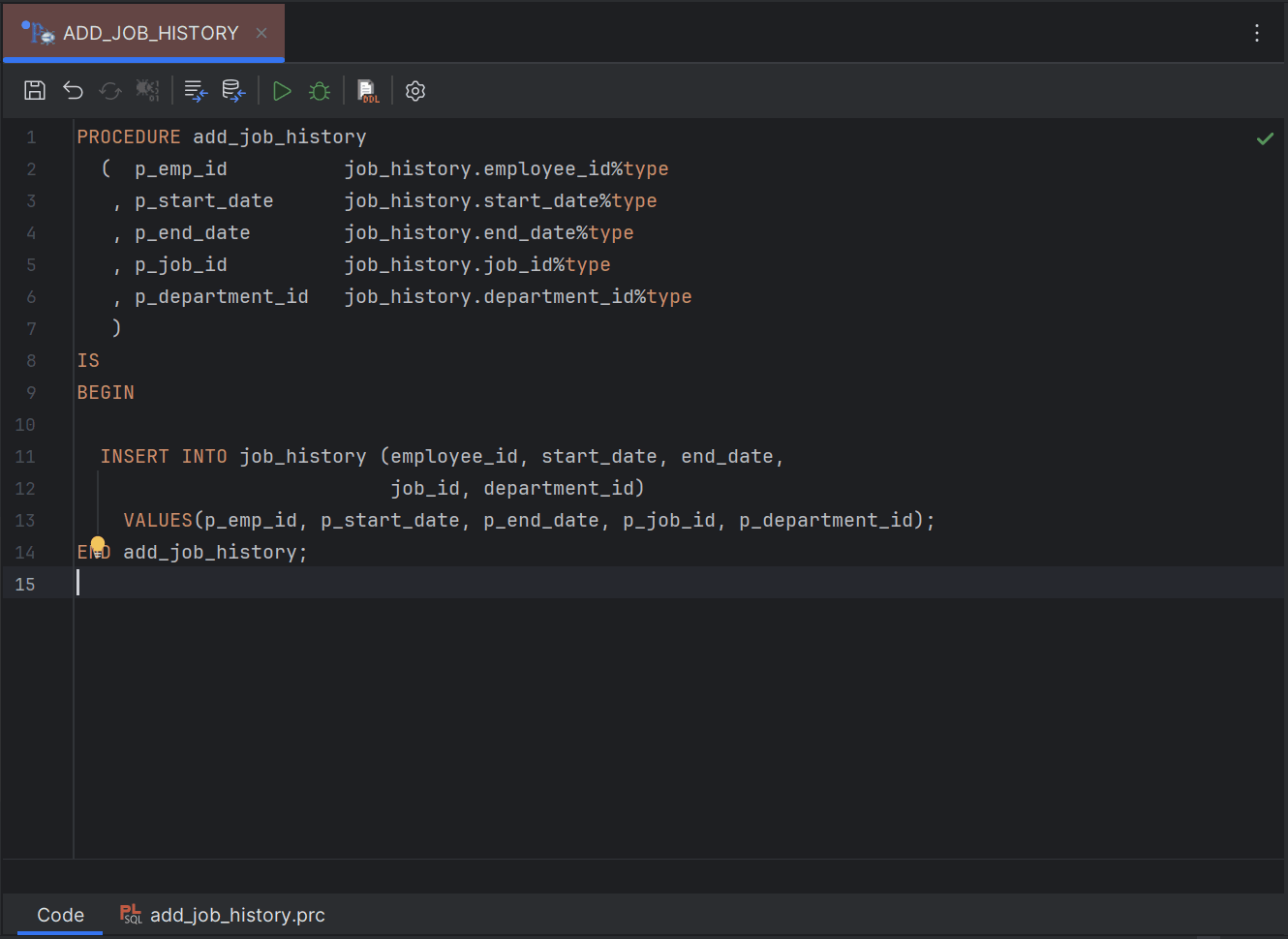
Sample Program Editor for Database Procedures
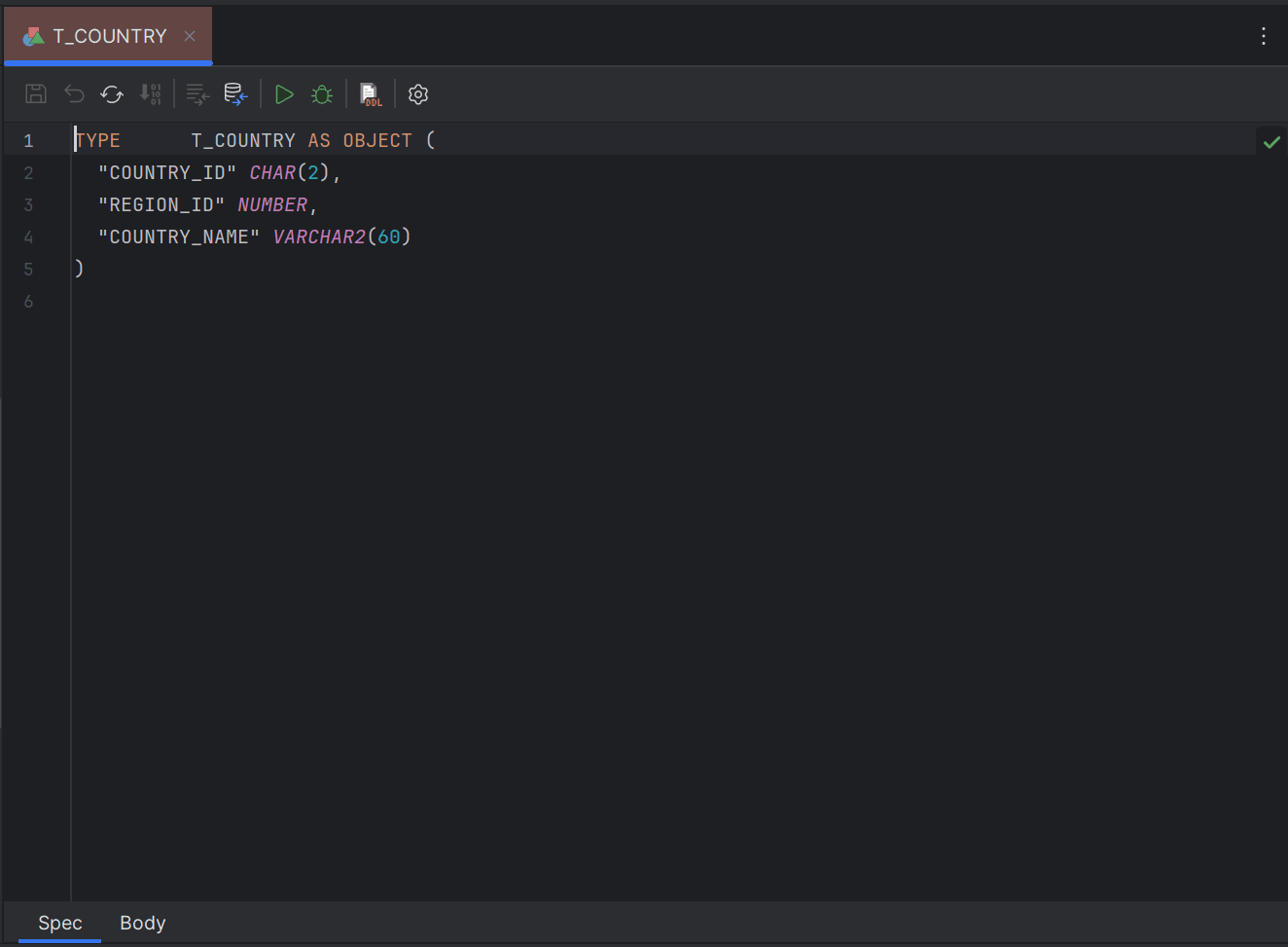
Sample Program Editor for Database Types
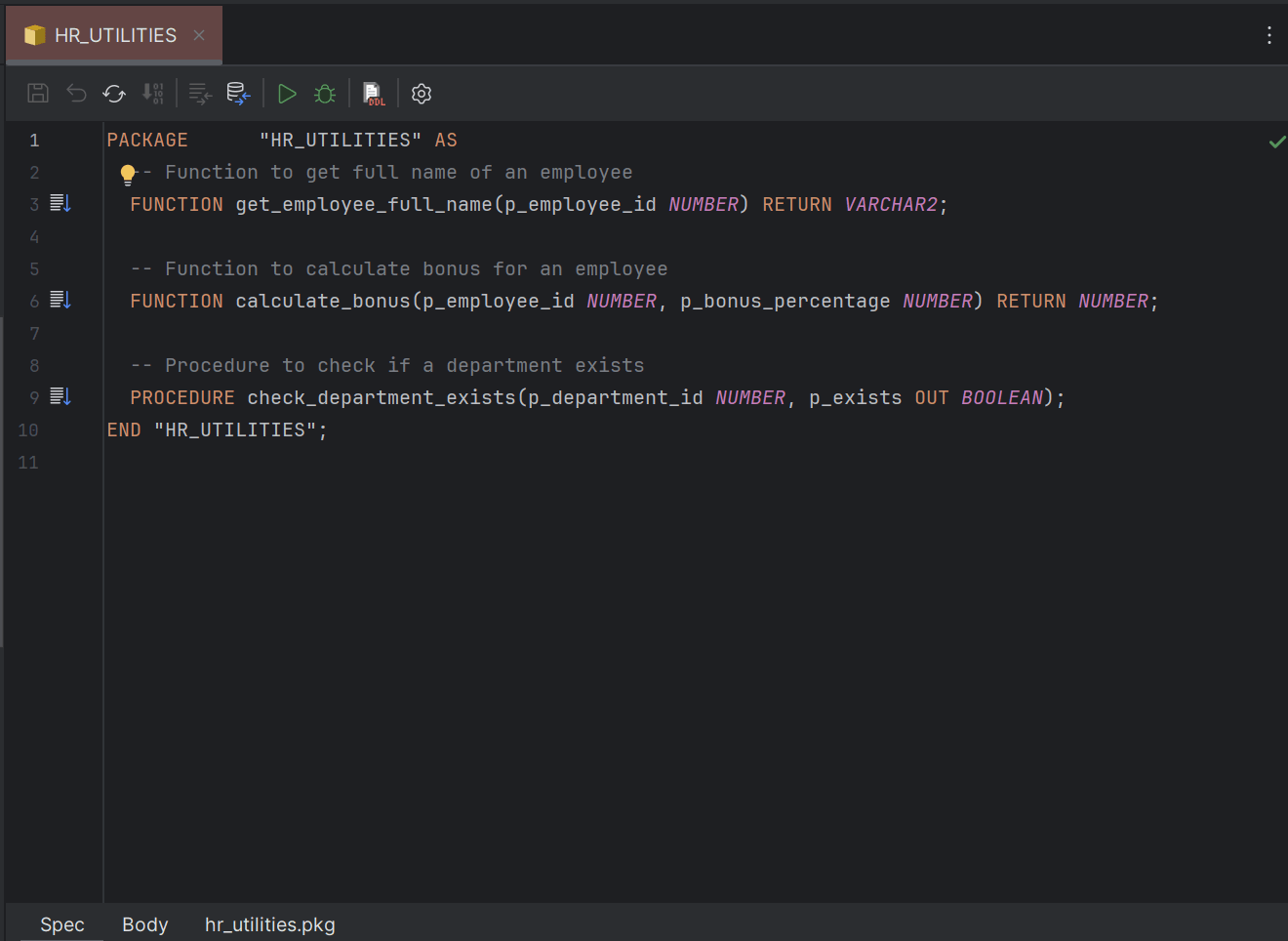
Sample Editor for Database Packages
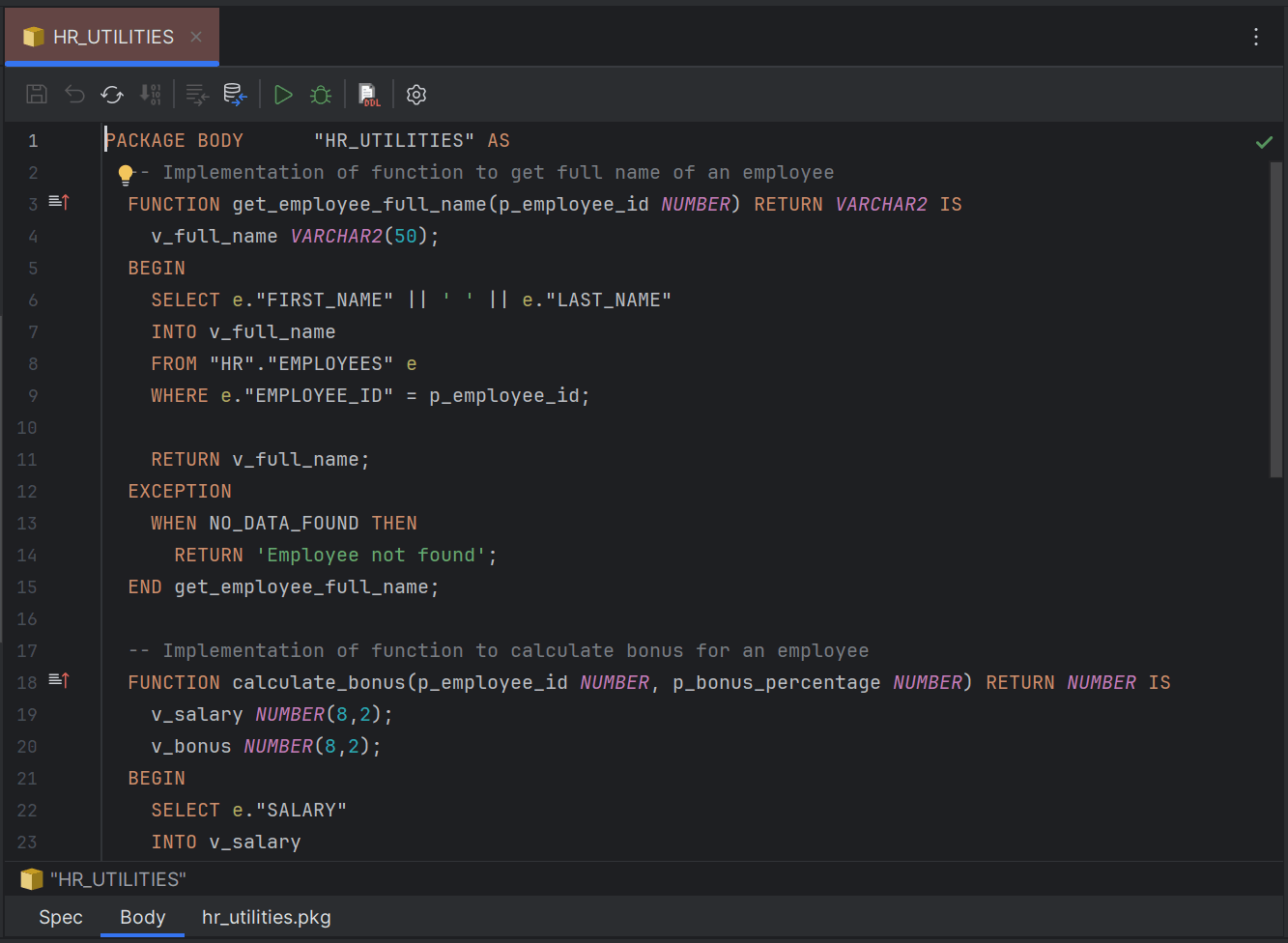
The Program Editor toolbar allows you to perform the following operations when you make changes to the database methods:
| Toolbar Options | Description |
|---|---|
| Save | Lets you save the changes you make to the program into the database; you alternatively can use Ctrl + S. |
| Revert Changes | Lets you revert the changes you have made to the program before committing to the database. |
| Reload | Reloads the latest version of the program code on the editor. |
| Compile | Lets you compile the SQL program. |
| Compare with Original | Produces your local version of code alongside the original version of code for comparison and marks out the differences. |
| Compare with Database | Produces your local version of code alongside the version of code available in database for comparison and marks out the differences. |
| Run Method | Opens the DB Navigator - Execute Method dialog box where you can enter the input parameters to execute the method. |
| Debug Method | Asks you to select the type of debugger type before going ahead with program debugging. |
| DDL Files | Lets you create/attach/detach DDL file for the object you are editing. You can also access the DDL File settings to modify the configurations. |
| Settings | Access the Code Editor settings for common configurations of the editor panel. |
- Comparing Code Changes with Original/Database Version
This topic describes the procedure to compare code changes with the original version in database. - Conflict Resolution of Code Versions
This topic provides explanation on resolving version conflicts for database transactions.
Parent topic: Code Editors