Disassociating DDL Files
This topic describes the procedure to dissociate DDL script files from database objects.
- From the editor toolbar menu, click the DDL File icon and select the Detach Files option.
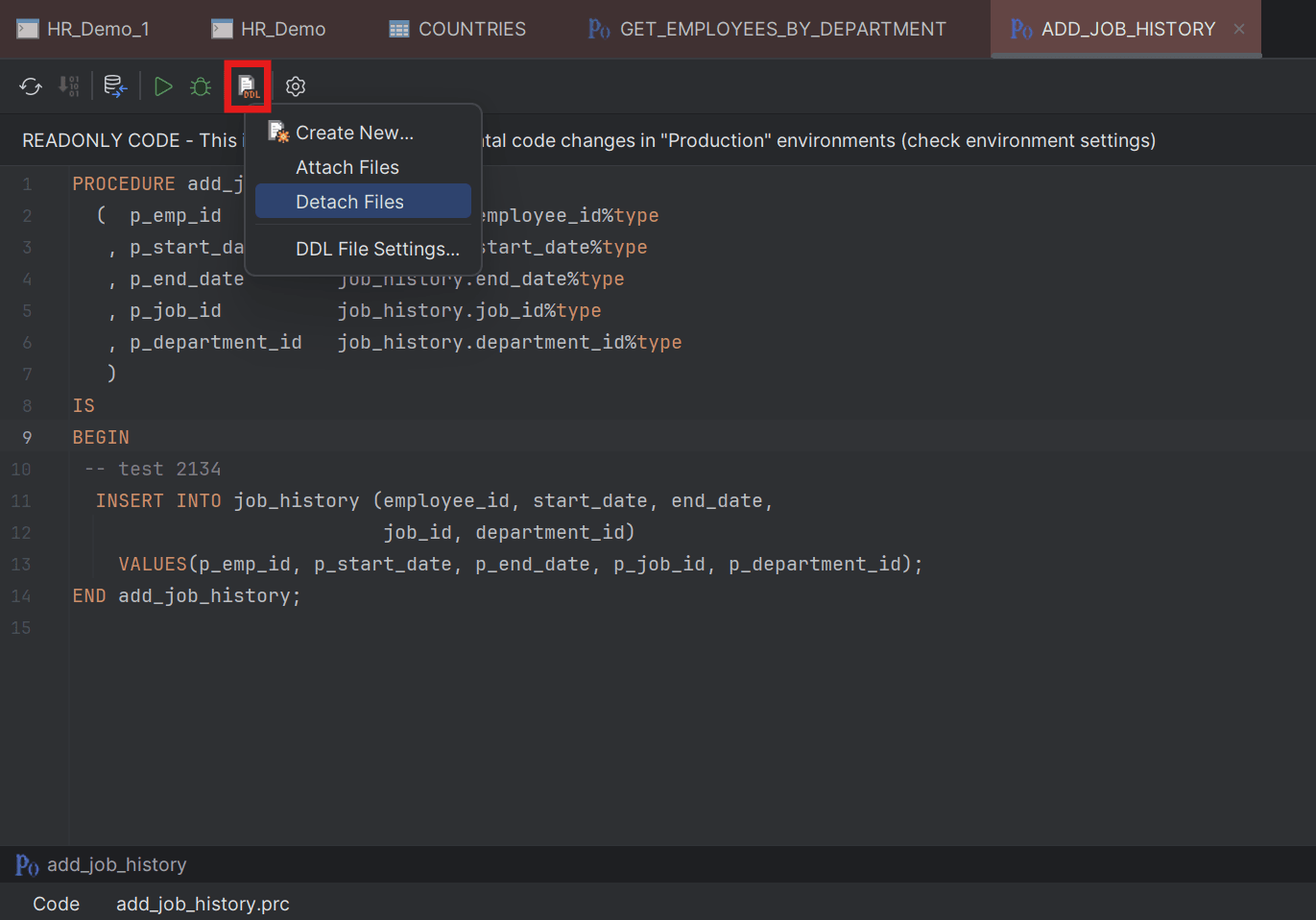
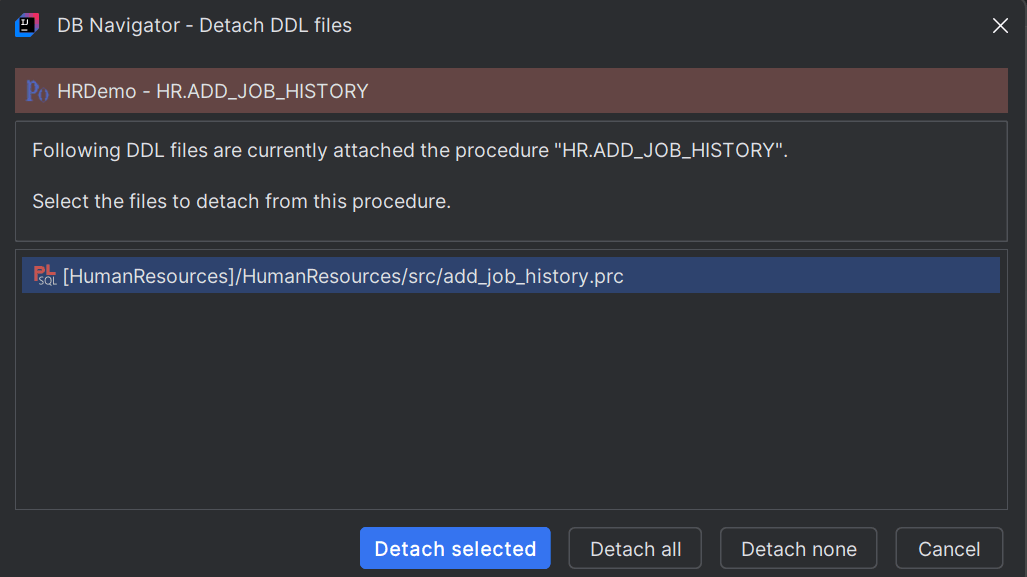
The DB Navigator - Detach DDL Files dialog box opens displaying the DDL file(s) associated with the object.
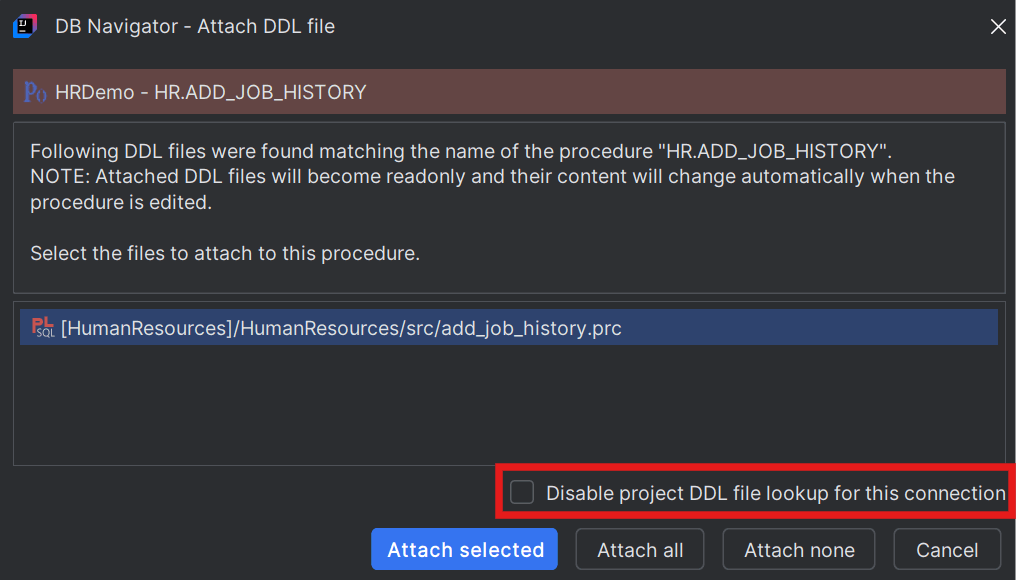
If one or more DDL file is found matching the name of the database object that you open to edit, Oracle® Database Navigator suggests attaching the DDL file to that object. You can also choose to disable the feature of looking up DDL file(s) for a data object in the project scope of the database connection, when you open the DB object in the editor. For that, select the Disable project DDL file lookup for this connection check box in the DB Navigator - Attach DDL File dialog box.
Parent topic: DDL File Editor