Creating DDL Files
This topic describes the procedure to create and associate DDL script files to database objects.
- From the DB Browser pane, double-click the object from the database tree structure to open it in the SQL Editor window.
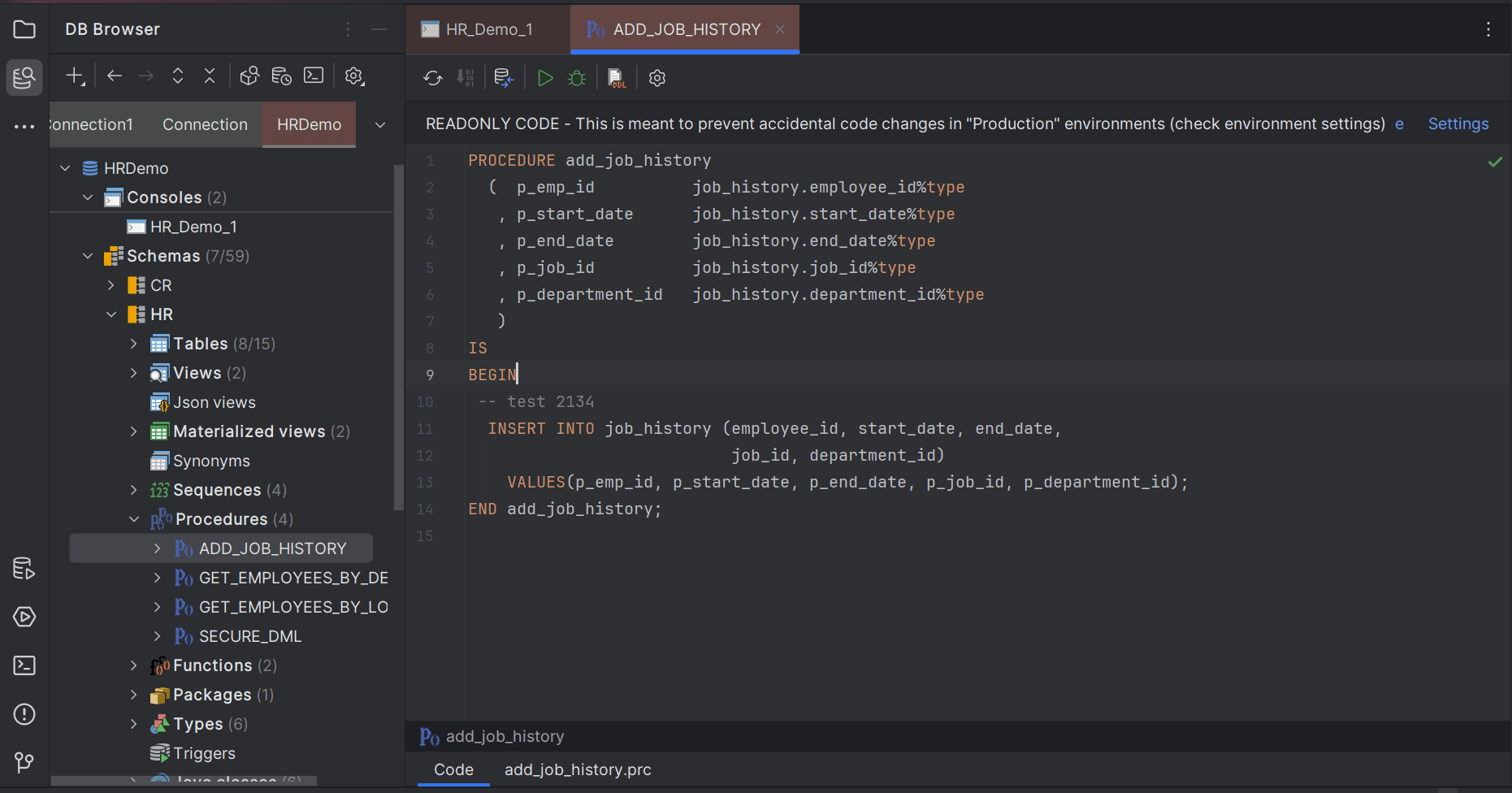
- Select the Project folder location where you want to save the new DDL file. The new DDL file is created and opens in a new tab on the editor window. By default, the created DDL file is attached to the object.
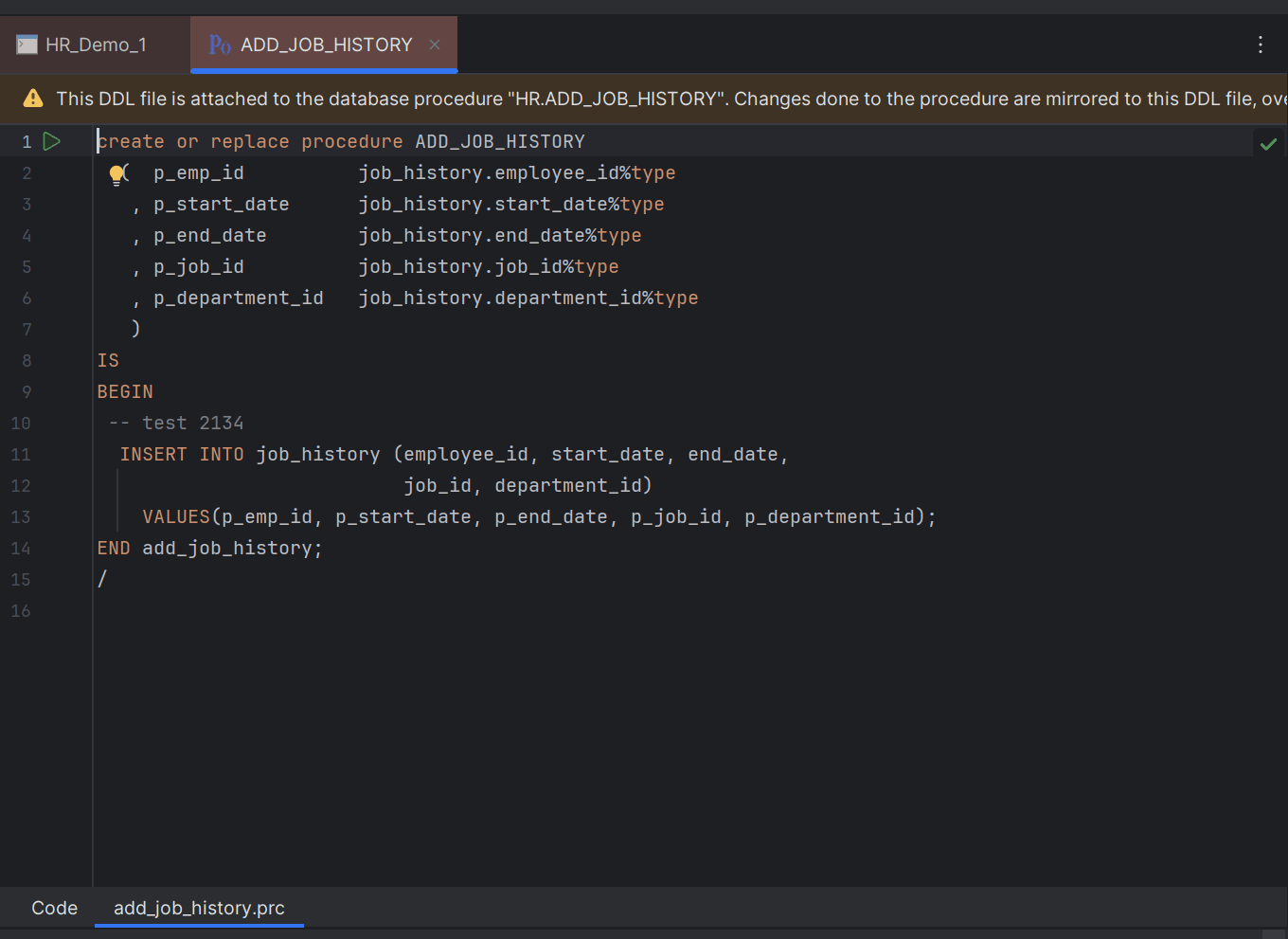
The DDL file extension is based on the database object which it is mirroring. Changes made to the code in the database object are reflected on the attached DDL script. You can commit the attached DDL file to commit your code changes.
Parent topic: DDL File Editor