DDL File Editor
This topic provides an overview of editing DDL script files in the built-in editor.
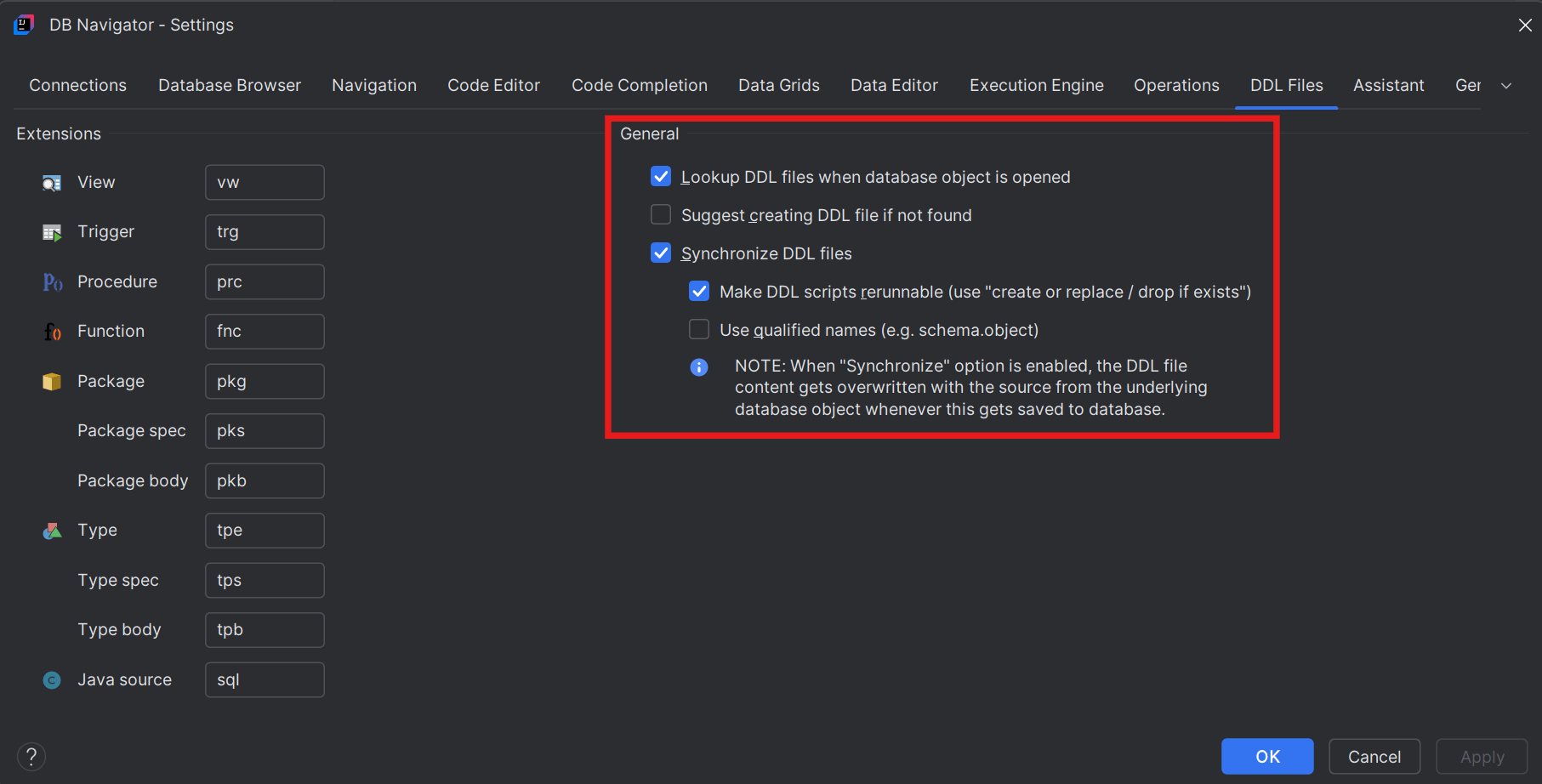
DDL scripts enable you to define and create data structures and comprise set of SQL commands. DDL files are saved in your local project and associated with database objects. Oracle® Database Navigator allows you to view and synchronize DDL files used in the creation of the database objects or the schema. The DDL File settings lets you configure extensions, extraction methods and synchronization of DDL files.
To access the DDL File settings, from the Main menu of Oracle® Database Navigator tool, select DB Navigator > Settings > DDL Files tab. For more information, see DDL File Management.
The DDL File Editor provides the following options in the toolbar menu to perform various operations on the DDL script:
| Toolbar Option | Description |
|---|---|
| Compare with Databases | Switch database logging on or off to enable/disable the database logging integration during statement execution. This option is only supported for Oracle databases - DBMS output. |
| Execute Method | Invoke execution of the database method at the cursor. |
| Debug Method | Invoke debug execution of the SQL statement at the cursor. |
| Explain Plan for Statement | Invoke extraction of explain plan for the SQL statement at the cursor. |
| DDL File | Invoke attaching an existing DDL to the method or creating a new file, if it does not exist. |
| Options | Access the Code Editor settings. |
- Creating DDL Files
This topic describes the procedure to create and associate DDL script files to database objects. - Disassociating DDL Files
This topic describes the procedure to dissociate DDL script files from database objects.
Parent topic: Code Editors