Editing SQL Script Files
This topic describes the procedure to write and modify SQL script files in SQL editor.
The SQL Editor in Oracle® Database Navigator enables you to write, edit and execute multiple SQL statements, save them as SQL script files and reuse them. To open an SQL script file:
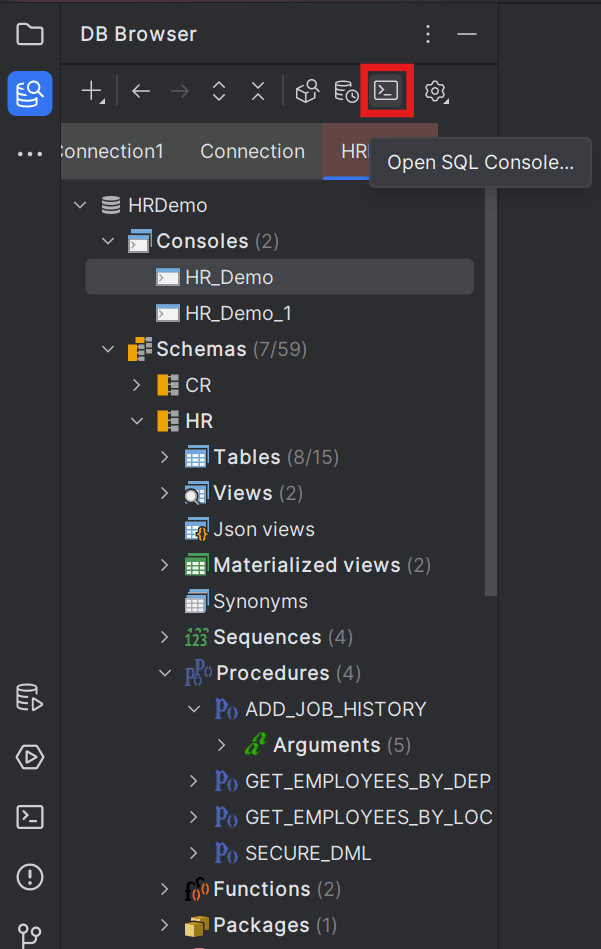
- From the DB Browser window toolbar, select the database connection and click the Open SQL Console icon.
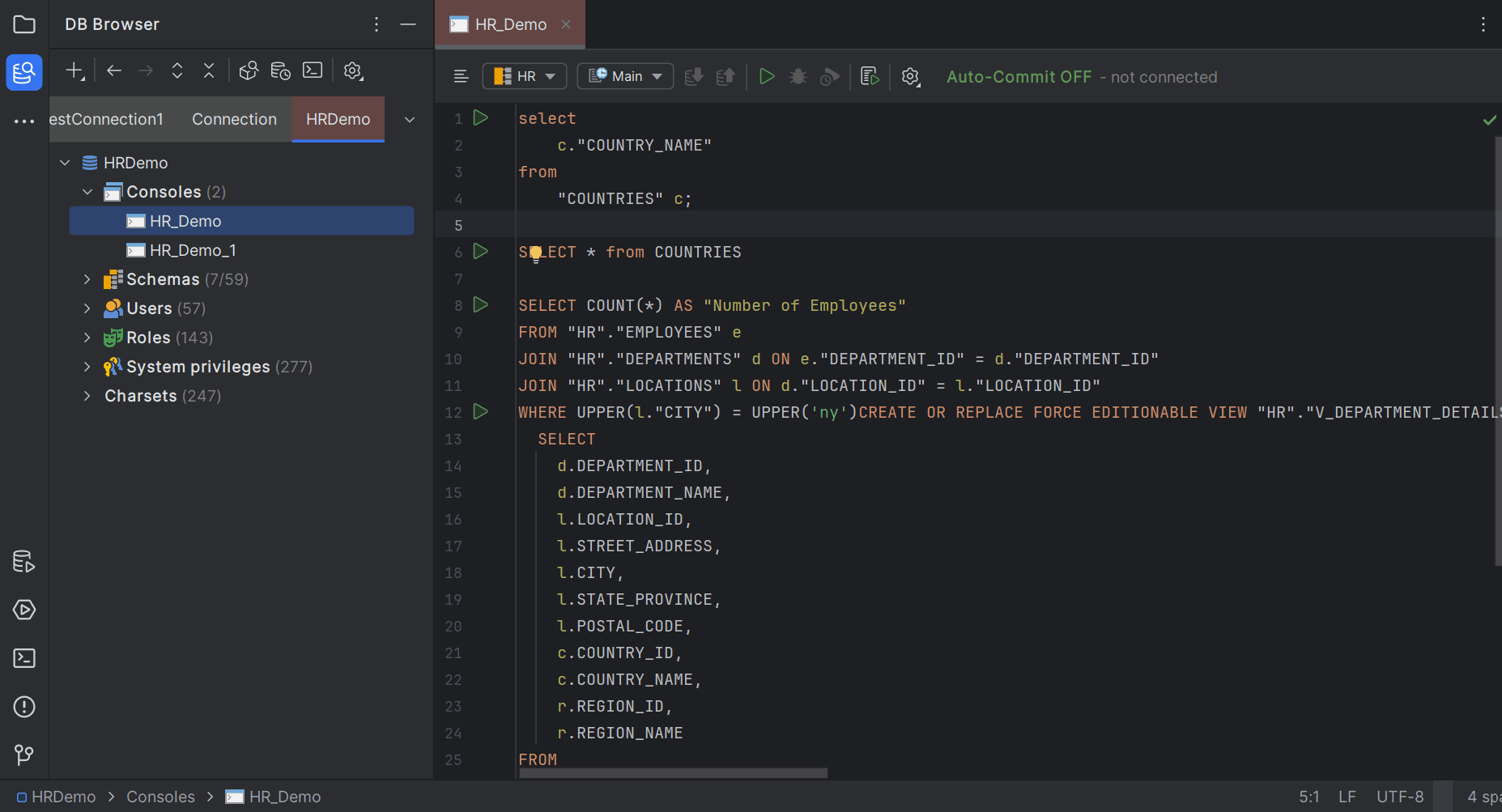
- Double-click the SQL console from the list of available consoles in the database connection.
The SQL console containing the SQL script opens in the editor window.
Parent topic: SQL Editor