Creating New SQL Consoles
This topic describes the procedure to create new SQL consoles within a database connection.
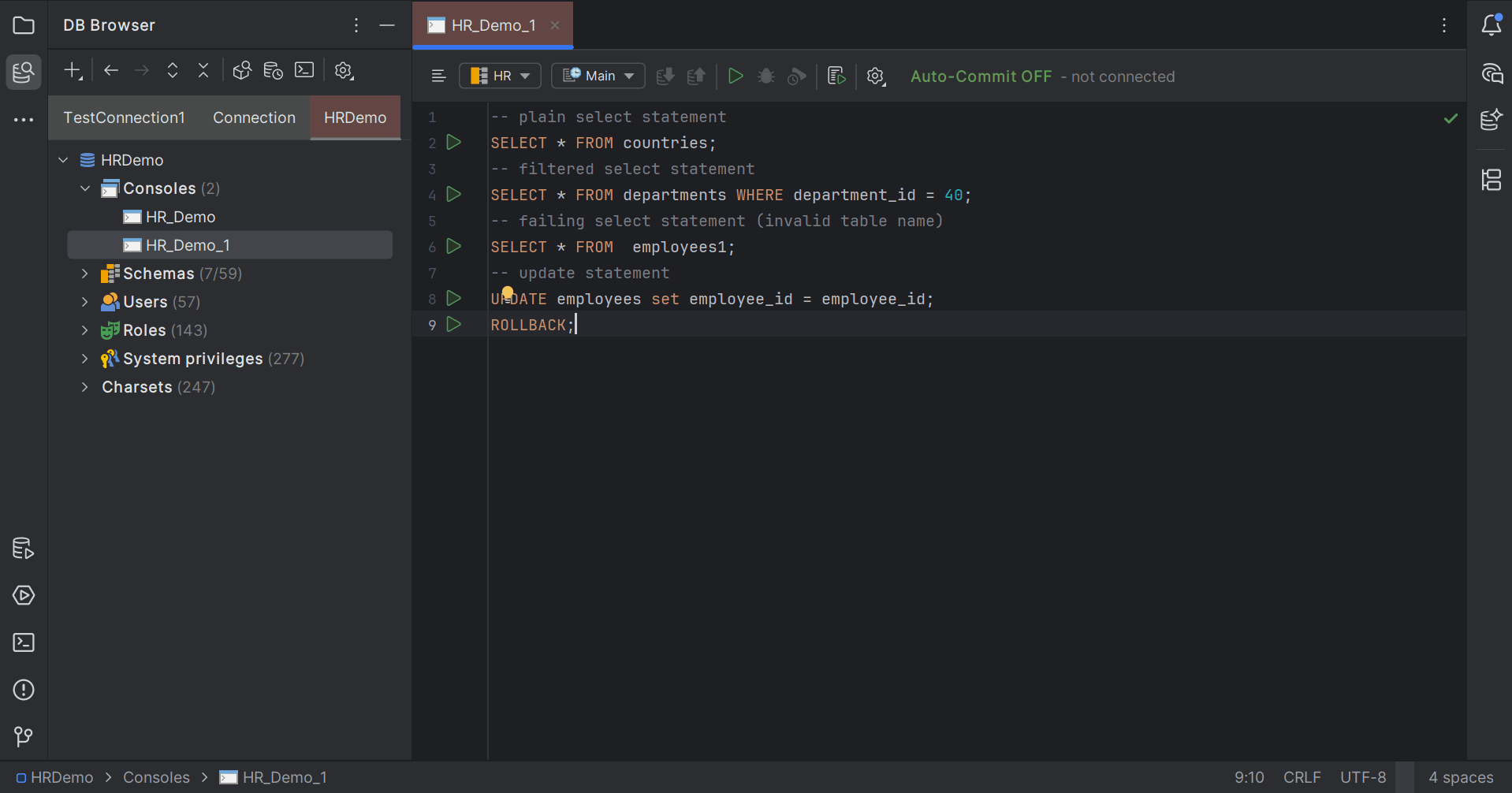
SQL consoles in a database system provides interactive environment to write, execute and manage SQL queries. The SQL console contains a dedicated area for writing and editing SQL statements, which is the SQL Editor window. In addition to writing and editing SQL queries, the console allows you to execute the queries, display results in separate tab, save the query as SQL files, explore the database schema, and manage sessions, among other functionality.
Follow these steps to create a new SQL console in a database connection:
- Select the DB connection from the DB Browser window and select New SQL Console option from the context menu.
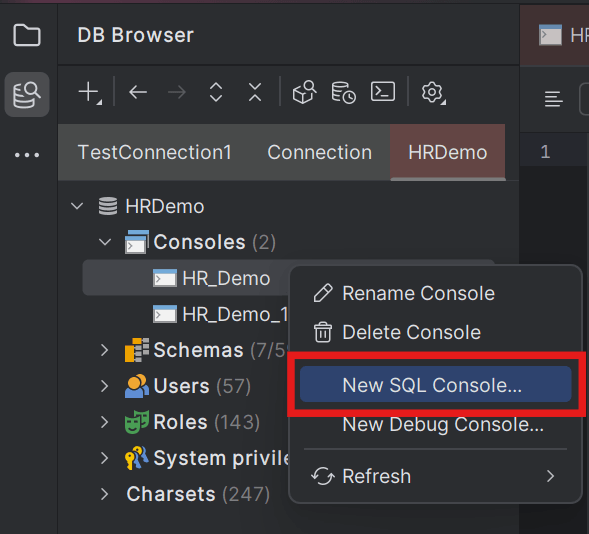
The DB Navigator - Create SQL Console dialog box opens.
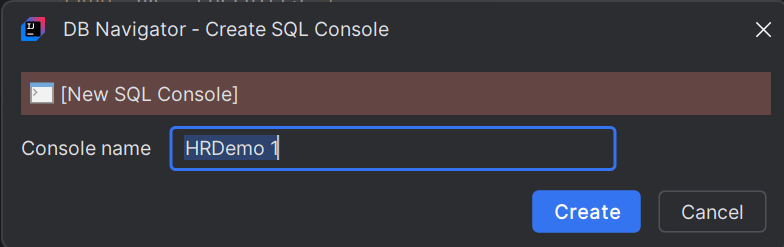
- Enter the Console name in the dialog box and click Create.
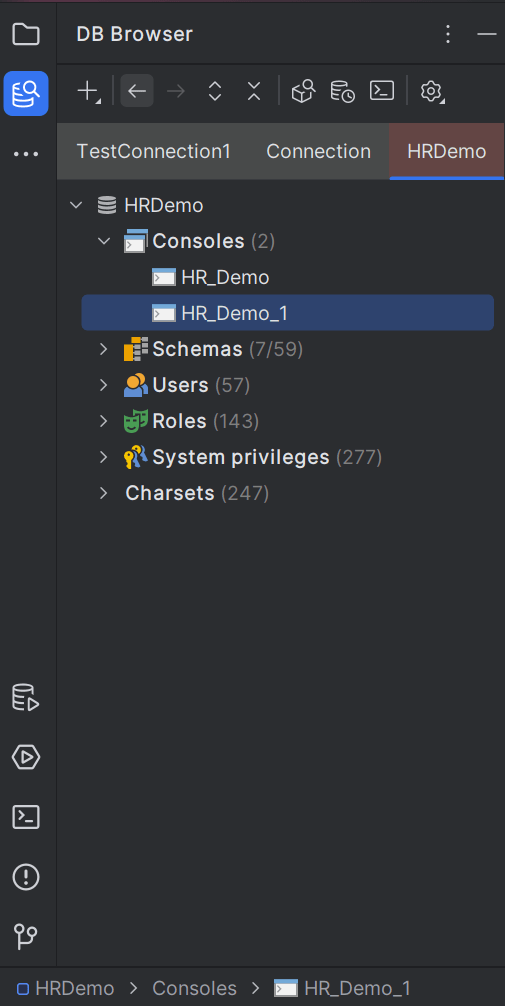
The new console gets added to the database connection and is visible in the database tree structure on the DB Browser pane.
- Double-click the new console to open it is the SQL Editor pane.
Parent topic: SQL Editor