Configuration of Code Editors
This topic provides an overview of the type of Code Editors available in Oracle® Database Navigator and their configuration.
Oracle® Database Navigator provides code editors for SQL statements, SQL scripts, methods/functions, Java programs, JSON codes and DDL files. All code editors feature intelligent SQL and PL/SQL support, including syntax highlighting, code completion, and code navigation, along with context-aware intention actions (e.g. "Execute Statement" when the cursor is positioned on a SQL statement).
To configure the code editors, from the Main menu of Oracle® Database Navigator toolbar, select DB Navigator > Settings > Code Editor tab settings.
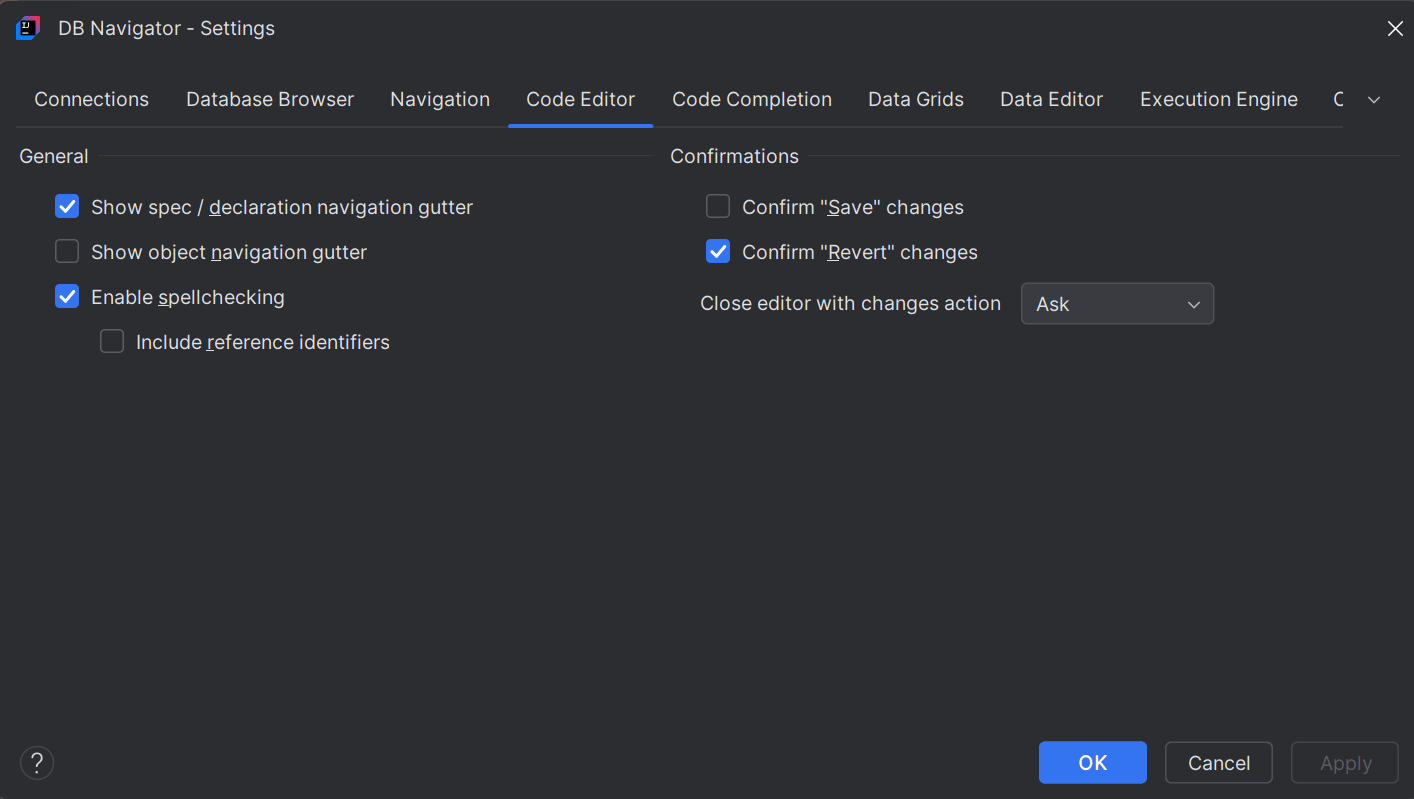
You can configure the following attributes of code editors from the settings screen:
| Settings | Configurations |
|---|---|
| General |
|
| Confirmations |
|
- Code Editor Features
This topic provides an overview of common Code editor features.
Parent topic: Code Editors