Data Editor Settings
This topic provides an overview of the settings to configure Data Editors.
To control how you would view and edit table (or views and materialized views) data in the Data Editor window, from the Main menu of the Oracle® Database Navigator toolbar, select DB Navigator > Settings > Data Editor tab.
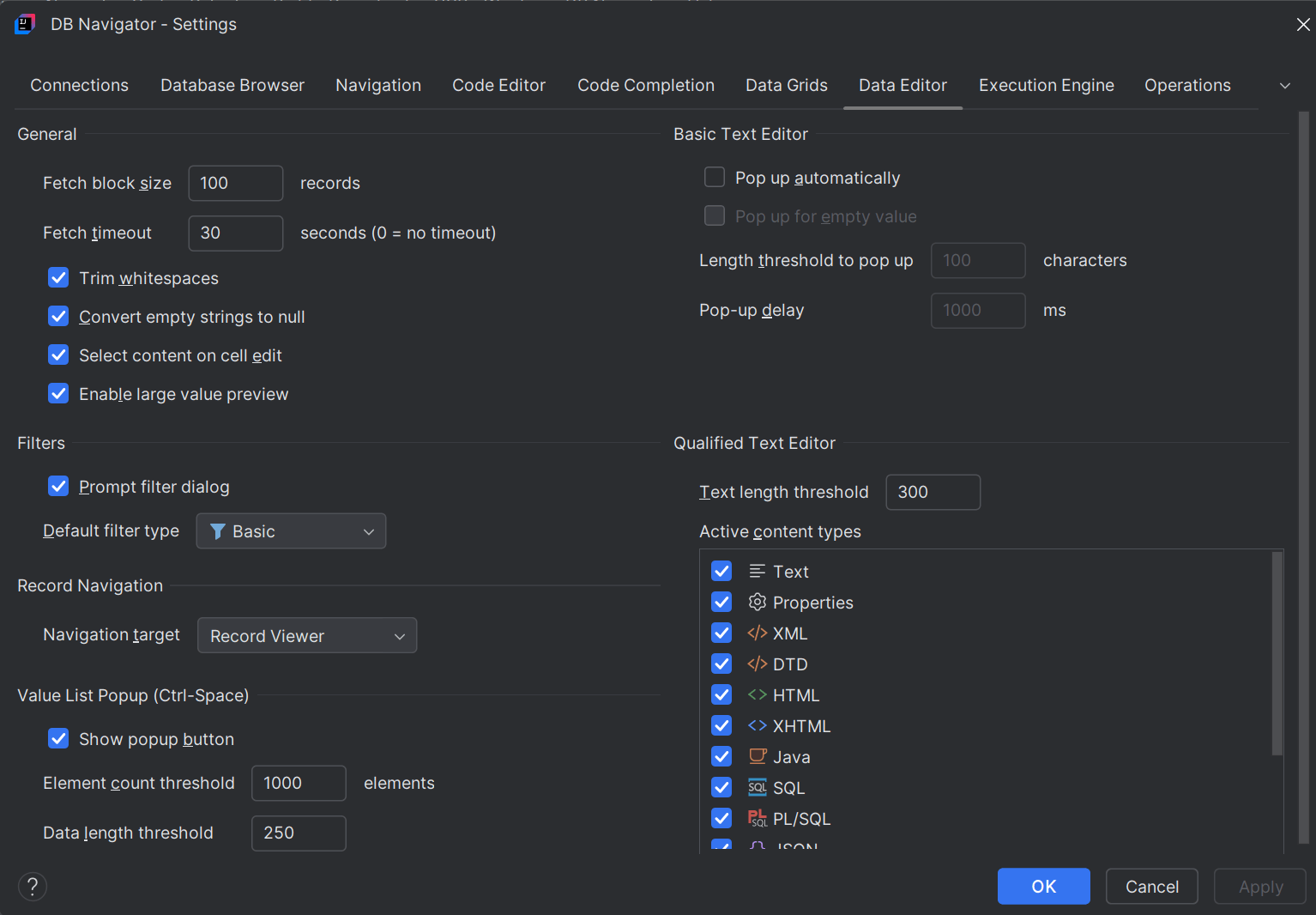
You can configure the following Data Editor settings:
| Setting Options | Configurations |
|---|---|
| General |
|
| Filters | Filter table contents by a column or by a specific cell value. Enable the default filter type to be one of the following:
|
| Record Navigation | Configure the default navigation to jump to either of the following:
|
| Value List Popup | Enable the value list icon for table columns when editing the records. Clicking the icon displays the list of possible values only for those columns for which you configure the following criteria:
|
| Basic Text Editor |
|
| Qualified Text Editor |
|
Parent topic: Data Viewers and Editors