Data Grid Settings
This topic provides configuration information of data grids of Data Editors.
Data Grids in table editors help in the display, organization, manipulation and retrieval of data represented in a tabular form. There are separate settings for configuring the data grids in the Database Navigator plug-in editor windows. To access the Data Grid settings, from the Main menu of Oracle® Database Navigator toolbar, select DB Navigator > Settings > Data Grids tab.
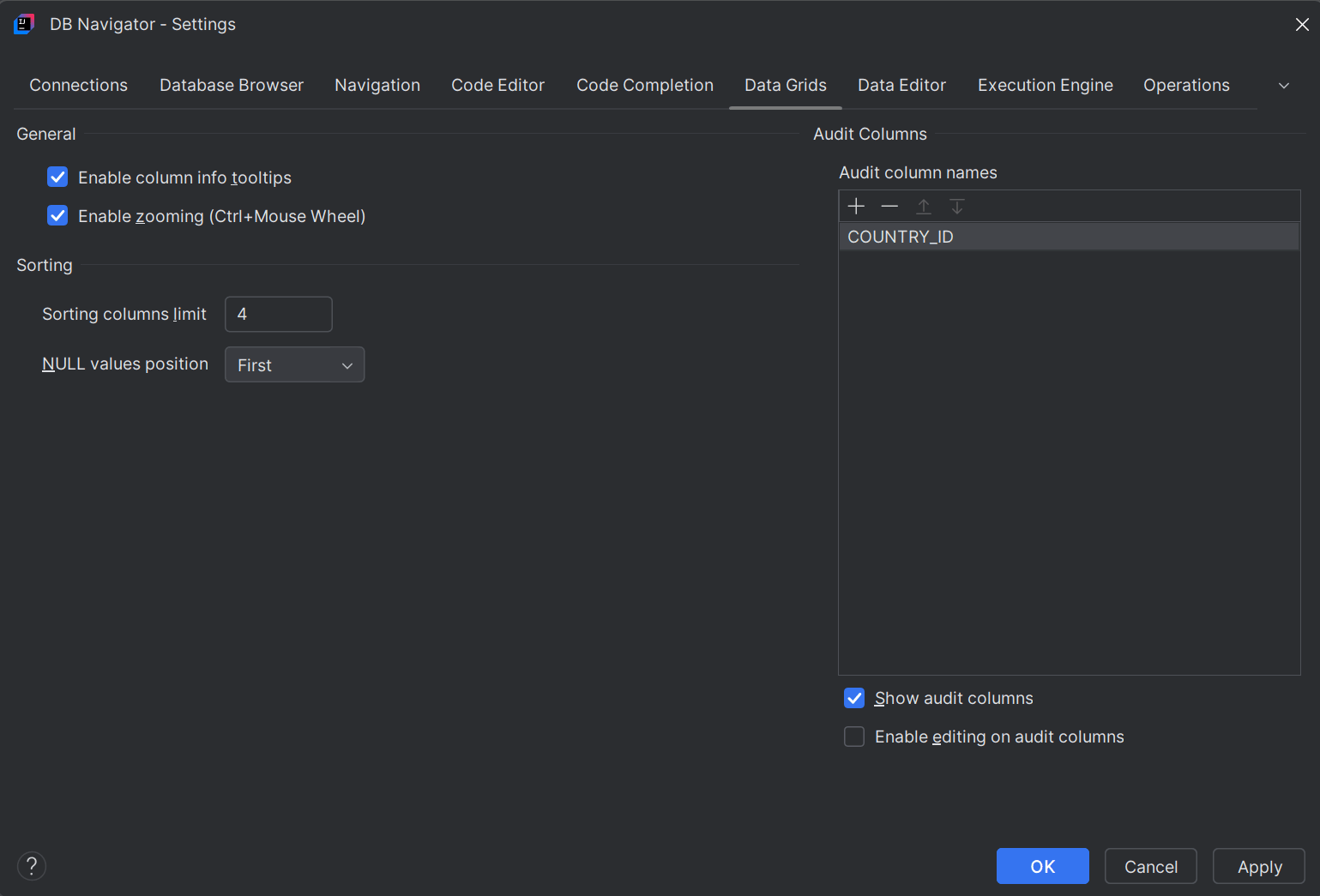
| Setting Options | Configurations |
|---|---|
| General |
|
| Sorting |
|
| Audit Columns |
|
Parent topic: Data Viewers and Editors