12 Database Assistant
This chapter provides an introduction to the AI assistance capabilities of Oracle® Database Navigator.
The DB Assistant module of Oracle Database Navigator plug-in comes integrated with the proficiencies of Oracle Select AI and other widely used large language models. The DB Assistant provides wide-range SQL translation and generation capabilities so you can generate and execute SQL queries specific to your organization's data.
Using the built-in 'natural language question-to-SQL query' capability of Select AI and other broad range of LLMs, it enables you to have a contextual interaction with your data sets intuitively and obtain instantaneous insights without the need of writing SQL queries.
The DB Assistant module provides you the option of setting up AI profiles that makes use of a language model of your choice (such as OpenAI, Cohere, Anthropic or Google Gemini) to interact with the enterprise data in your own language over dedicated chat threads and garner responses.
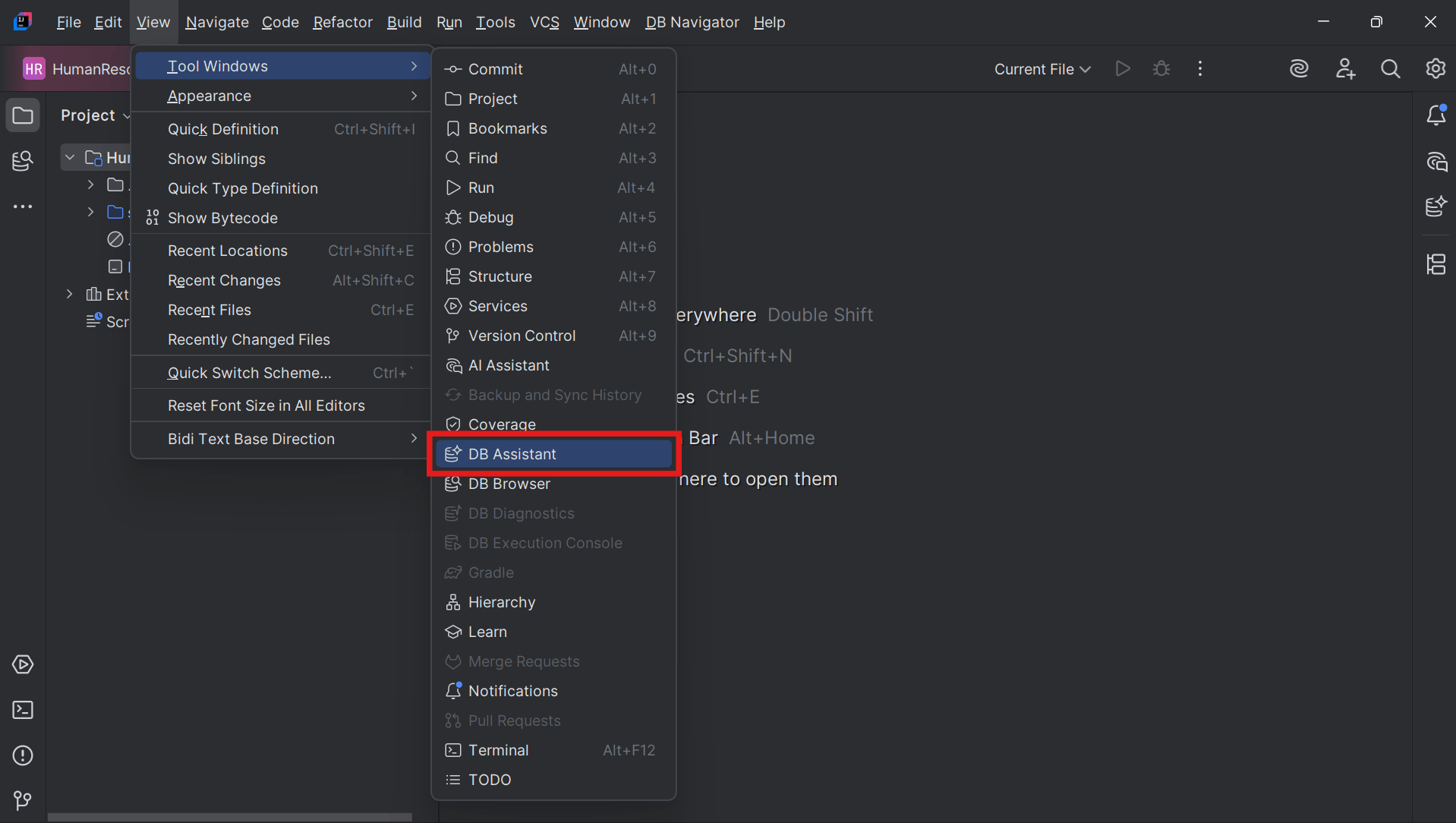
To access the DB Assistant window, from the Main menu of the Oracle® Database Navigator toolbar, select View > Tool Windows > DB Assistant.
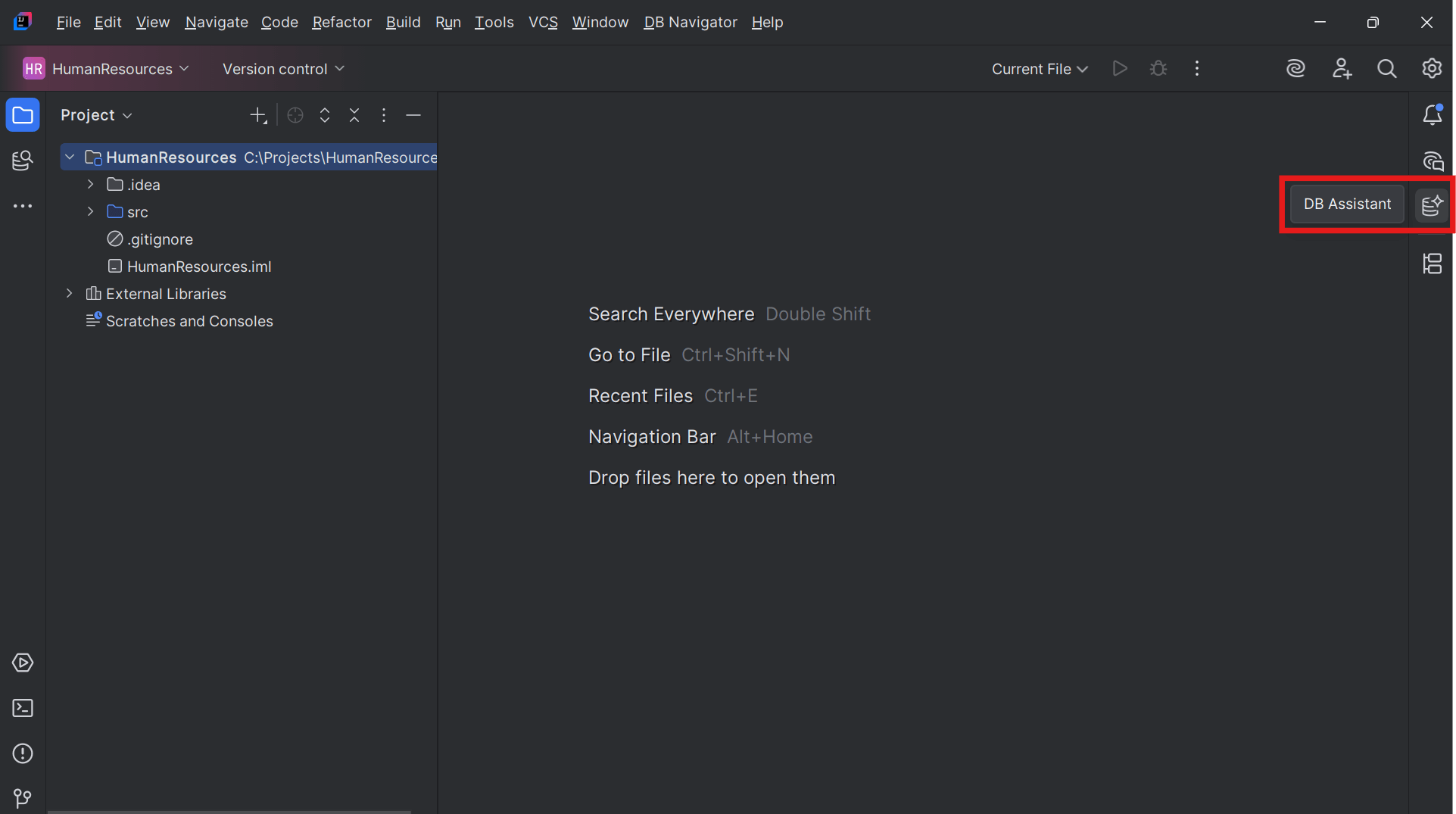
If the DB Assistant icon is displayed on the sidebar of the IDE tool, clicking the icon also opens the DB Assistant window.
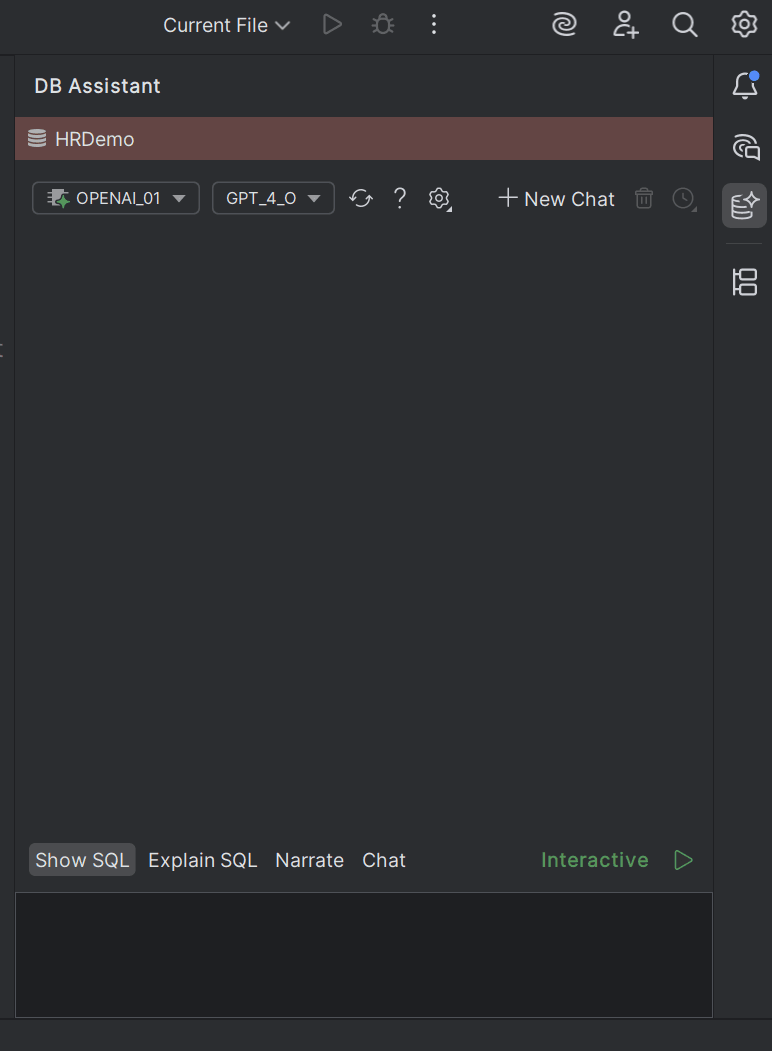
You can start interacting with the DB Assistant using the chat box provided in the window.
Topics:
- Oracle Select AI
This topic provides overview of integration of Oracle Select AI with DB Assistant. - Public LLMs
This topic provides an overview of the public LLMs supported in the DB Assistant module.