Editing Data in Basic Text Editor
This topic describes the procedure to access basic text editor to edit table data.
You can enable a basic text editor to open while editing database records from the Data Editor settings.
- Select the table record you want to edit and click the Open Text Editor icon that appears on the cell.
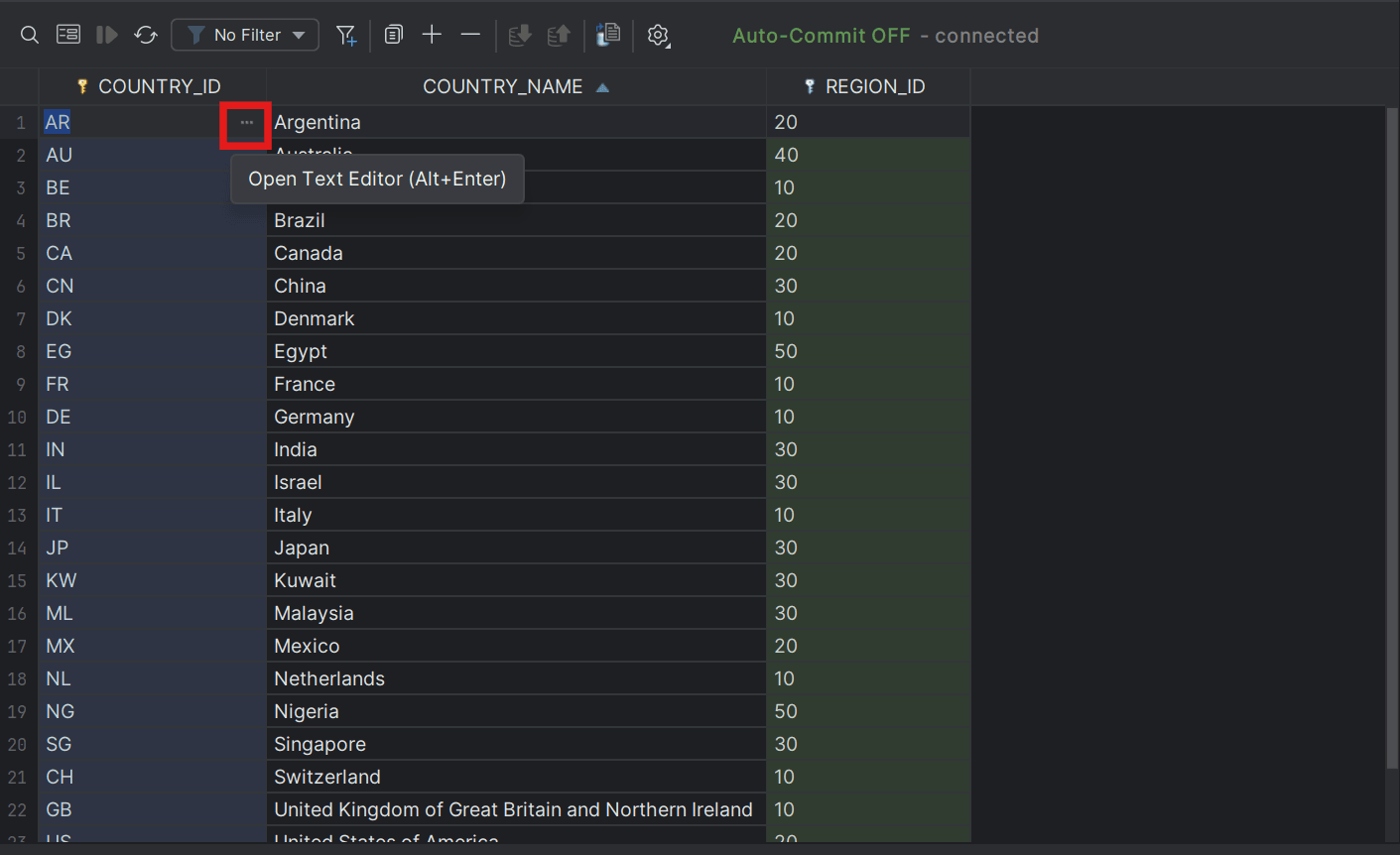 The record opens in the Basic text editor window.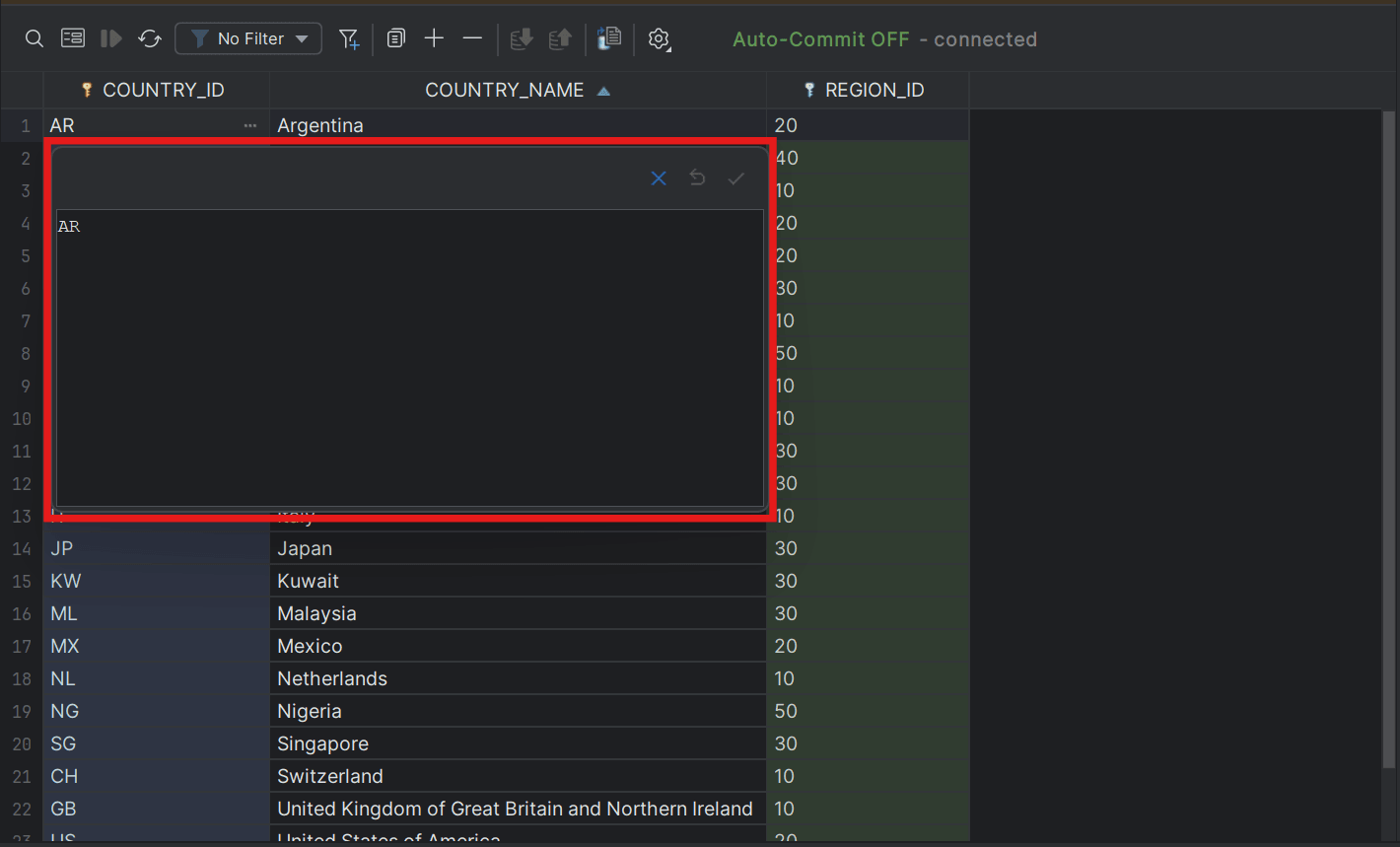
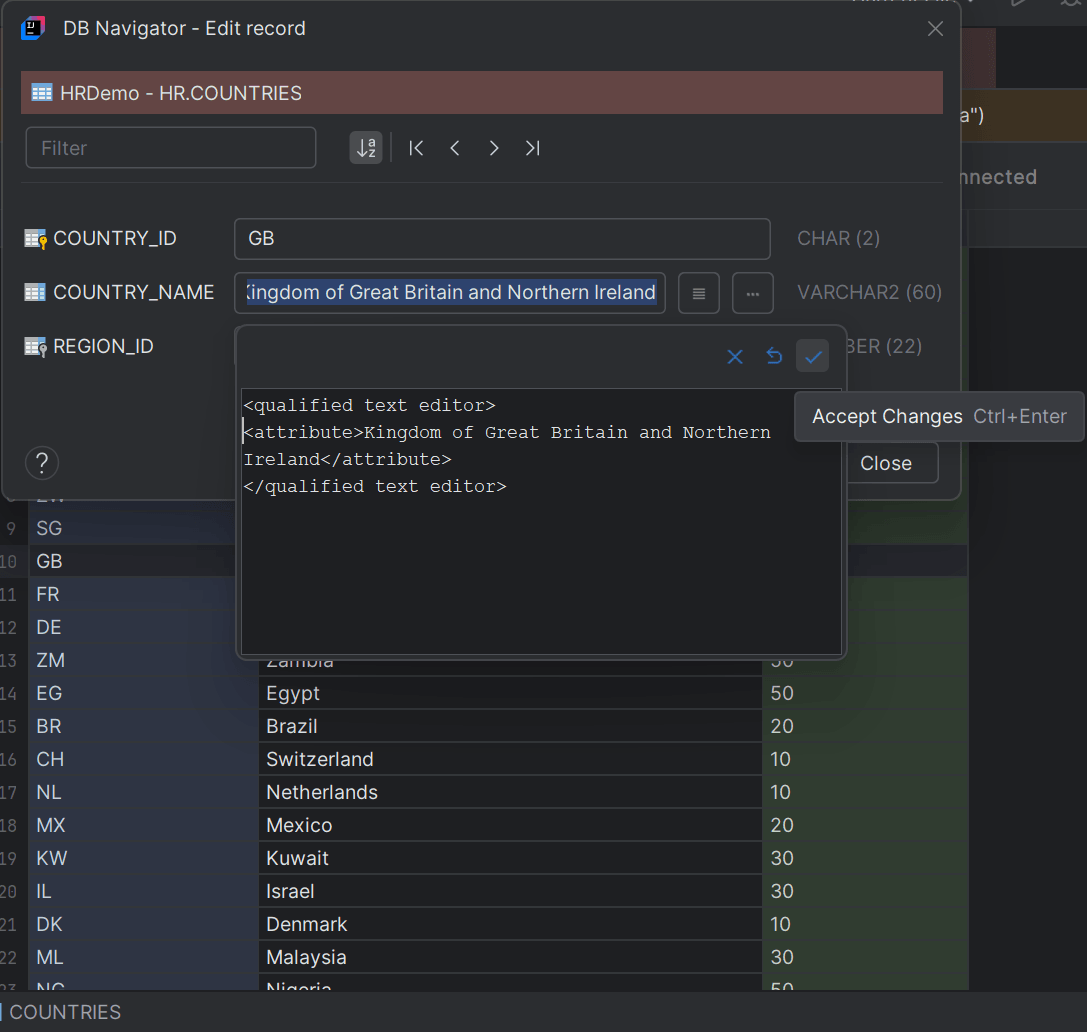
- Edit the cell data in the Basic Text Editor window that opens.
Parent topic: Text Editors