Editing Data in Qualified Text Editor
This topic describes the procedure to access qualified text editor to edit table data in special file formats.
Qualified Text Editor allows you to edit records with specialized data formats such as CLOB / BLOB data types in addition to plain text editing. You can also edit large data objects and binary data stored in the database tables that supports file formats like XML, HTML, XHTML, DTD, SQL, PL/SQL, YAML, JSON and Java among others.
Follow these steps to edit data in qualified text editors:
- Select the cell that you want to edit on the table editor and click the Open Text Editor icon (floating ellipsis) that appears on the cell.
- Alternatively, select the cell to edit and click the Edit Record icon on the table editor toolbar menu. In the Edit Record dialog box click the Open Text Editor icon for the cell.
The record opens in the qualified text editor box.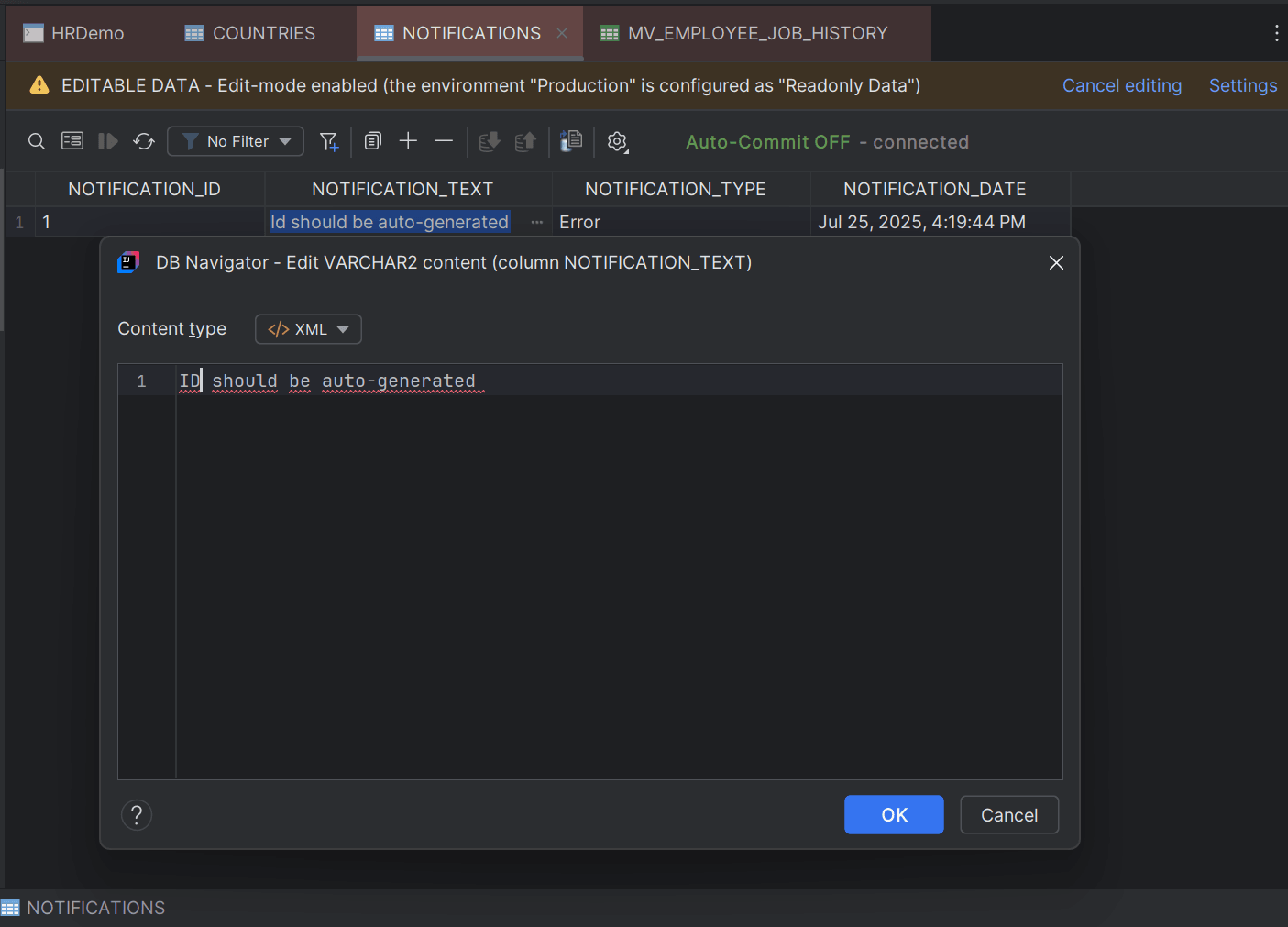
Parent topic: Text Editors