Java Execution History
This topic provides an overview of maintaining a history of input parameters for executed Java programs.
The Java Execution History feature enables you to store up to a configurable number of input parameter values for executing Java programs. You can save the input parameters and target context values to execute Java method and group them by program. The maximum history size you can save is configurable.
To open the DB Navigator - Method Execution History dialog box, from the Main menu of Oracle® Database Navigator, select DB Navigator > Java Execution History.
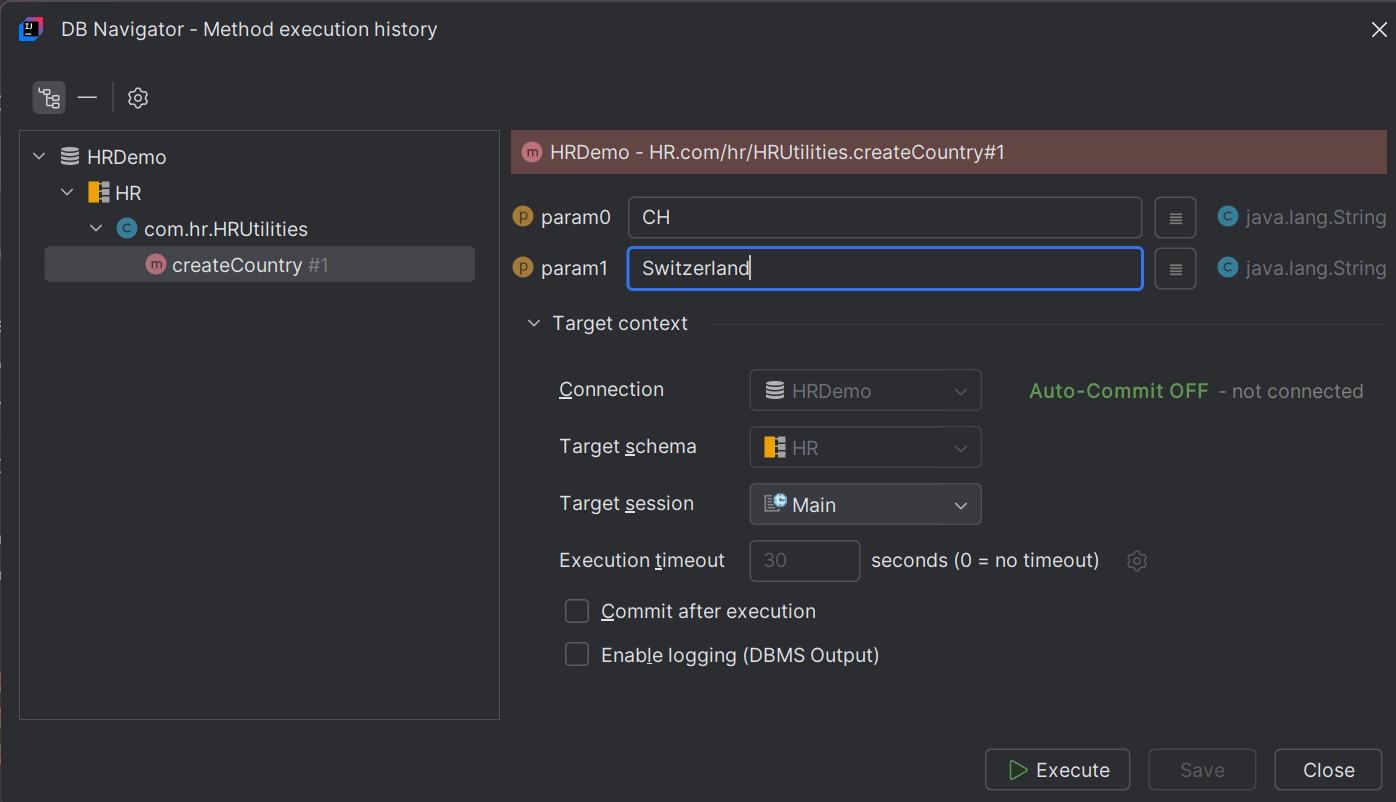
Clicking the Possible Values icons next to the input parameter text box(es) display all the saved execution parameter history for the Java method.
Parent topic: Executing Java Programs