Vector Toolbox
This topic describes the functionality of the Vector Toolbox.
The Vector Toolbox in Database Navigator enables you to generate vector embeddings from table data and other non-structured data based on embedding models and embedding parameters that you can configure.
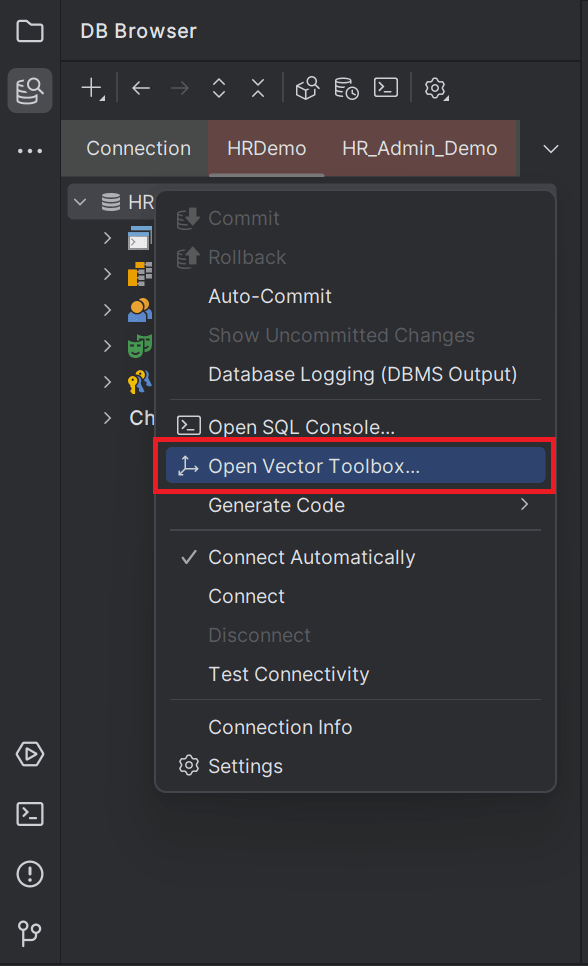
To access the Vector Toolbox, from the DB Browser open the database connection and select the Open Vector Toolbox option from the context menu (right-click the DB connection).
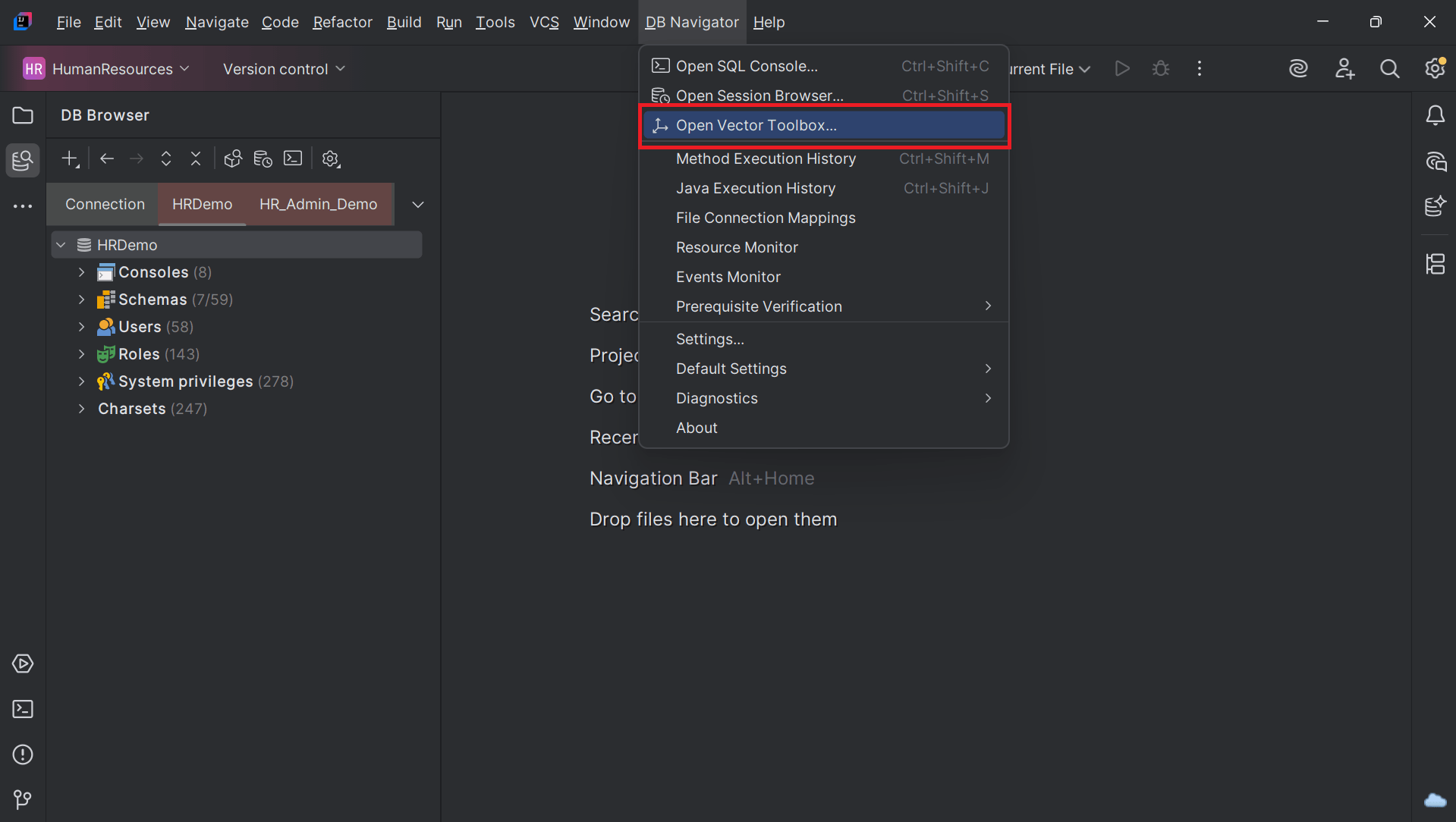
Alternatively, from the Main menu of Oracle® Database Navigator toolbar, select DB Navigator > Open Vector Toolbox option.
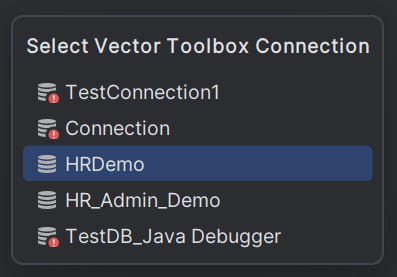
Select the database connection for which you want to access the toolbox.
The Database Navigator - Vector Toolbox allows you to generate and store vector embedding from a data source based on an embedding model and save the generated embedding in database tables. Utilizing Oracle's AI Vector Search capabilities, the Vector Toolbox offers advanced operations such as:
- splitting data into smaller segments or chunks
- extraction of plain text from documents
- generating text for a given prompt
- converting data to one or more embeddings
- extracting summary from documents
- creating vector index
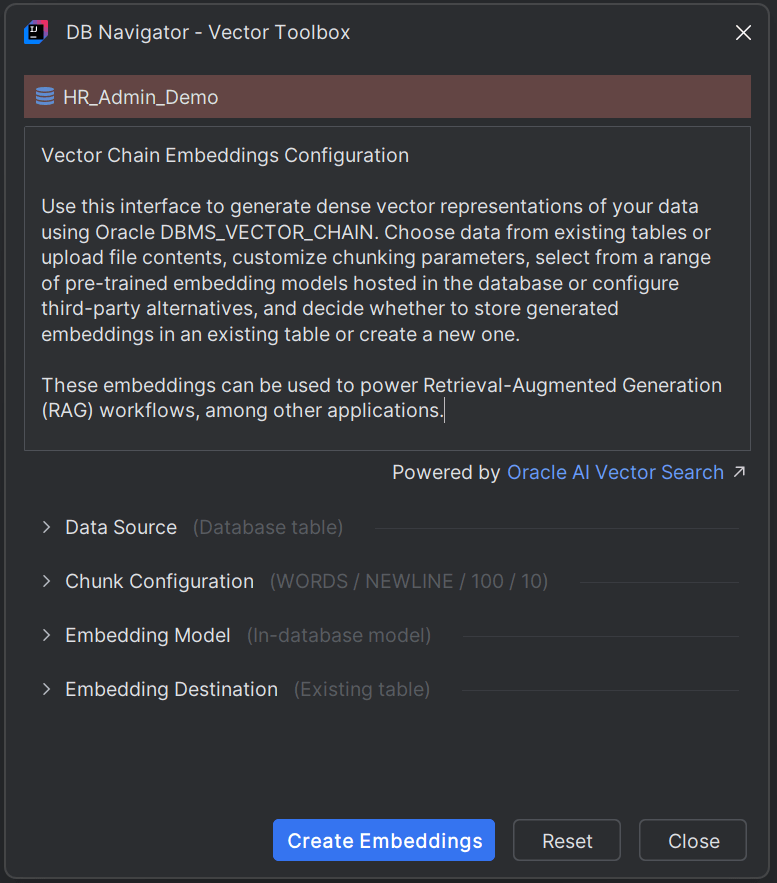
- Generating Vector Embeddings
This topic describes the procedure for generating vector embeddings through the Vector Toolbox.
Parent topic: Vector Embeddings