Hyper-V Installation on Windows
-
You can install Oracle Key Vault on Hyper-V using the provided information.
Hyper-V Installation
You can install Oracle Key Vault on Hyper-V using the provided information.
To install Oracle Key Vault on Hyper-V.
-
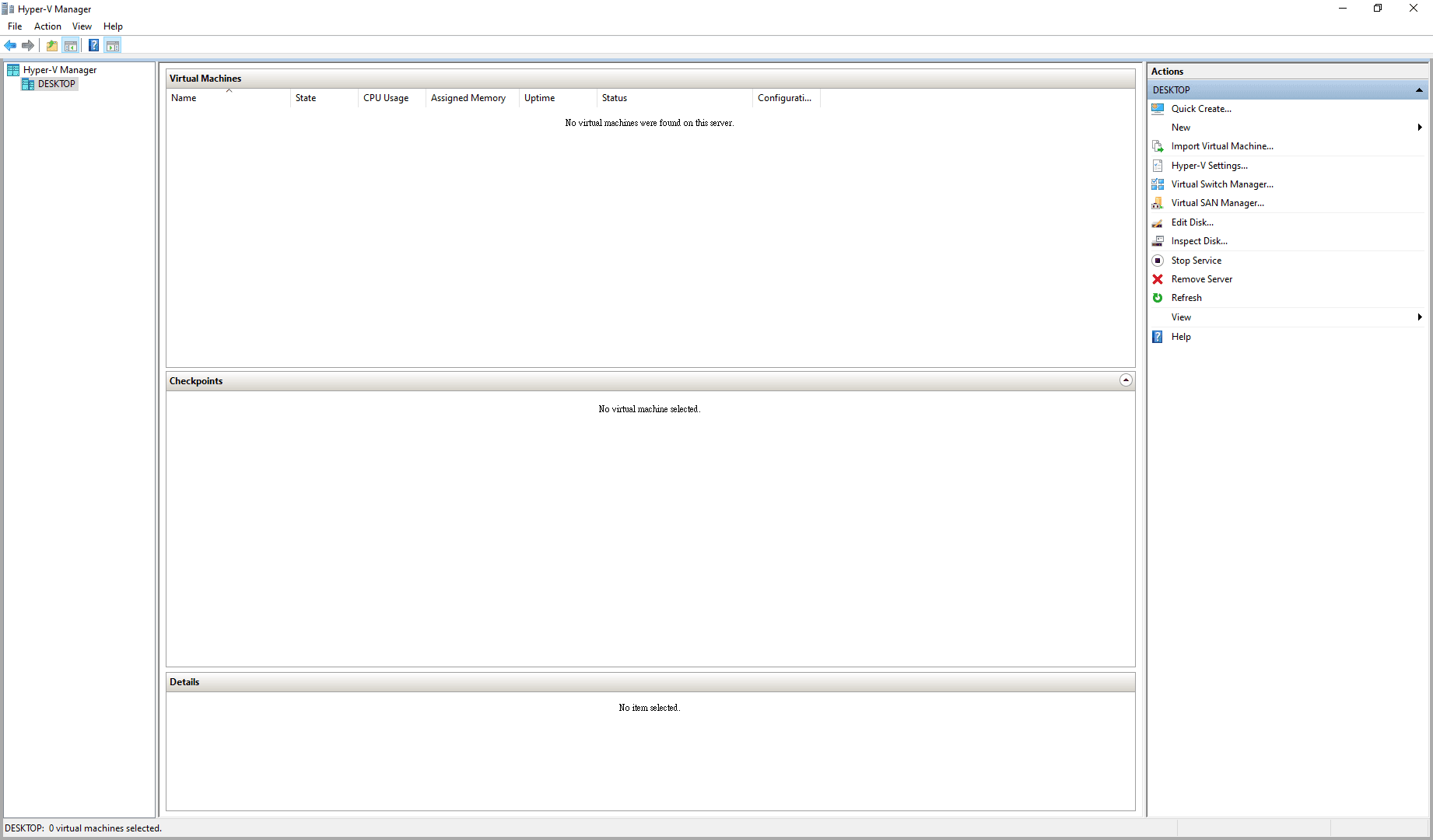
Open the Hyper-V Manager.
-
Select DESKTOP. The New Virtual Machine Wizard displays.
Follow the New Virtual Machine Wizard to complete the steps to create a new virtual machine.
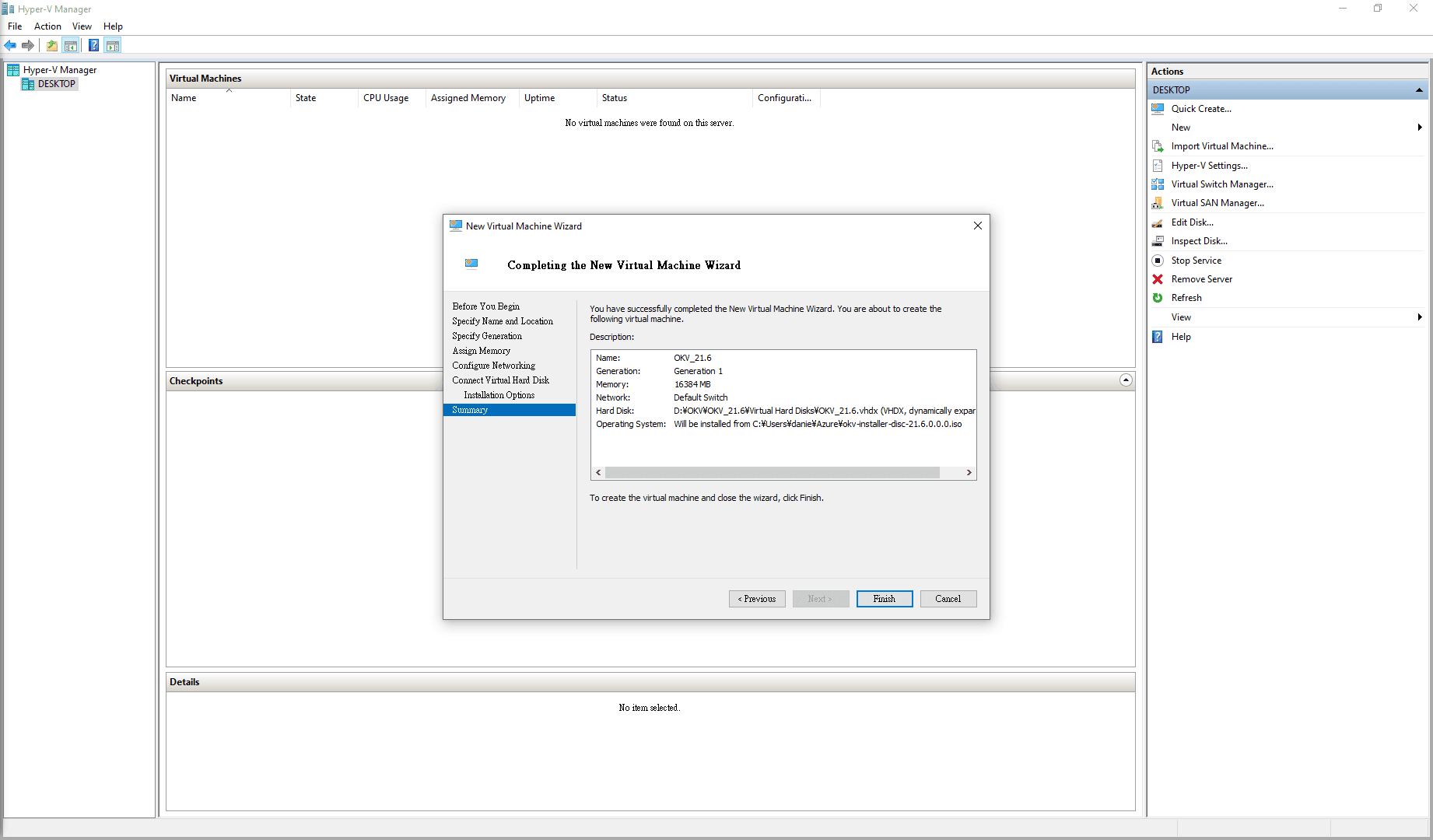
Description of the illustration hyper-v-virtual-machine-connection.png
-
Click Finish.
The Oracle Key Vault Virtual Machine desktop window appears.
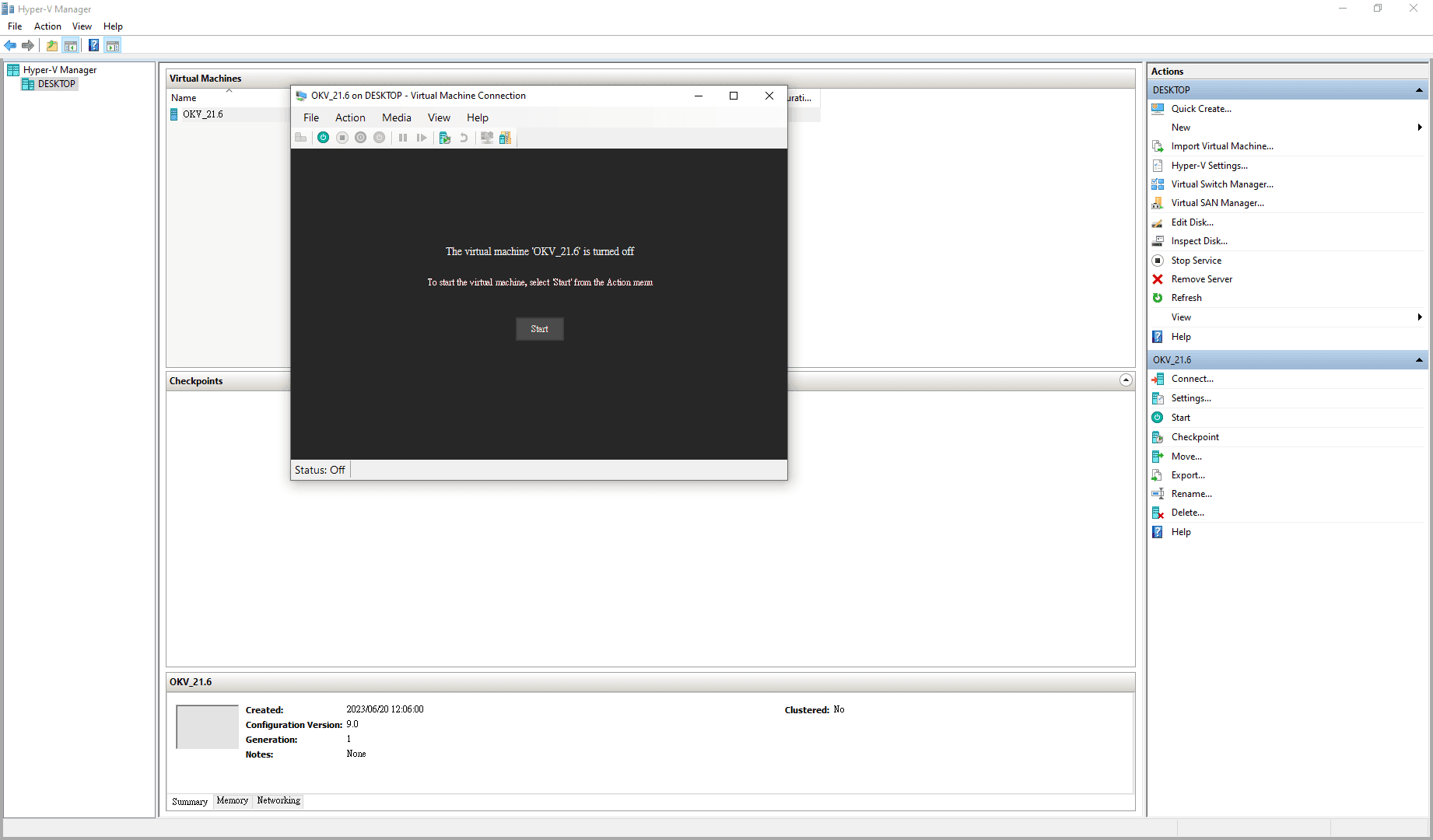
Description of the illustration 216_starting_the_virtual_machine.png
-
Go to Actions window pane.
-
Select Start to start the virtual machine.
-
Select the required options from the displayed window. See, Downloading and Installing Oracle Key Vault to complete the Oracle Key Vault installation and post-installation.
Note: For an Oracle Key Vault server on a Hyper-V, dual nic (in the Oracle Key Vault network configuration) is not supported.
Related Topics