Assigning Multiple Roles to Guides
We have 4 main roles and guides are commonly shared between them. How can I set up a guide to show to more than one specific role, but not all?
Updated October 22 2020 and available in the OGL Console from November 15 2020.
The Simple Condition allows the OGL developer choose to always display the guide or to set a condition based on a page or role.
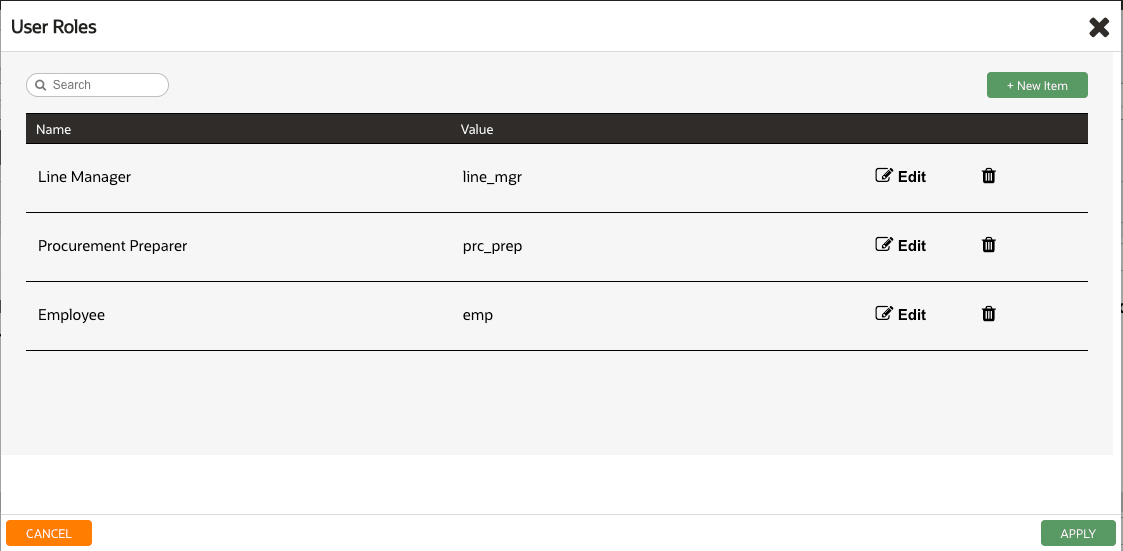
Note: Pages and roles must have already been configured in the OGL console.
When always is selected the OGL developer only has the option to set if the guide is:
- Enabled
- Displayed on the Help Panel
- Autoloaded
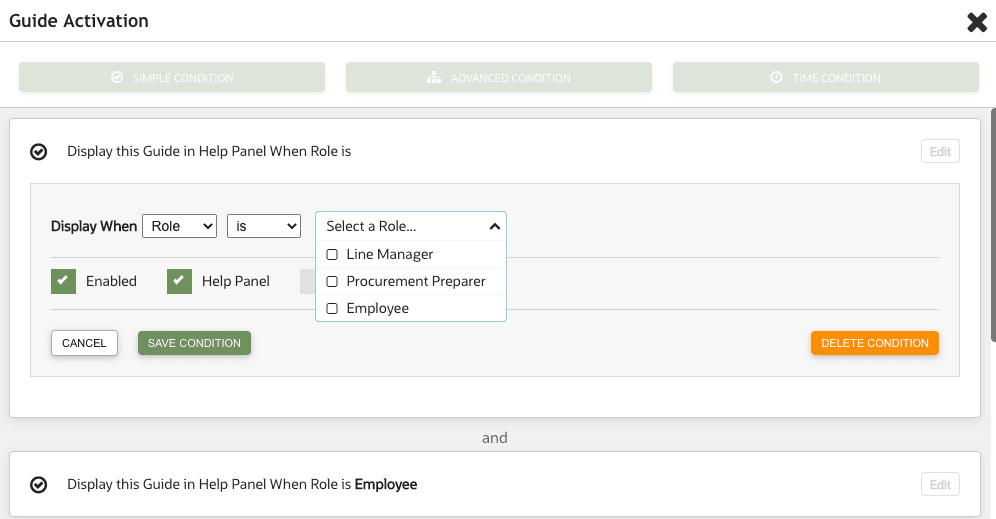
If the Role option is selected the OGL developer can now set the Role condition of “Is” or “Is NOT” and select the relevant Role(s) from the drop down:
In order to work with Simple conditions OGL now utilizes the Roles setting in the OGL console. The OGL roles MUST be set up as per the roles set in your OGL Fusion embed or Javascript. Click here to download a list of Role mappings.