Guide Does not Scroll
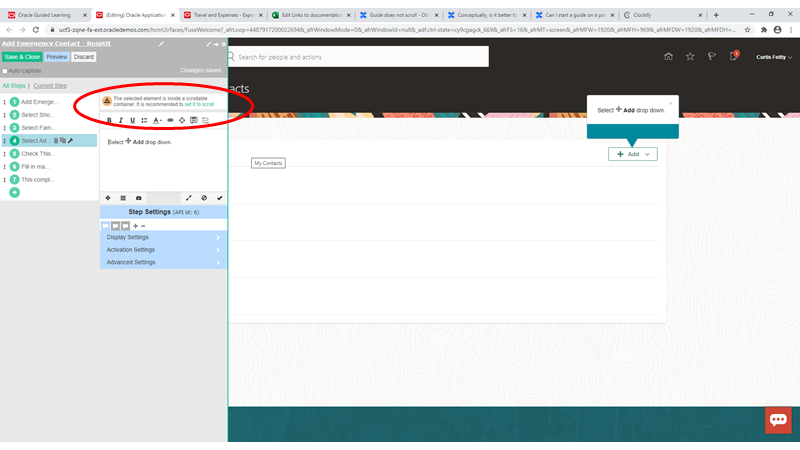
Does your application use internal scrolling? That is, when you scroll the page does the top remain fixed? If so, the answer is yes. As a result you need to tell Guided Learning to use this scroll as opposed to the 'standard' vertical scrollbar of the browser. To do that you need to check the 'scroll parent container' option under the advanced settings.
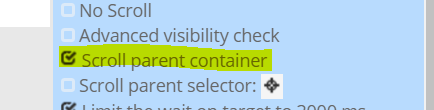
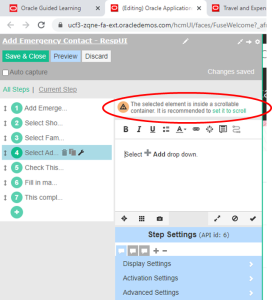
Within the editor you will see a warning triangle when it is recommended for you to set the step to scroll. You can simply click on set it to scroll text in the warning or tick the scroll parent container box in Advanced settings