Unable to Edit Guide Options
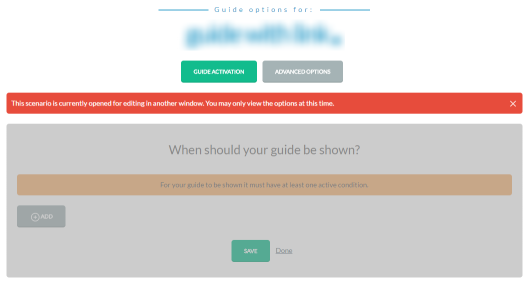
Whenever you edit a guide, Oracle Guided Learning locks it so that nobody else could edit it while you are. Moreover, if you edit a guide in one browser tab or window and try to edit that same guide in another tab Guided Learning will block you from doing that and issue the following warning to the screen (as can be seen in the image above):
This scenario is currently opened for editing in another window. You may only view the options at this time.
Normally this could happen if:
- A colleague is editing the guide: If this is the case there is nothing you can do but ask the colleague to close his editing session.
- You have the guide open for editing in another window/tab: Go to that tab and either make your change there or close it.
- Guided Learning thinks that you have the guide open for editing in another window/tab but you don't: This could happen if you indeed opened the guide for editing and closed the browser tab/window without clicking on discard in the Guided Learning editor. To unlock the guide in such a situation, open the guide for editing again:
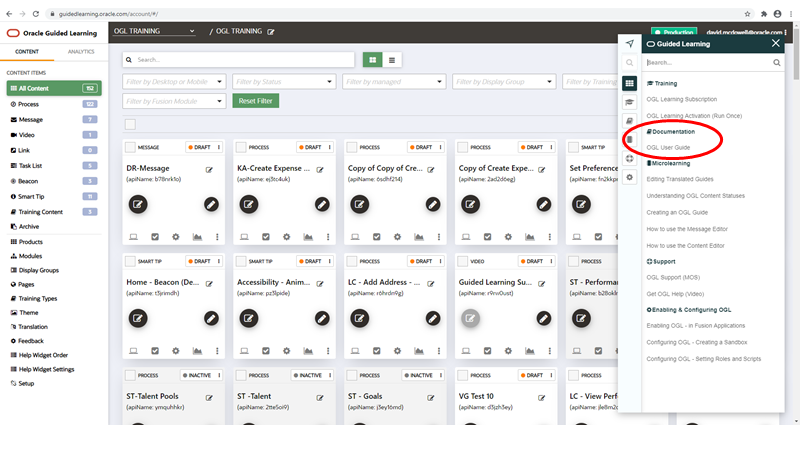
- Click the Pick up where you left off link. Once the Guided Learning editor is loaded, click on the Discard button. This should unlock your guide and allow you to edit it again.