Guide List and Views
The OGL homepage displays the various content categories. By default, it provides quick access to Use Cases, Recent guides, and Learn resources.
Use Cases
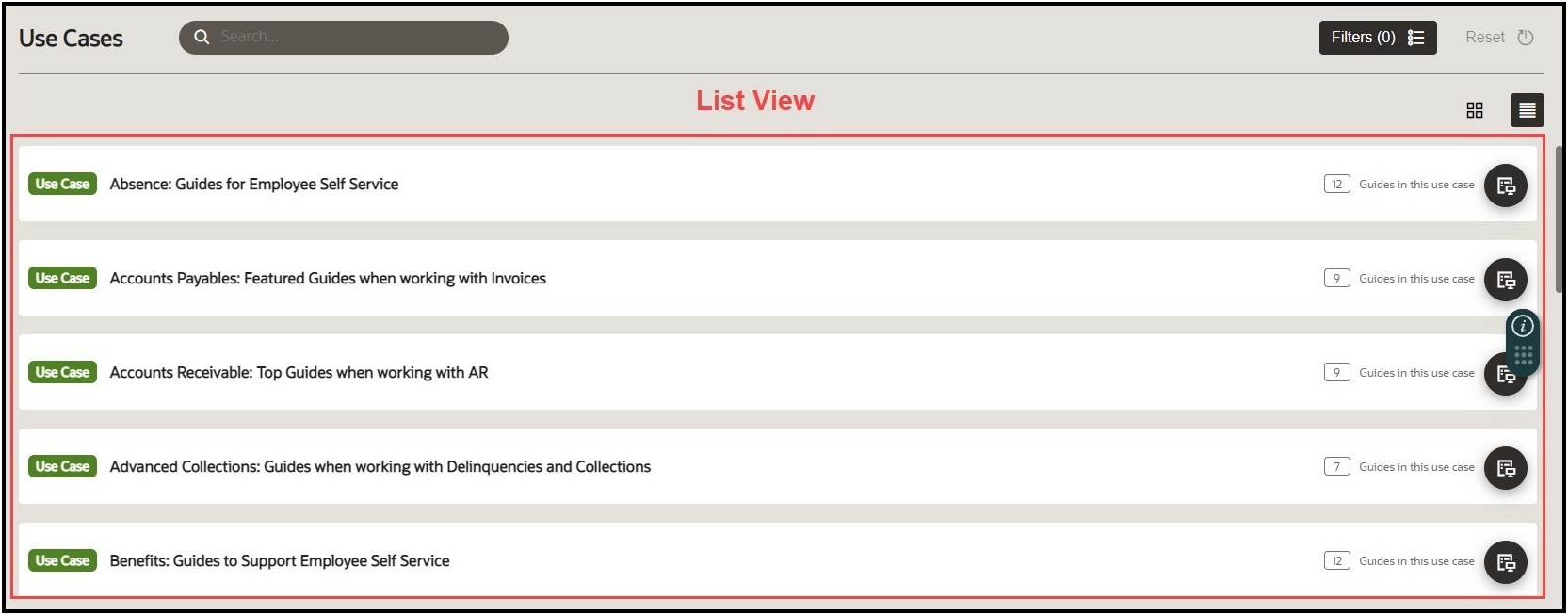
Use Cases are curated collections of pre-built guide packages that were designed by Oracle experts and are based on real business scenarios. Use Cases provide guide templates that employ Oracle best practices for various Oracle Fusion applications. Each Use Case may contain one or more guides of various categories, including Message guides, Process guides, Smart Tips, etc.
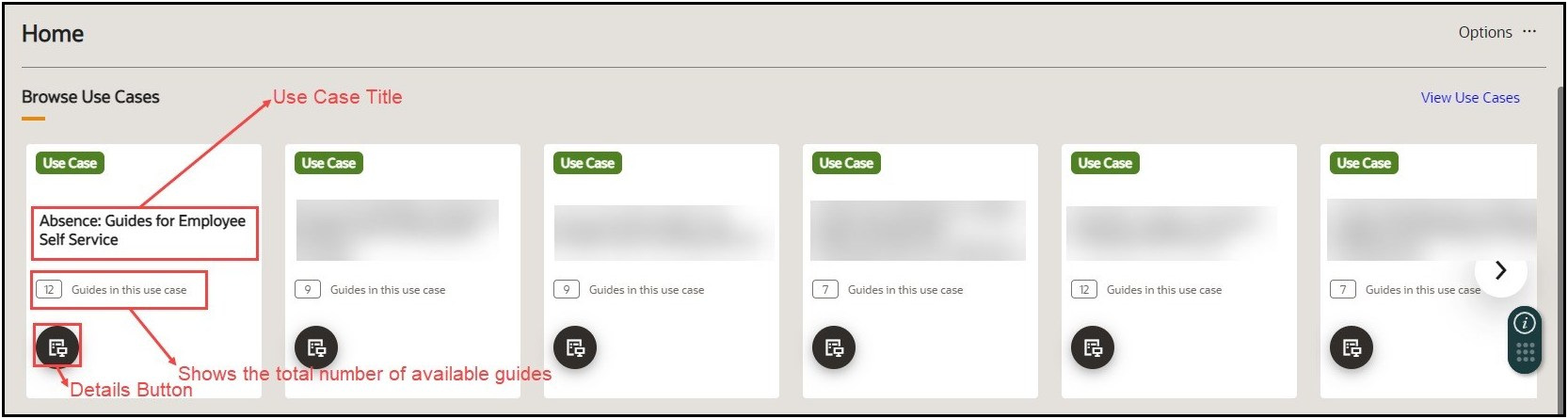
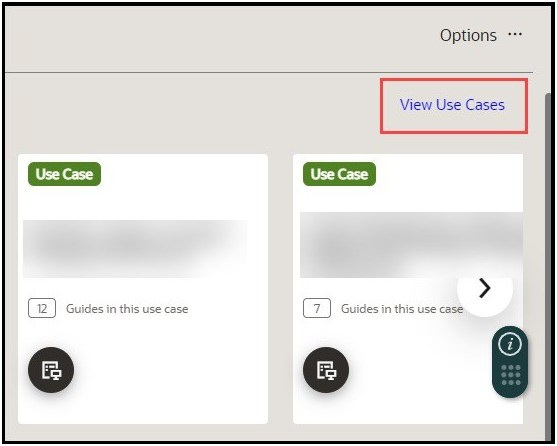
To see the complete list of Use Cases:
- Select View Use Cases.
To switch between the views:
By default, all the Use Cases are displayed in tile view.
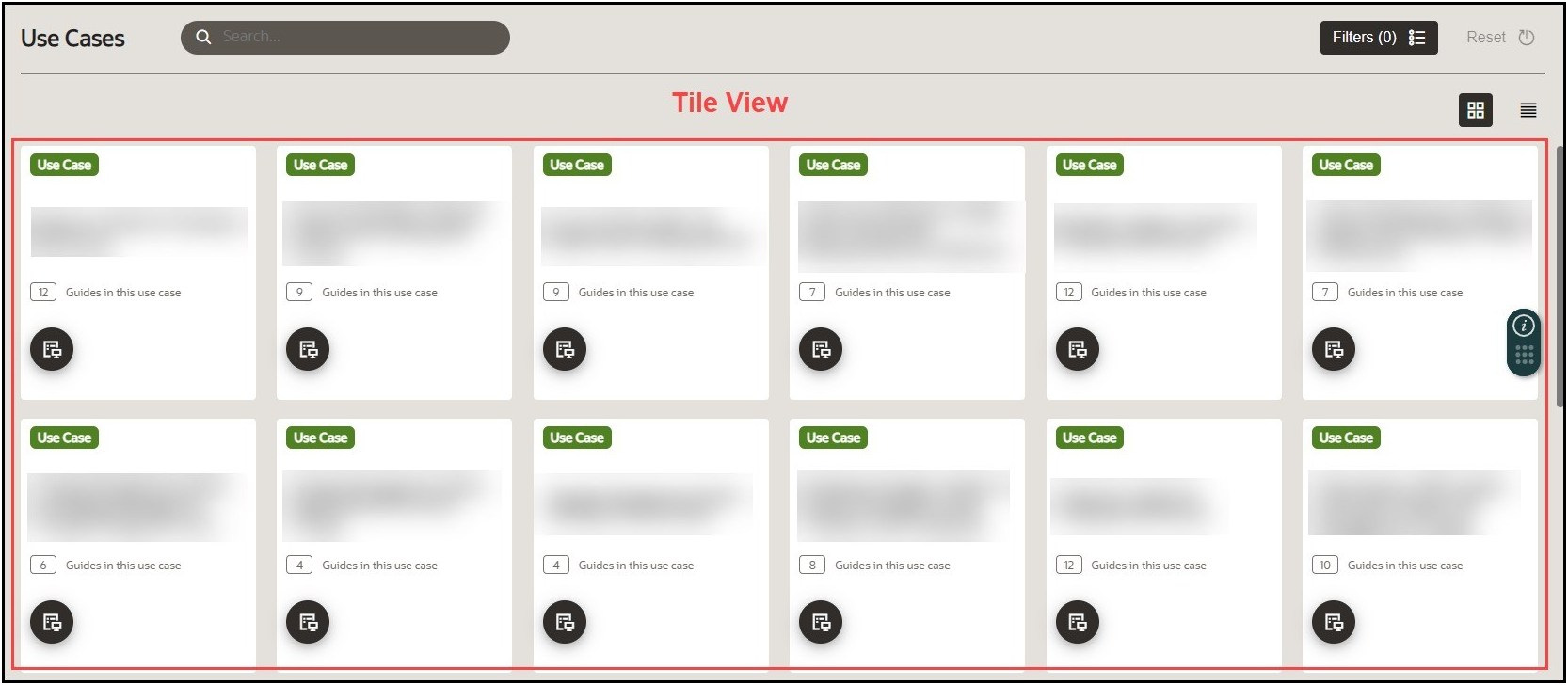
Use the List View icon ( ) and the Tile View icon (
 ) to switch between your preferred views.
Recent Guides
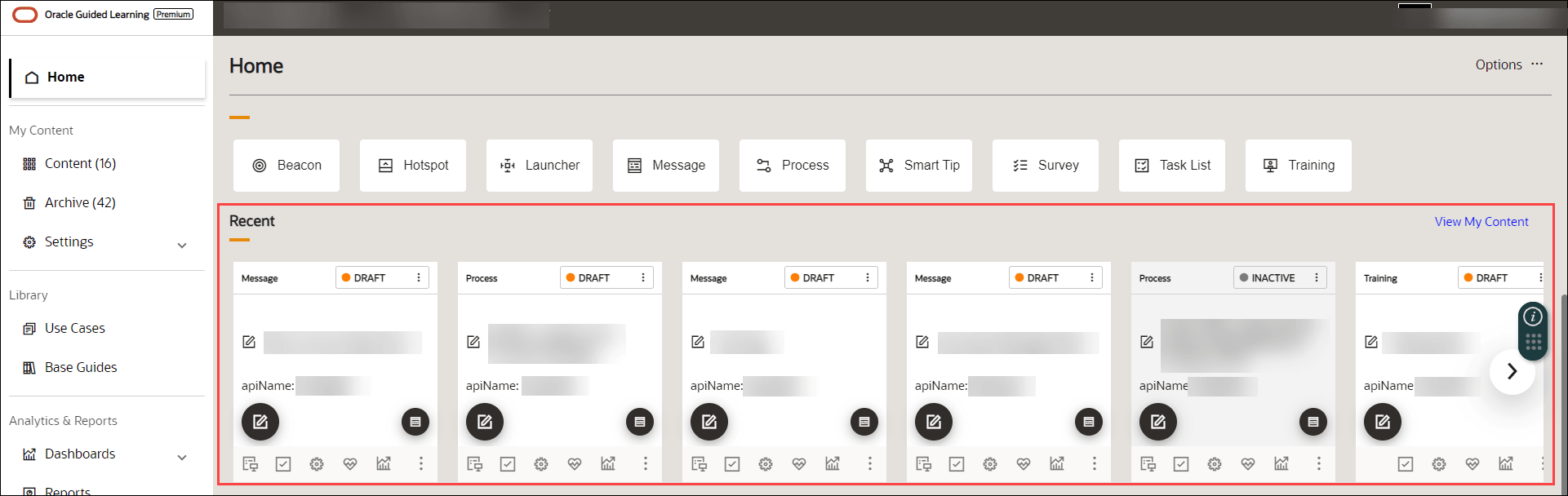
The section displays guides that you have recently created or edited for quick reference.
Explore
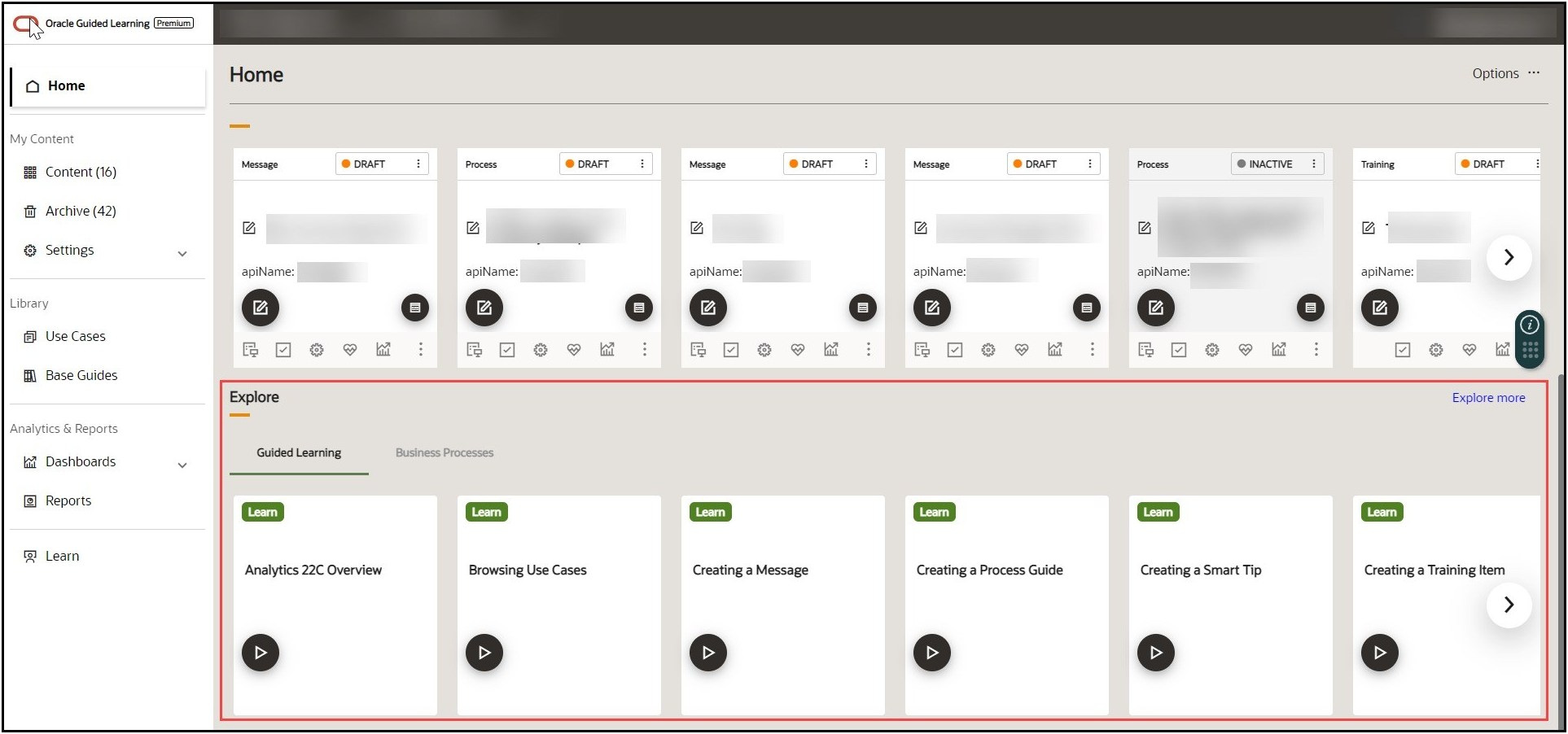
This section contains links to learning resources, including microlearning videos on common OGL tasks as well as Business Process training on Oracle Fusion products that can be viewed or deployed to users.
OGL Microlearning Guides
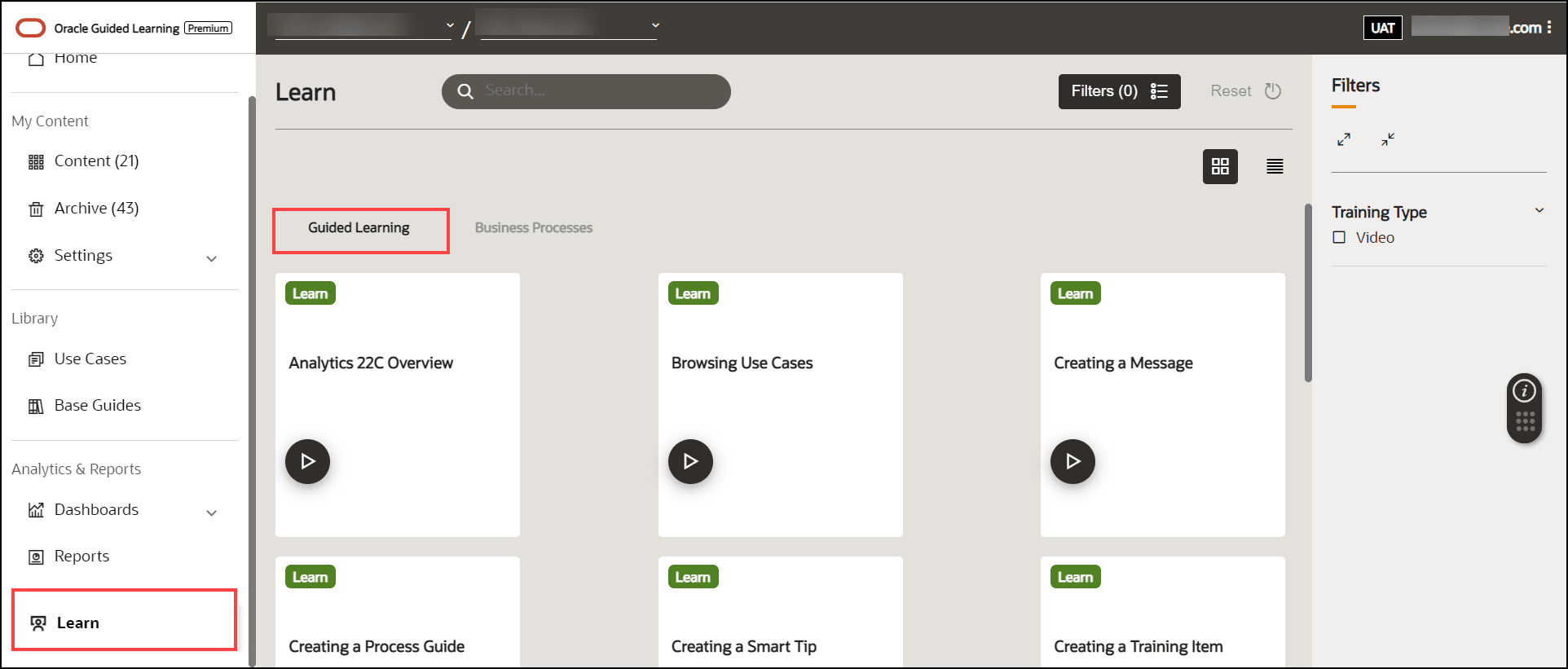
To support new console users and developers, OGL now provides a gallery of just-in-time “micro-learning” courses to learn more about basic OGL functionality. These training guides are available in the Learn section in the left navigation pane.
Click the Play button ( ) on any of the available training guides to view the training content in a
modal.
) on any of the available training guides to view the training content in a
modal.
Business Process Training Guides
OGL has introduced a library of Business Process Training guides to the OGL console that provides access to valuable Fusion product-related training content to enhance Fusion knowledge and adoption. The content for these training guides was curated from the Oracle Could Business Process Student Learning Subscription available on mylearn.oracle.com. Administrators and developers can select from this library of training guides and add to their content
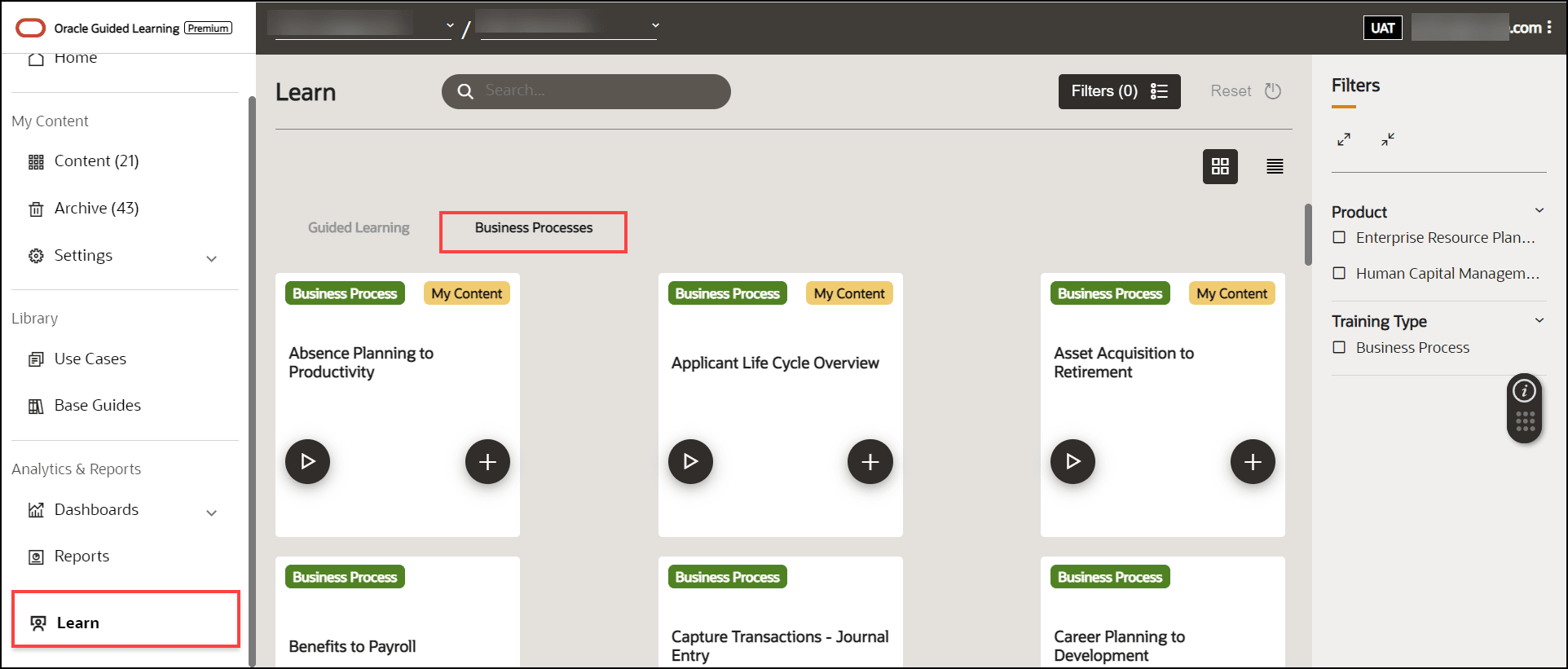
To access these courses, go to the Learn section in the left navigation pane and select the Business Process tab.