A MDM Onboarding Appendix
Oracle Enterprise Communications Platform (Oracle ECP) supports automated MDM enrollment for managed devices. Each supported platform uses a unique procedure for getting the MDM client software on the device. This appendix provides guidance for each supported platform.
For a device to be completely added to Oracle ECP and MDM managed, it needs to be onboarded to both the MDM platform and Oracle ECP. Oracle ECP then aims to provide a "single pane of glass" for MDM and other management functions. GIU users will not need to interact with Oracle ECP Administrators to onboard their devices, regardless of platform.
- Android:
- The Device is onboarded to Oracle ECP - See Onboard Cloud Connectors Manually
- Oracle ECP generates a QR code - See Onboarding Request Details Overview
- The device scans the QR code which enrolls it in the MDM platform
- iOS/iPhone:
- The device is registered in Apple Business Manager (ABM), and assigned to an MDM platform instance
- The device is powered up and enrolled in the MDM platform
- The device is onboarded to Oracle ECP - See Onboard Cloud Connectors Manually
- Windows:
- The Microsoft Windows computer is onboarded to Oracle ECP as a Device - See Onboard Windows Devices for MDM Platform.
- Oracle ECP generates MDM login credentials for users to manually enroll devices.
- The user sets up the Windows machine using the provided MDM credentials.
Note:
For onboarding requests with multiple devices, you can download a single CSV containing all of the login credentials using the Download Report button on the Request Details page.
Identify iOS Devices in ABM for MDM Enrollment
Oracle Enterprise Communications Platform (Oracle ECP) lets users onboard iOS devices in MDM supervised mode in order to view and track device attributes from the ECP Cloud UI. An Apple Business Manager (ABM) account holder aids in setting the devices to begin the automated enrollment process.
- MDM-managed iOS devices use the Ivanti Neurons for Mobile Device Management Solution. You communicate with your device reseller to provide the Device Enrollment Program ID your organization uses while procuring equipment. The reseller must specify the Device Enrollment Program ID in the reseller portal before your fleet of iOS devices can be associated with your organization and prepared for MDM enrollment.
- Complete the iOS MDM Certificate registration between your ABM account and your Ivanti Neurons account. When successful, Ivanti Neurons will appear as an MDM Server in your ABM Console.
Complete iOS Device Enrollment in MDM
After iOS devices are registered with Apple Business Manager, and set for automated MDM enrollment, you have to complete the process on each iPhone to be MDM managed. When they are turned on for the first time, automated enrollment in MDM begins after a brief set-up procedure.
- The iPhone reseller has confirmed the enrollment of this device in reseller portal.
- The iPhone is properly assigned to the correct MDM server in ABM.
- The iOS device has been turned on and is connected to WiFi.
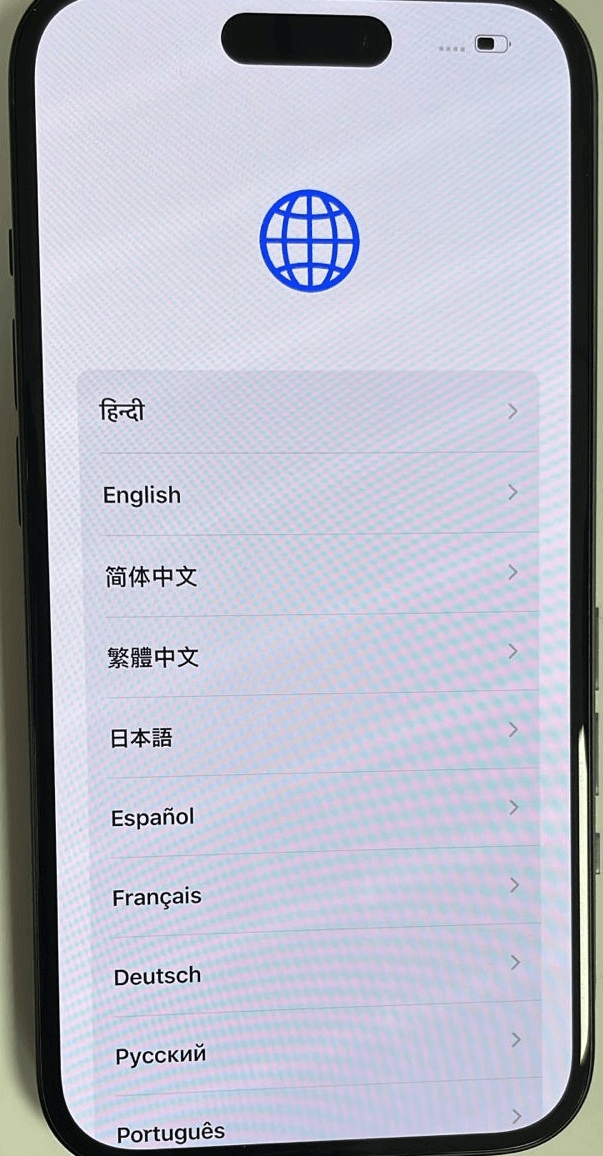
- Select the iOS device's target language as English.
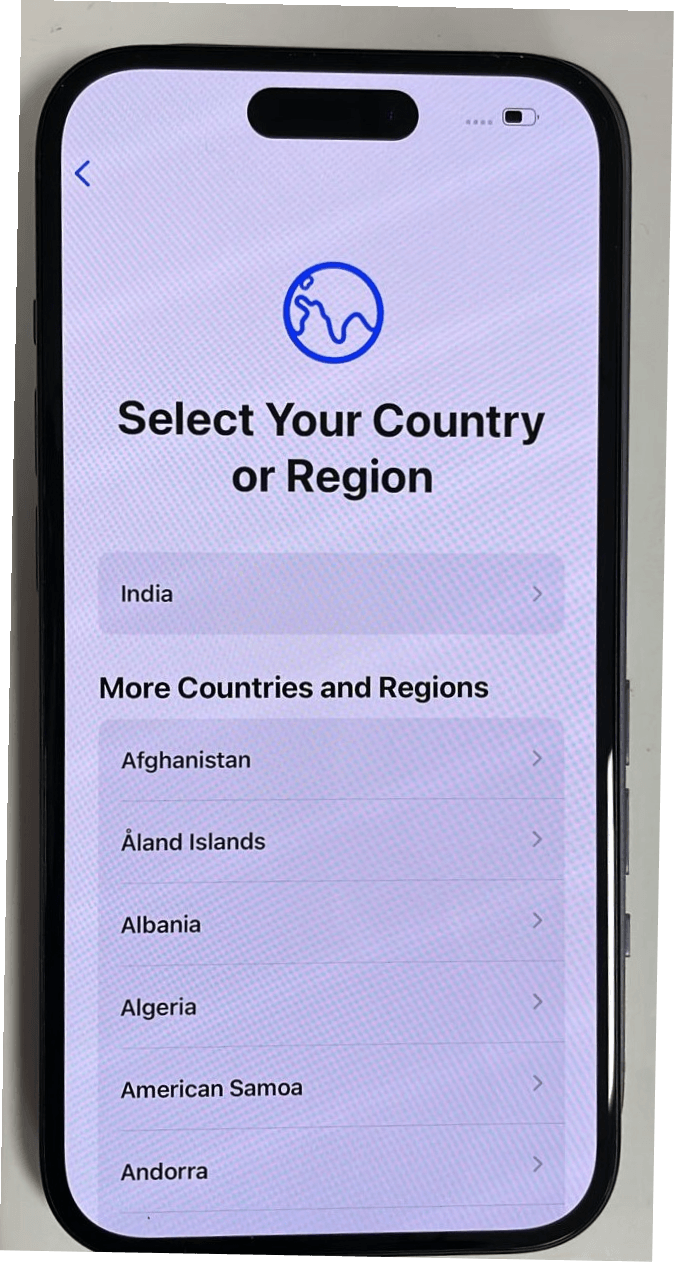
- Select the Country or Region where this iOS device is used.
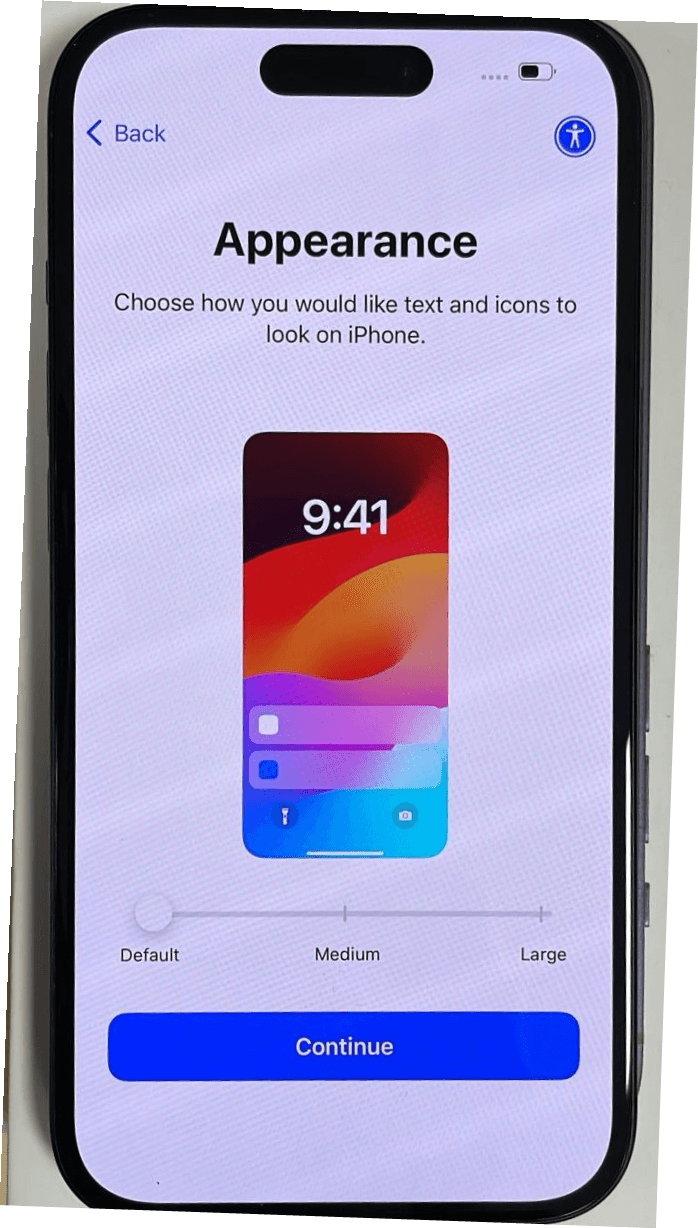
- Tap Continue on the Appearance screen.
 The Quick Start screen will display. Tap Set Up Without Another Device and the phone will proceed to the next step.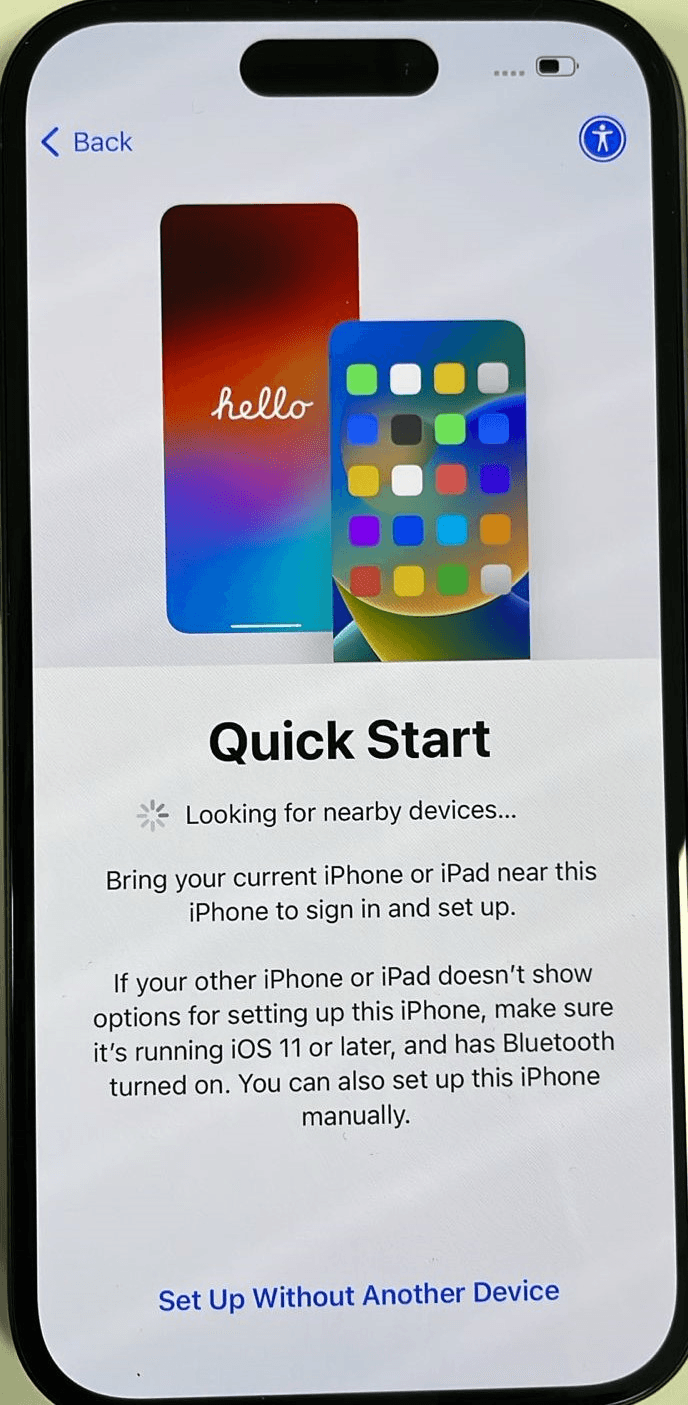
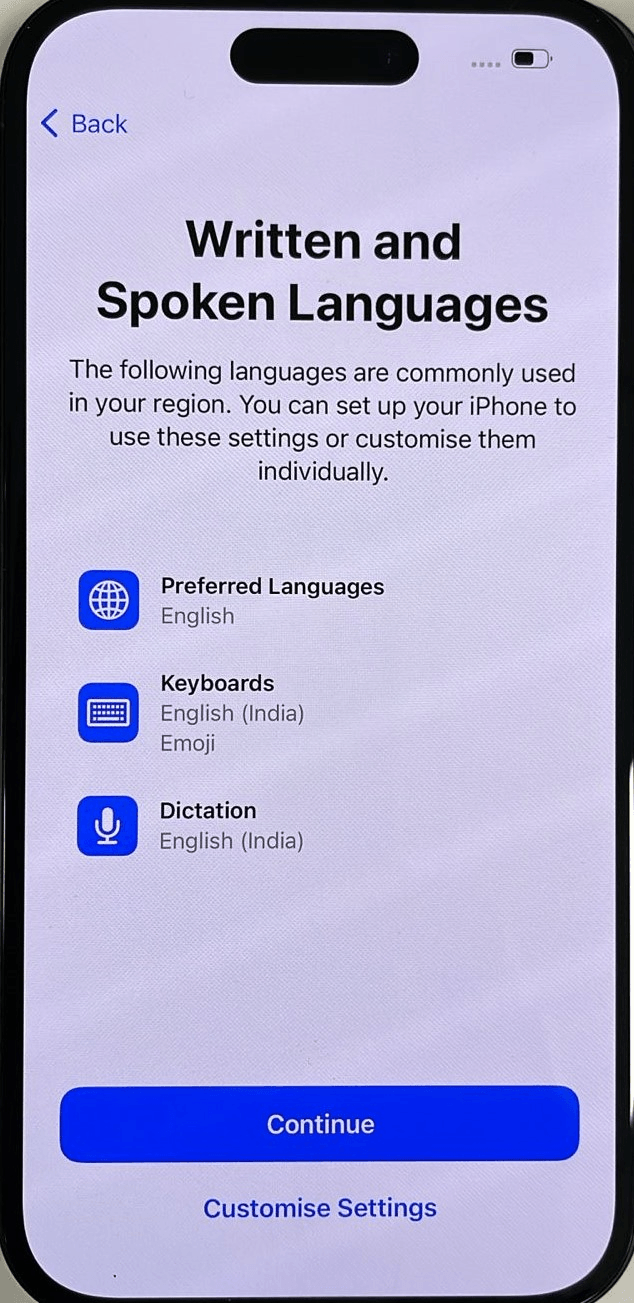
- Tap Continue on the Written and Spoken Languages screen
after the appropriate selections are made.
 The iOS device will take a few minutes to activate.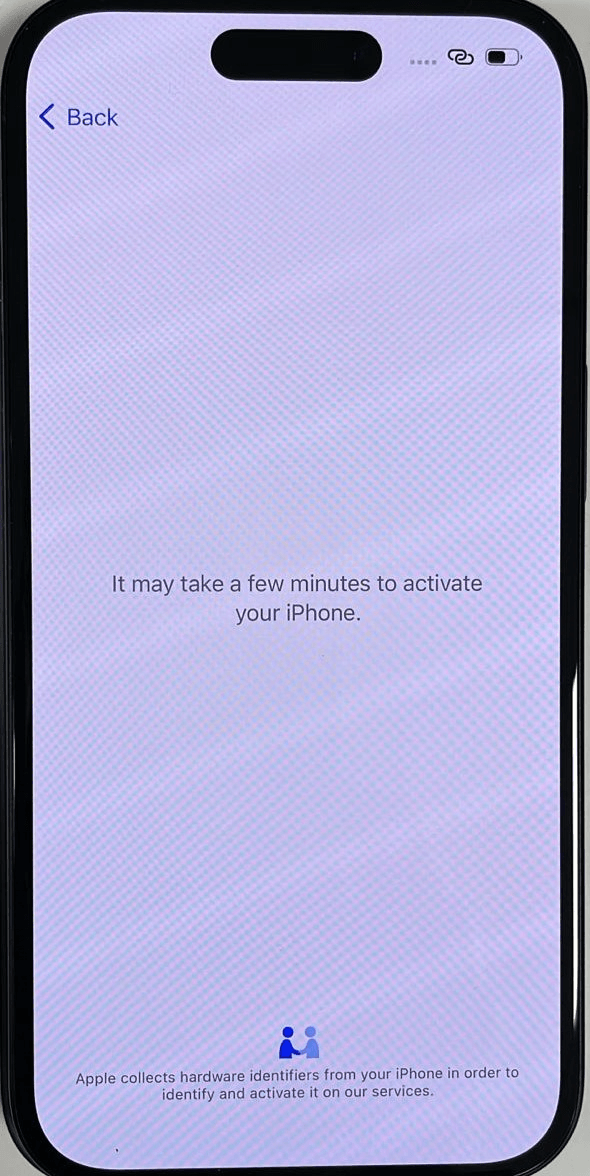
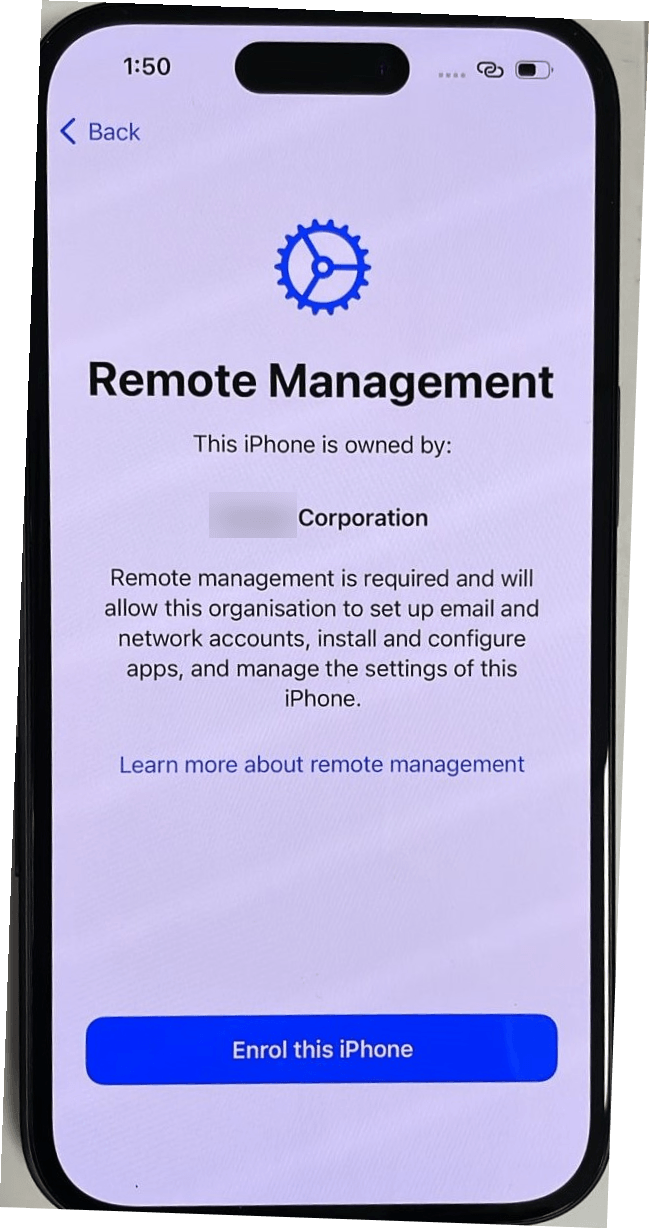
- Tap Enroll this iPhone when the Remote
Management screen displays
 The Configuring iPhone screen will indicate progress.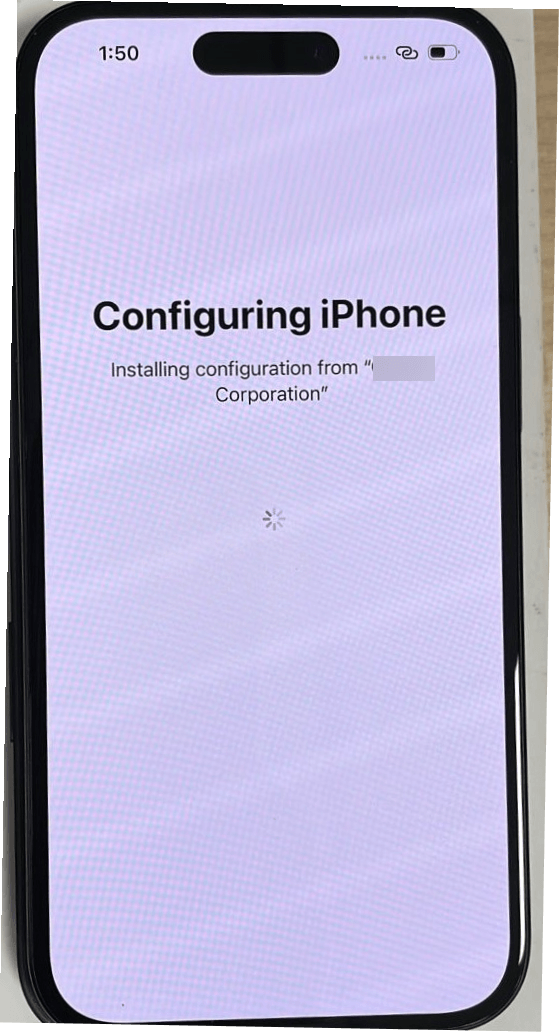
- Tap Continue on the Emergency SOS screen.
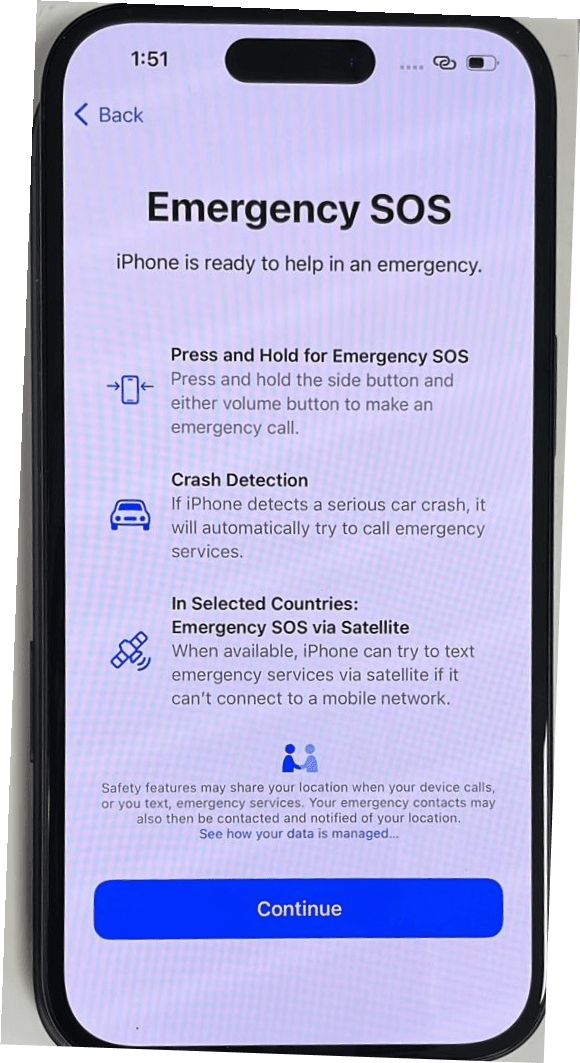 The iPhone will complete setup and present the home screen.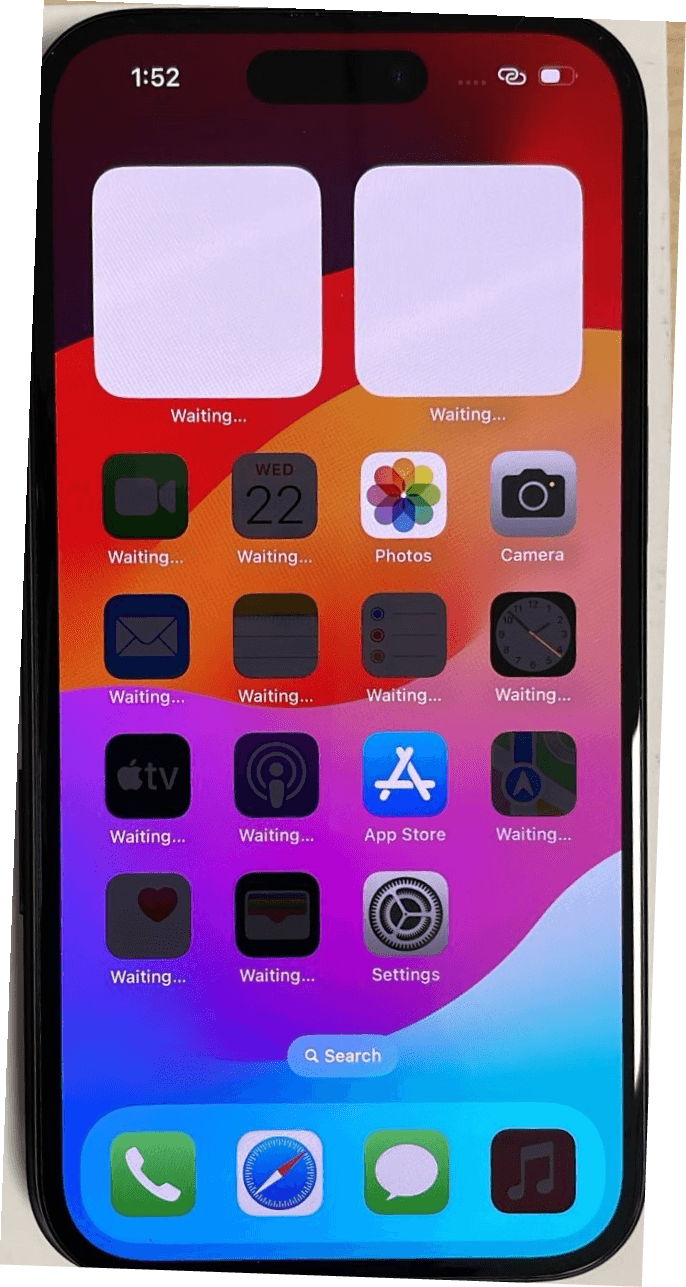
Onboard Android Devices to the MDM platform
Oracle Enterprise Communications Platform (Oracle ECP) generates a QR Code after you onboard Android MDM-enabled devices to Oracle ECP. The QR code supports an enrollment profile to register devices on the Ivanti Neurons for Mobile Device Management (MDM).
- Turn on the device. On the Welcome screen, tap 6 times to activate the scanner.
- Scan the QR code.
- Ensure internet access over Wi-Fi or through cellular connectivity.
- At the This device belongs to your organization screen, click Next.
- On the Set up your phone screen, accept the prompt for installing the Ivanti Go application, respond to the prompts, and confirm that the installation is successful.
- Accept the terms and conditions that apply for the device. For example, for a Samsung device, you may also need to choose Activate Samsung Knox Standard to allow the device to be confirmed and managed remotely. Each device type operates uniquely.
- Access the device home and begin using your Android mobile device.
Onboard Windows Devices for MDM Platform
Using your unique MDM login credentials, you can complete onboarding a Windows device into Ivanti Neurons for MDM.
- You must have a clean installation of Microsoft Windows
- MDM must be enabled for this device on Oracle Enterprise Communications Platform Oracle ECP
- The device OS type must be set to Windows
- Windows devices must be onboarded to Oracle ECP and you must obtain the unique credentials from the Onboarding Requests Details Page page.