3.3.3 Procedure 6 DISCONNECT ELAP FROM LSMS
Table 3-10 Procedure 6 DISCONNECT ELAP FROM LSMS
| STEP # | This procedure provides instructions to stop LSMS connection. Check off (✓) each step as it is completed. Boxes have been provided for this purpose under each step number. IF THIS PROCEDURE FAILS, CONTACT ORACLE TECHNICAL SERVICES AND ASK FOR UPGRADE ASSISTANCE. | |
|---|---|---|
|
1. ☐ |
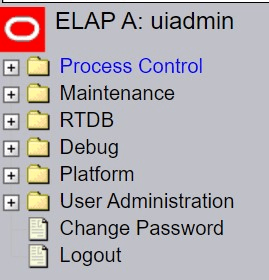
Active ELAP GUI: Login as uiadmin using the default password. *Note ELAP Version may differ than example image shown. |
 |
|
2. ☐ |
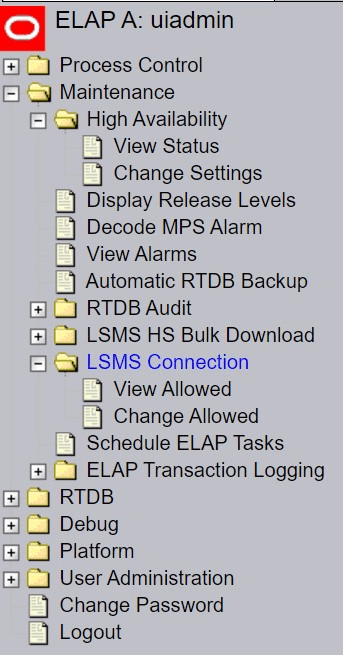
Active ELAP GUI:
|
 |
|
3. ☐ |
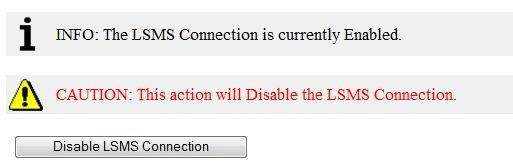
Active ELAP GUI: In the right panel, click the “Disable LSMS Connection” button. |
 |
|
4. ☐ |
ELAP A GUI: A message indicating that the LSMS Connection is now Enabled should appear in the right panel. |
 |
This procedure is complete!