Available Summary Reports
The Oracle® Session Delivery Management Cloud (Oracle SDM Cloud) provides the following Summary Reports and Filters.
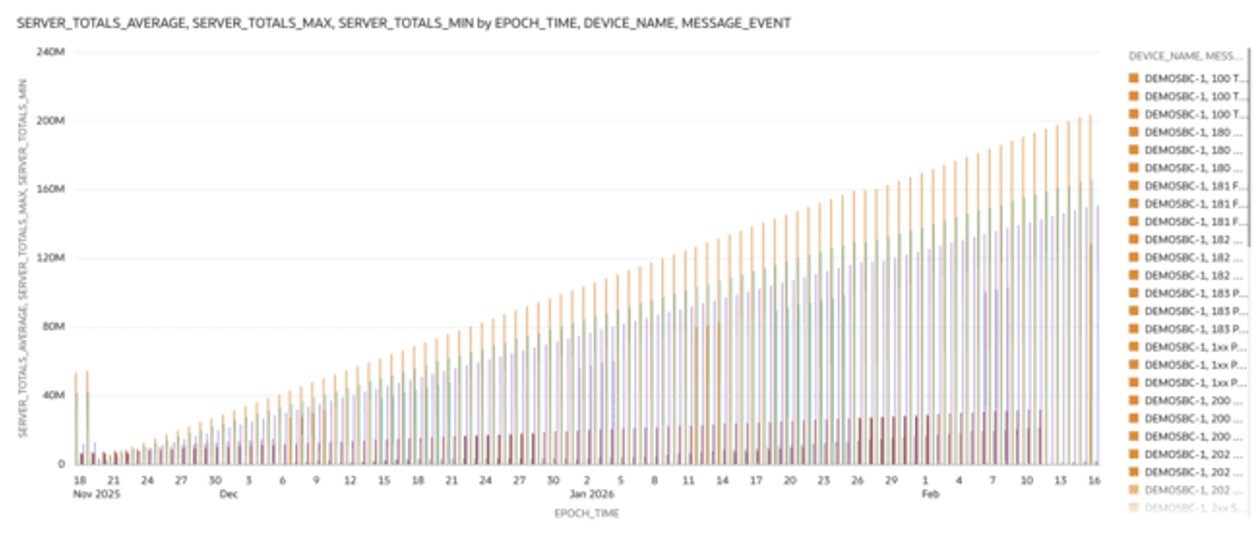
- SIP Invites - Server Totals—This bar chart shows the total number of server messages over time. The Y-axis represents the message count, while the X-axis displays epoch time.
Data is segmented by device name and message event type, with color coding used to differentiate between them. This visualization helps compare traffic distribution across devices and event types, making it easier to identify usage patterns, traffic spikes, and unusual activity.
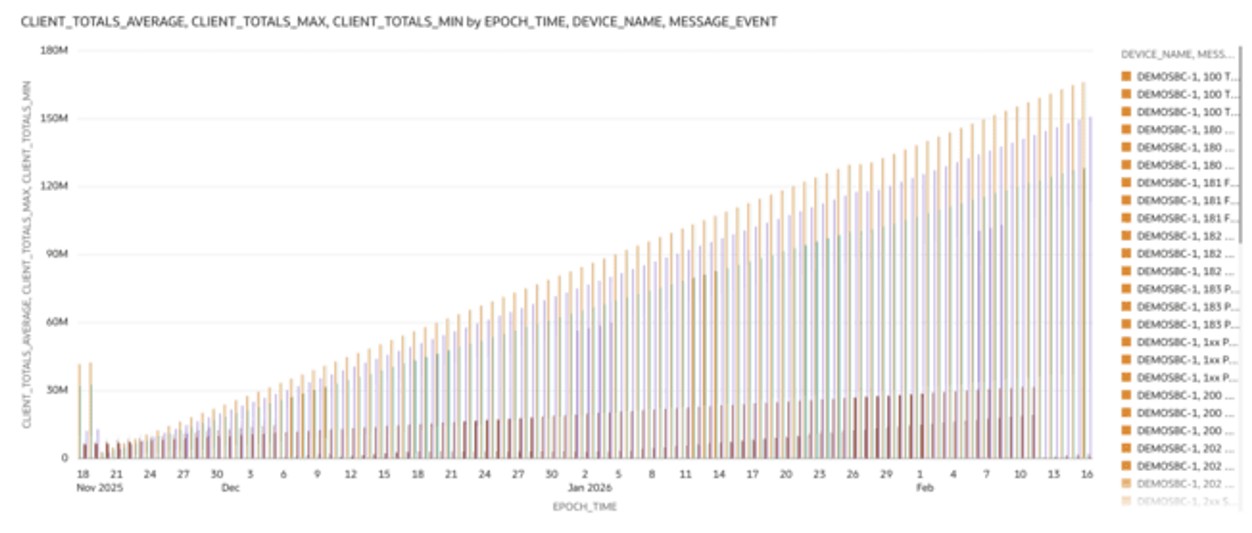
- SIP Invites - Client Totals—This bar chart shows the total number of client messages over time. The Y-axis represents the message count, while the X-axis displays epoch time.
Data is segmented by device name and message event type, with color coding used to distinguish between them. This visualization helps compare traffic distribution across devices and event types, making it easier to identify usage patterns, traffic spikes, and unusual activity.
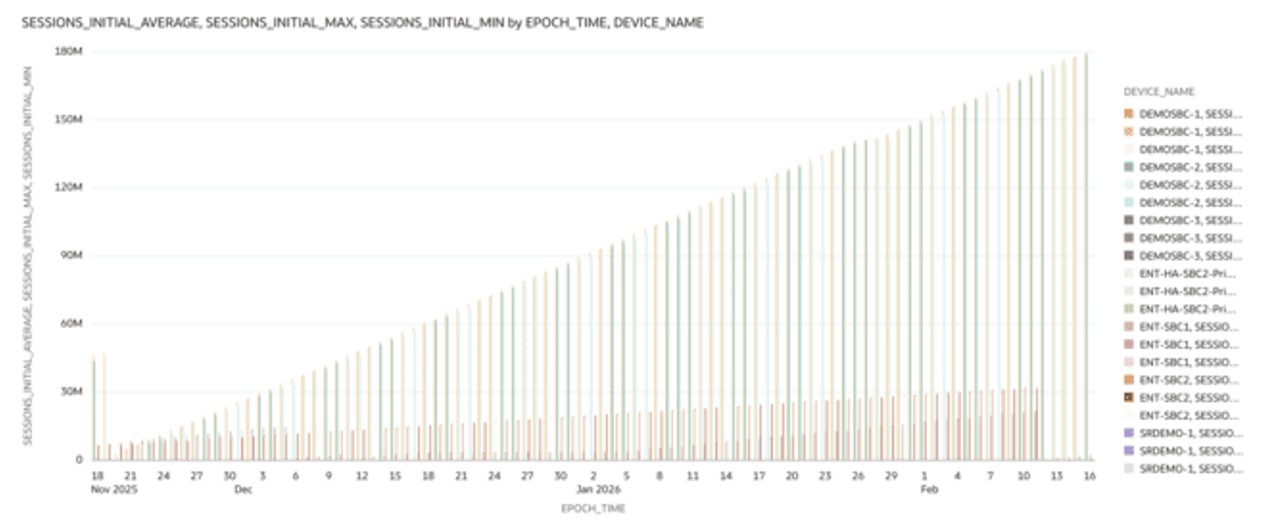
- SIP Sessions - Session Initial—This bar chart displays the number of initial sessions over time. The Y-axis represents the session count, while the X-axis shows epoch time.
It tracks INVITE and SUBSCRIBE forwarding activity, helping you analyze session initiation patterns, identify traffic surges, and assess signaling load that may impact call and subscription setup.
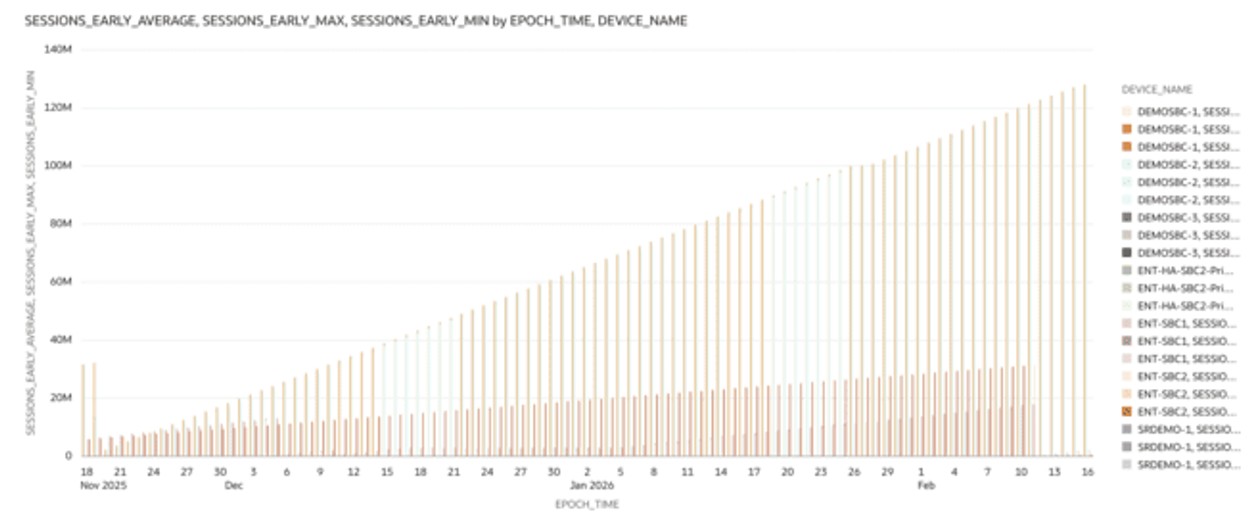
- SIP Sessions - Sessions Early—This bar chart displays the number of early sessions over time. The Y-axis represents the session count, while the X-axis shows epoch time.
It tracks the receipt of initial provisional (1xx) responses during call setup, helping you evaluate signaling responsiveness, identify delays in call progression, and assess network conditions affecting session establishment.
- SIP Sessions - Sessions Established—This bar chart displays the number of established sessions over time. The Y-axis represents the session count, while the X-axis shows epoch time.
It tracks successful call and subscription setups, indicated by 2xx responses. This visualization helps evaluate session completion rates, identify success trends, and assess overall signaling and network performance.
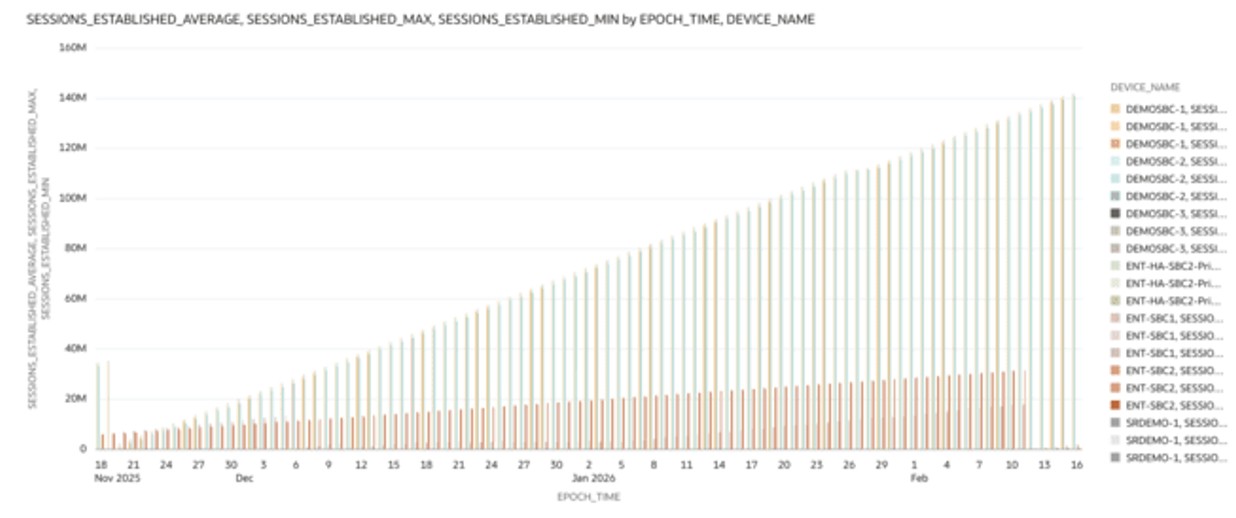
- SIP Sessions - Sessions Terminated—This bar chart displays the number of terminated sessions over time. The Y-axis represents the session count, while the X-axis shows epoch time.
It tracks call and subscription terminations triggered by BYE messages or error responses. This visualization helps analyze session lifecycle completion patterns, identify unusual termination spikes, and assess resource release behavior over time.
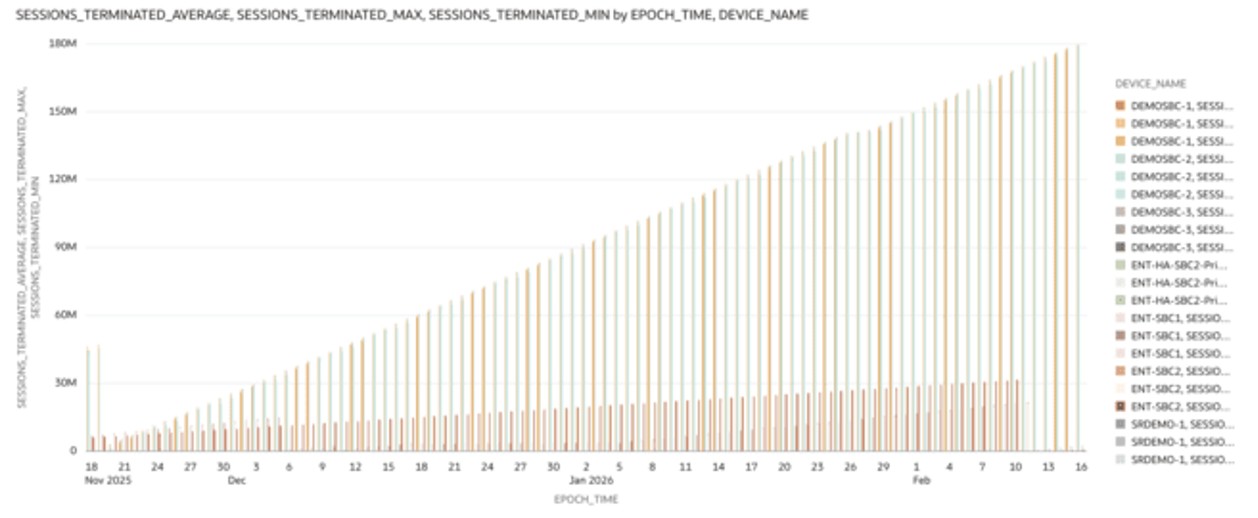
- SIP Sessions - Dialogs Early—This bar chart displays the number of early dialogs over time. The Y-axis represents the dialog count, while the X-axis shows epoch time.
It tracks dialogs created from provisional responses, helping you assess call setup progression, identify signaling delays, and evaluate network conditions affecting dialog establishment.
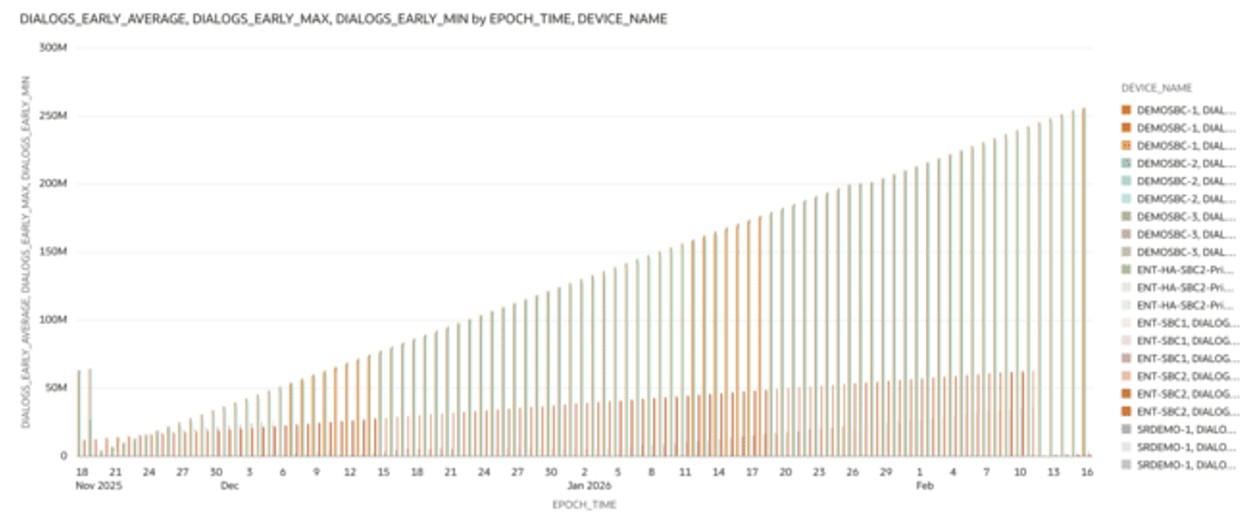
- SIP Sessions - Dialogs Confirmed—This bar chart displays the number of confirmed dialogs over time. The Y-axis represents the dialog count, while the X-axis shows epoch time.
It tracks dialogs established through successful (2xx) responses, helping you evaluate call completion behavior, monitor transitions from early to confirmed states, and assess signaling reliability over time.
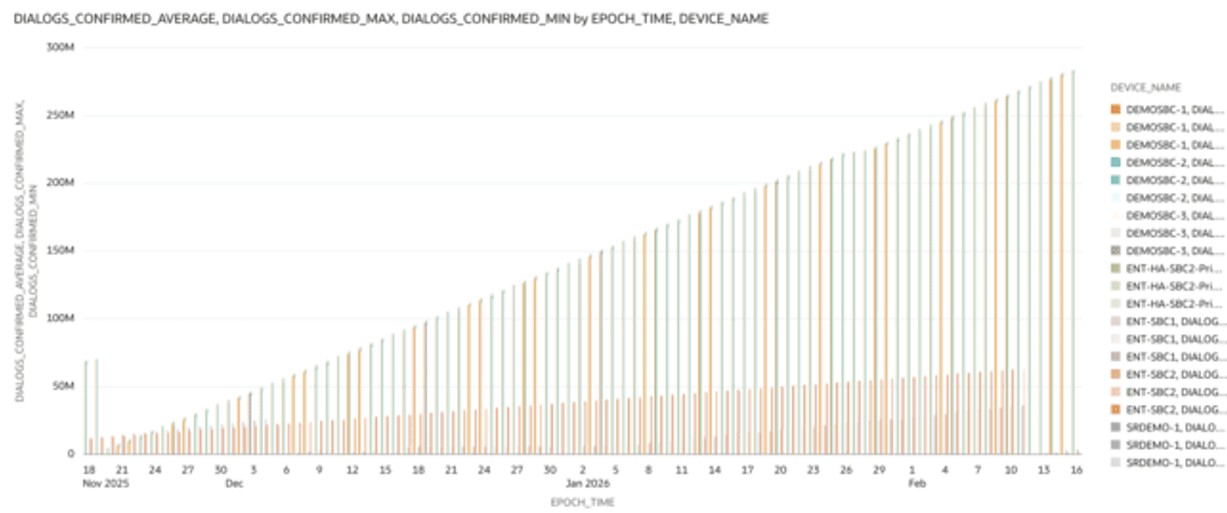
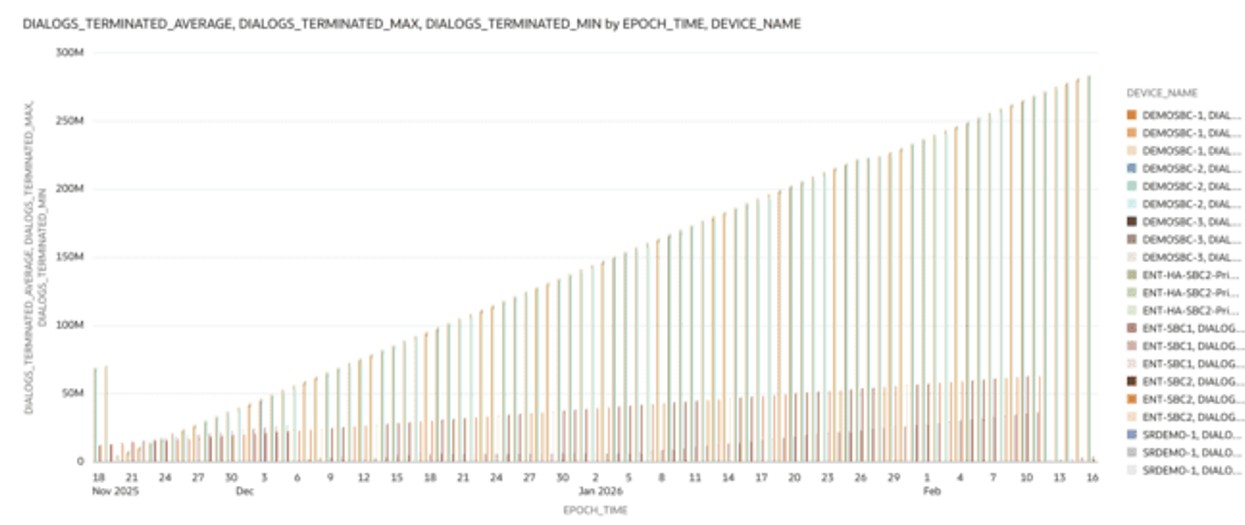
- SIP Sessions - Dialogs Terminated—This bar chart displays the number of terminated dialogs over time. The Y-axis represents the dialog count, while the X-axis shows epoch time.
It tracks dialog closures triggered by BYE messages or error responses. This visualization helps analyze dialog lifecycle completion, identify unusual termination patterns, and assess resource cleanup efficiency over time.
- Device Name
- Epoch time
- Message Event